
Request A Tool
Describe the calculation your workflow needs, the inputs you already have and the output you want to check. Include units and an example without confidential job details.
Request A ToolUse this milling calculator when you have a cutting speed and chip load from your tooling reference. It connects those inputs to spindle RPM and linear feed, then shows the other quantities used to check a setup.
Use this milling calculator when you have a cutting speed and chip load from your tooling reference. It connects those inputs to spindle RPM and linear feed, then shows the other quantities used to check a setup. The basic tool checks the core RPM and feed relationship. The advanced version adds engagement and machine-limit information, with dependent results recalculated at the entered spindle ceiling.
Check cutting speed, cutting diameter, effective flute count and feed per tooth.
RPM = 1000 × Vc ÷ (π × D); feed = RPM × z × fz.
Enter the values you know. The result is calculated in your browser.
Calculation only. Verify toolmaker data, material grade, engagement, machine limits, workholding and actual cutting conditions before production.
Review the additional variables shown in this tool.
Enter the values you know. The result is calculated in your browser.
Calculation only. Verify toolmaker data, material grade, engagement, machine limits, workholding and actual cutting conditions before production.
RPM = 1000 × Vc ÷ (π × D); feed = RPM × z × fz.
For an illustrative 10 mm cutter at 250 m/min, spindle speed is about 7,958 RPM. Four flutes at 0.05 mm/tooth give 1,592 mm/min. These numbers demonstrate the arithmetic; they are not a recommended condition for an unspecified material.
At 6,000 RPM, the same four-flute cutter and 0.05 mm/tooth require 1,200 mm/min. The advanced panel uses that capped RPM for feed, removal rate and ideal cutting time. It also shows the achieved cutting speed, which may differ from the requested value.
Width and depth of cut let you estimate removal volume. They do not tell the calculator whether a tool can tolerate the load. Slotting, side milling and low radial engagement require cutting data appropriate to those conditions.
Check the formula reference or report a result that does not match your calculation.
Illustrative arithmetic only. Select cutting inputs from the applicable tool and material reference.
| Step | Substitution | Result |
|---|---|---|
| RPM | 1000 × 250 ÷ (π × 10) | 7,957.75 RPM |
| Milling Feed | 7,957.75 × 4 × 0.05 | 1,591.55 mm/min |
The advanced milling panel shows theoretical and capped RPM separately. Feed, removal rate and ideal cutting time use the capped value, while achieved cutting speed shows the effect of that constraint. Use the feed rate tool with actual RPM and the intended tooth feed. Keep any source engagement conditions with the result.
Formula reference: Sandvik Coromant milling formulas and definitions. Use the exact tool supplier for recommended cutting values.
A spindle speed and feed rate calculation is a sequence. First convert source cutting speed and cutting diameter to RPM. Then calculate milling feed from that RPM, effective flute count and feed per tooth. Keeping both steps visible helps when a spindle limit changes the result. Use the separate feed calculator with actual RPM when the theoretical spindle value cannot be used.
An endmill speed and feed calculation needs the diameter and effective teeth appropriate to the cutter. The equation does not select a chip load for every end mill, coating or reach. Record the operation, radial engagement and axial depth with the source data. A full-width slot and a side-milling pass can use the same formula while requiring different cutting values.
Use metric mode for cutting speed in metres per minute, diameter in millimetres and tooth feed in millimetres per tooth. Imperial mode uses SFM and inch-based lengths. This is a browser-based speed and feed tool rather than an installed desktop application. Keep the page available while entering values; the downloadable worksheet below is a separate record sheet, not an offline calculator program.
If your source is a Kennametal tool reference or information obtained through Carbide Depot, retain the exact tool identifier, material condition and source units. Enter the published values rather than substituting a generic reference preset. This independent workspace has no manufacturer affiliation and does not reproduce proprietary cutting tables. The cutting chart guide explains what must match before two sources can be compared.
Download the CSV worksheet to keep the tool, material, source cutting values and calculated results with the job record. Open it in spreadsheet software and replace illustrative values with your own inputs. The file is a recordkeeping sheet without a live tool database or automatic calculator formulas. Save theoretical results and final programmed values separately so a later reader can see where a setup adjustment occurred. Download Milling Worksheet (CSV)
Open Save Or Export This Setup below a calculator to retain its inputs on this browser. Add a short setup name and an optional cutting-data URL, then save or export the current calculation. The record includes units, results, time and calculator version so the arithmetic can be revisited.
Browser records are not an account backup and may disappear if browser data is cleared. Export important records and keep any final machine settings in your own job documentation. A saved result records the inputs you used; it does not certify that a cut was tested or suitable for production.
Use the exact cutter reference for the material grade and intended operation. The chart reading guide explains the units and conditions to check before transferring values.
No. The CSV stores a calculation record. Use the browser calculator or your own checked spreadsheet formulas for arithmetic, then save the source values and final programmed values in the worksheet.
Describe the calculation your workflow needs, the inputs you already have and the output you want to check. Include units and an example without confidential job details.
Request A ToolShare this page address, the entered values and the result you expected. Include the source of your comparison so the formula, units and explanation can be investigated.
Report An ErrorThe site brings calculation tools and machining references into one workspace. Use the editorial and site information to understand its purpose and limitations. Send corrections with a reproducible example through the error report form.
Continue with the calculation, setup or troubleshooting question closest to your task.
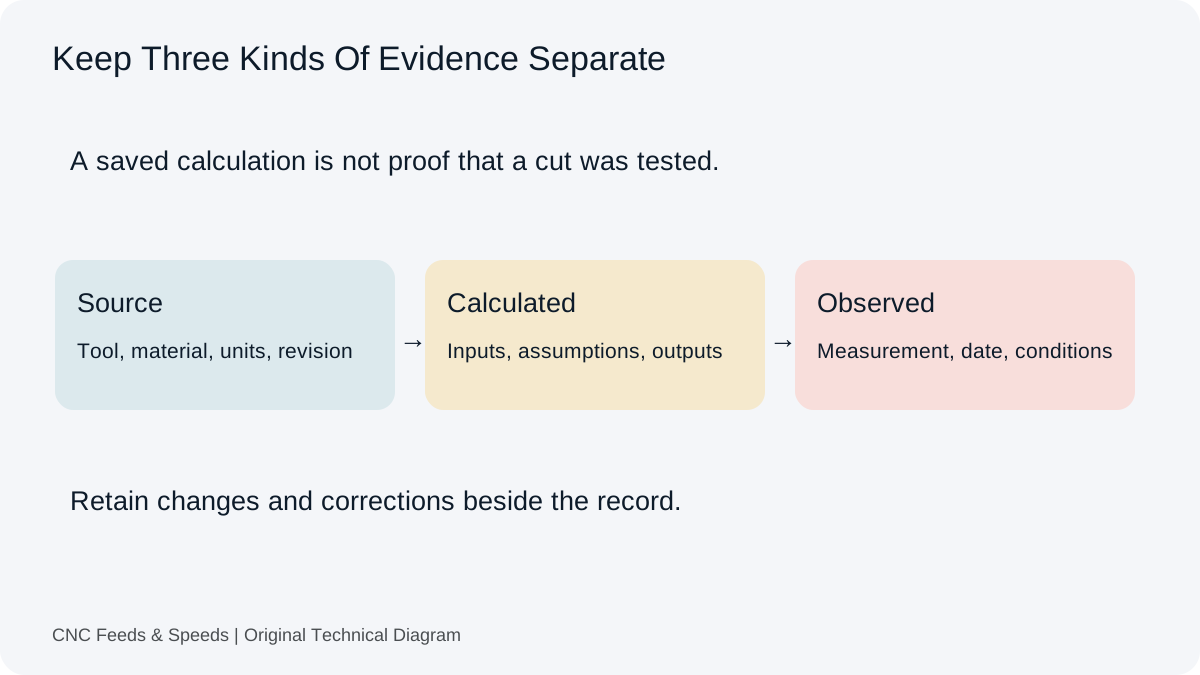
Preserve source data, calculated commands and observed results separately. Use local setup records with clear revisions, units and export limits.
Read Article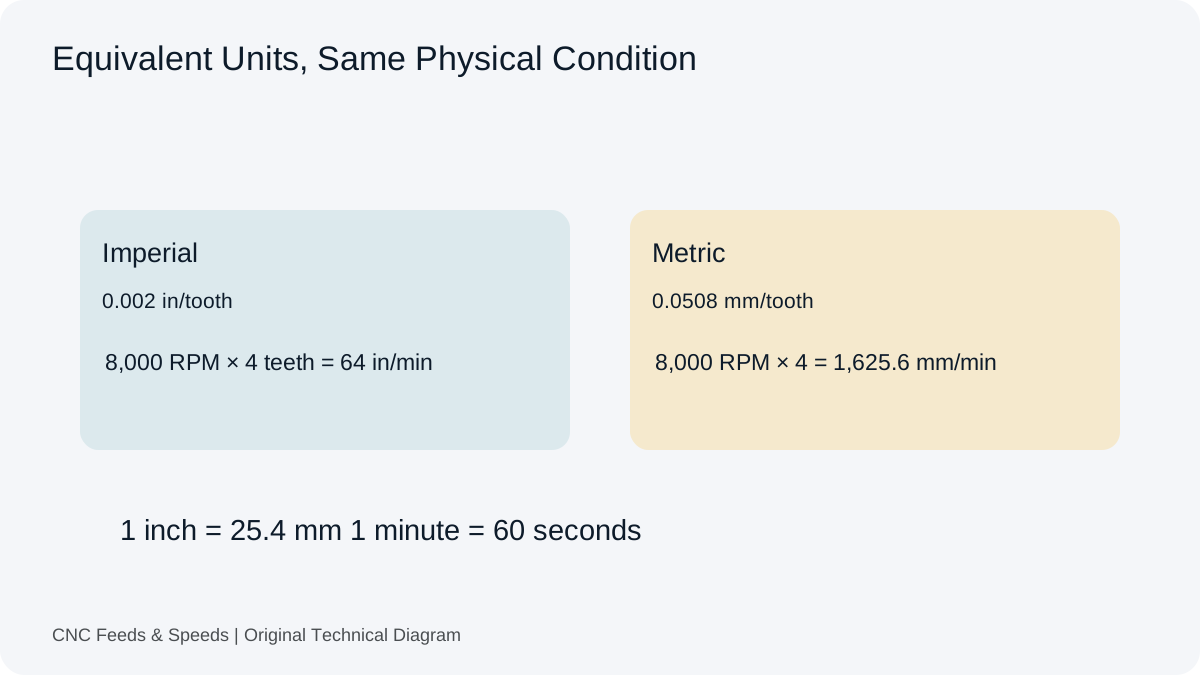
Check length, feed, surface speed, volume and pitch conversions. Follow equivalent metric and imperial examples before transferring a command.
Read Article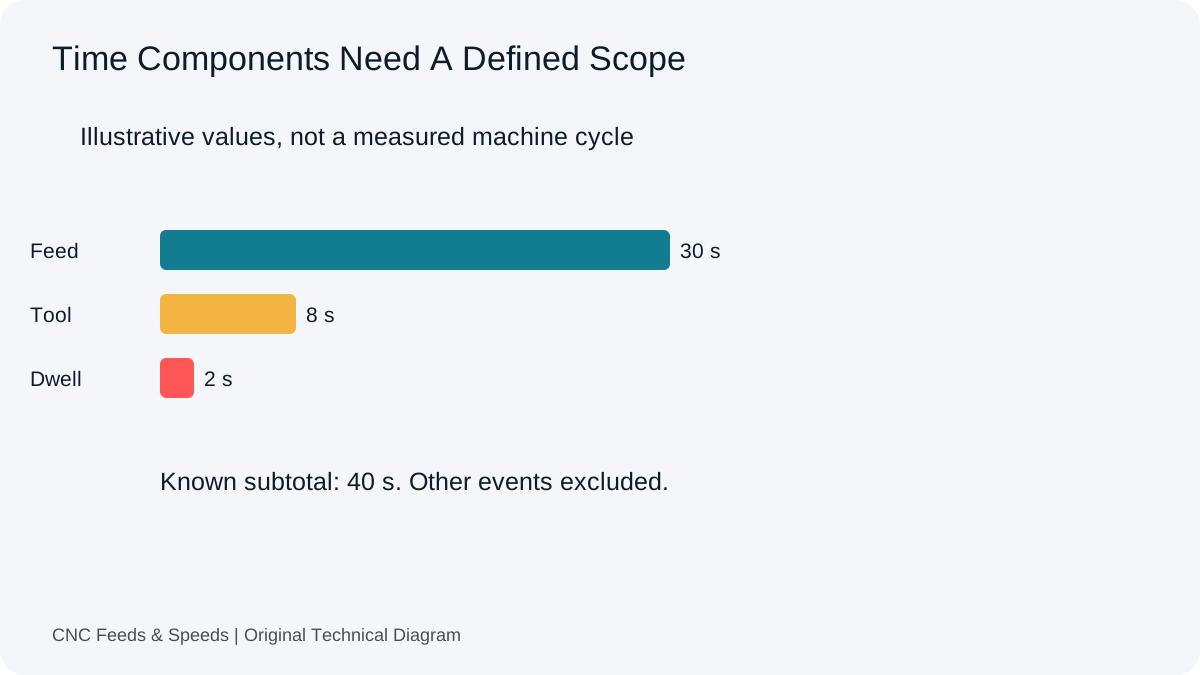
Define the scope behind each time figure. Separate feed travel, machine events, observations and production work before using an estimate.
Read Article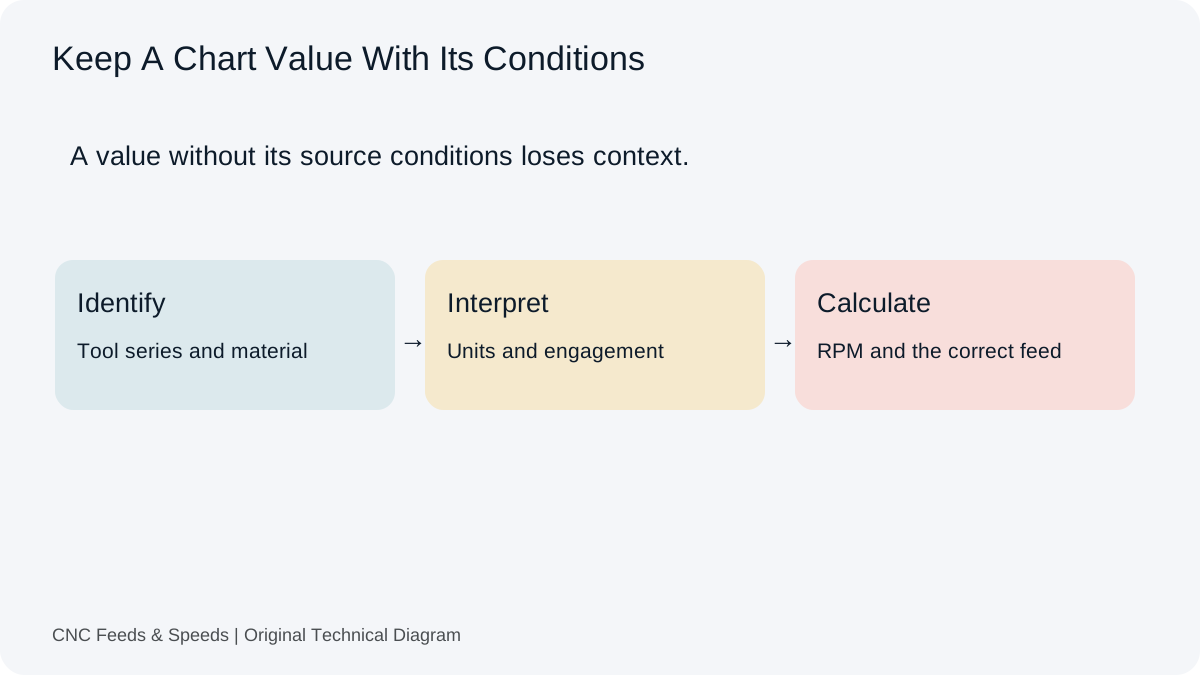
A practical method for interpreting CNC cutting-data charts, matching units, and cross-checking chart values with transparent calculations.
Read Article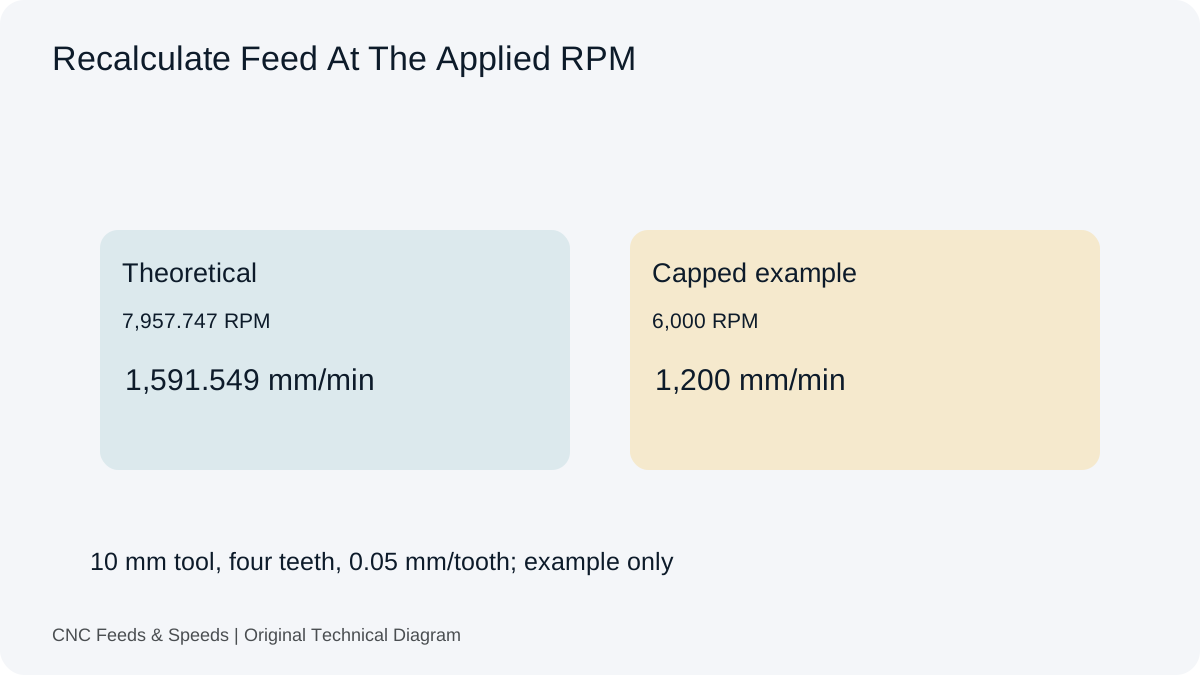
Understand how spindle RPM and programmed feed interact, when feed should scale, and why machine limits change the calculation.
Read Article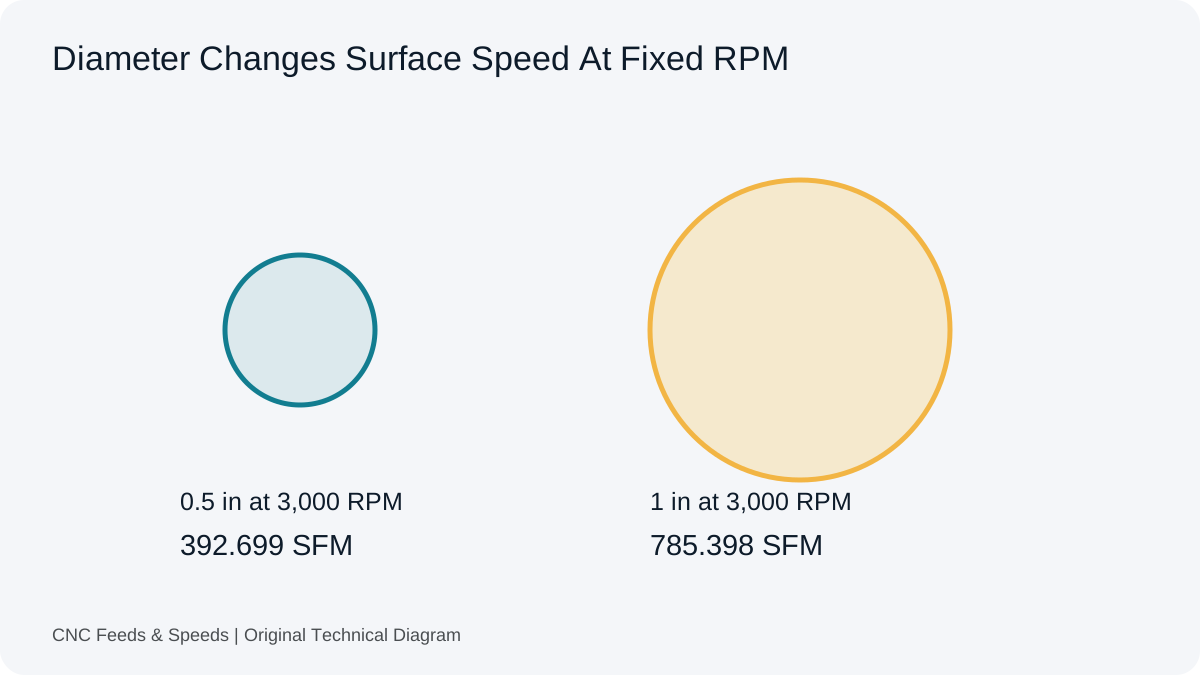
Learn what surface feet per minute means, how it relates to RPM and diameter, and when to use SFM versus metric cutting speed.
Read Article
Separate new cutting travel, re-entry, retracts and dwell. Build a transparent time estimate that respects the actual cycle and controller.
Read Article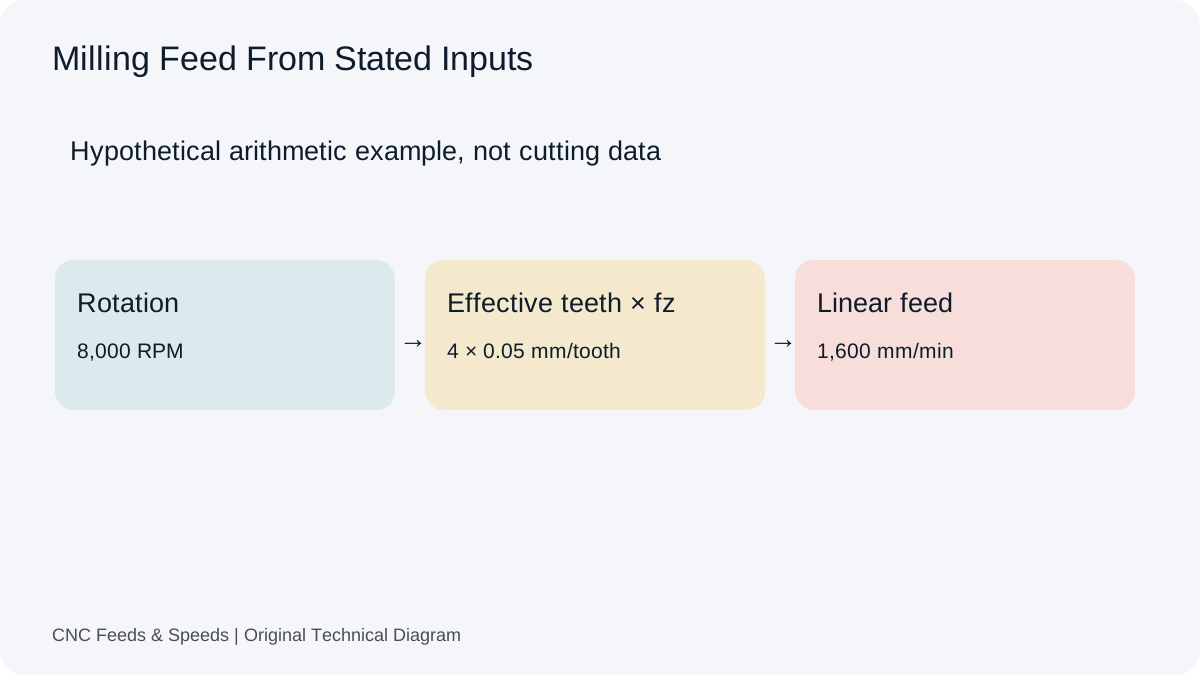
A practical guide to calculating CNC milling feed rate from spindle speed, flute count and chip load, with unit checks and verification steps.
Read Article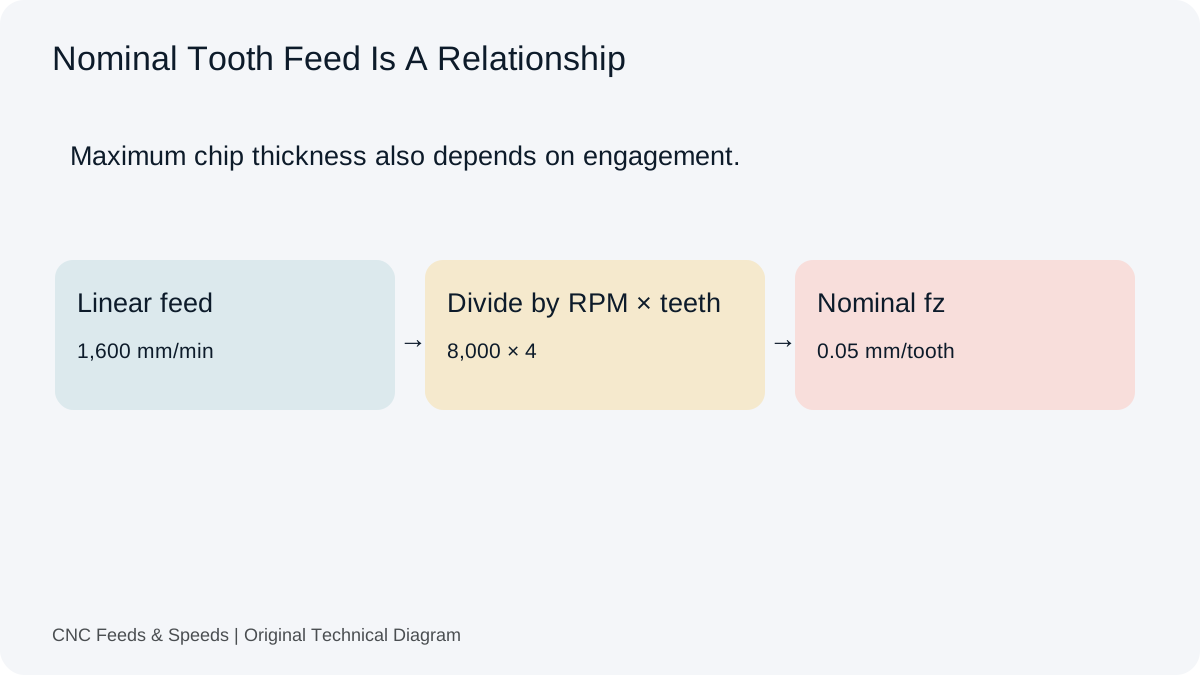
Understand feed per tooth, how chip load is calculated, and how flute count and spindle speed change milling feed.
Read Article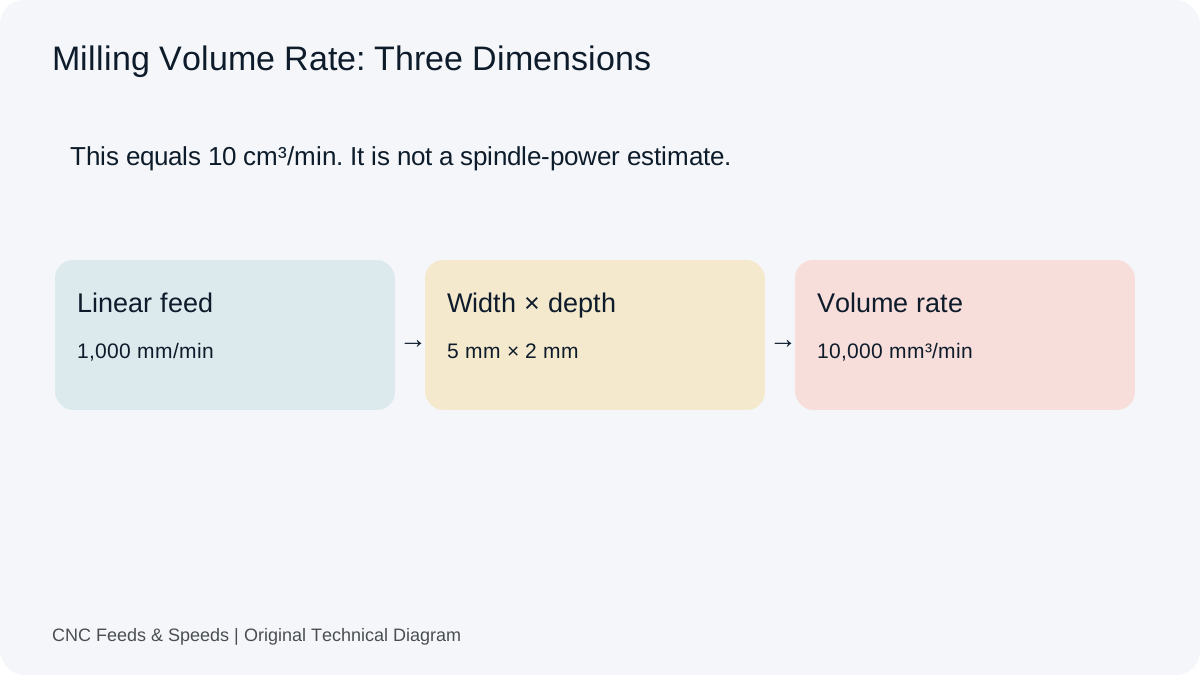
Calculate and interpret material removal rate for CNC milling, including feed, radial engagement and axial depth.
Read Article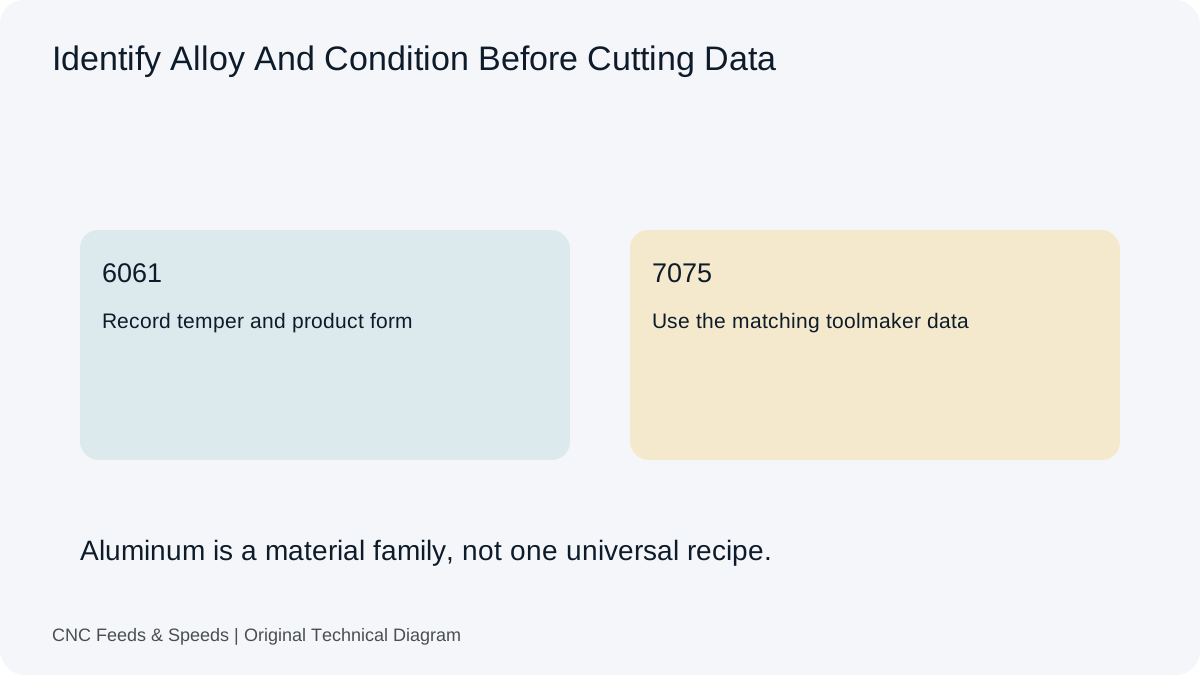
Build an aluminum milling starting point from toolmaker cutting speed and chip load, then verify engagement, chip evacuation and machine limits.
Read Article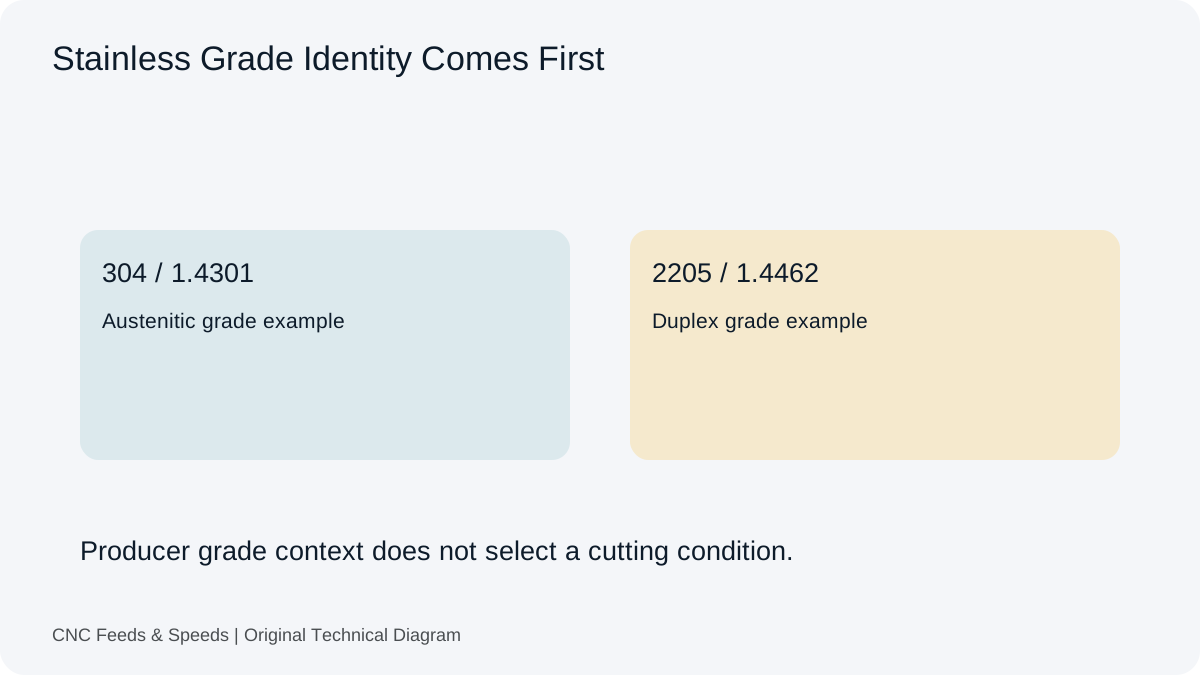
A calculation-first framework for stainless steel machining that emphasizes tool data, chip thickness, rigidity and heat control.
Read Article