
Aluminum Machining Reference
Aluminum varies by alloy and temper. Use the exact material condition with toolmaker cutting data, then calculate RPM and feed transparently.
Open material reference →Material-specific machining references for aluminum, stainless steel, steels, titanium, copper alloys, cast iron and engineering plastics.
Material references help you interpret the cutting-data source before entering values into a calculator. Open a material page for the grade, condition and process notes relevant to the job.
Aluminum varies by alloy and temper. Use the exact material condition with toolmaker cutting data, then calculate RPM and feed transparently.
Open material reference →Stainless grades differ in strength and work-hardening behavior. Match the exact grade with the cutter data and validate the setup.
Open material reference →Steel cutting conditions change with hardness, alloy, heat treatment and tool grade. Use the material family as a starting classification, not a single universal value.
Open material reference →Titanium needs careful control of heat, engagement and rigidity. Use manufacturer data for the specific grade and cutter.
Open material reference →Copper alloys vary from free-machining brass to tougher bronze families. Tool geometry and chip behavior influence the useful cutting range.
Open material reference →Cast irons differ in hardness, graphite structure and chip behavior. Manage abrasive wear, dust and tool condition as part of the setup.
Open material reference →Engineering plastics can melt, smear or deform if heat and chip evacuation are poorly controlled. The correct tool and cutting condition depend on polymer and feature.
Open material reference →| Source Type | Useful For | Still Needed |
|---|---|---|
| Material producer datasheet | Grade, condition, product form and material-property context. | The actual cutter’s application data. |
| Toolmaker cutting reference | Inputs and engagement guidance for a stated tool and material. | Machine limits and the real setup. |
| Formula reference | Definitions, units and the relationship between quantities. | Suitable source values for the job. |
| Documented shop result | What was observed with a recorded tool, material and setup. | A new comparison if those conditions change. |
Follow the linked producer examples inside each material page, then use the operation workspaces with the applicable tool data. The chart reading guide connects source definitions to a reproducible calculation without turning a material family into a universal feed and speed.
Use these references to establish what material is on the machine and which supplier record belongs with it. Material identity and cutting-data selection are different tasks. This directory links to original sources; it does not copy a proprietary tooling database, retrieve live recommendations or turn an alloy name into an approved speed and feed.
| Material Record | Information To Retain | Source And Site Context |
|---|---|---|
| 6061 Aluminum | Alloy, temper and stock form. Keep the material certificate with any supplier cutting-data record. | Hydro’s 6061 context and the aluminum reference. |
| 7075 Aluminum | Specified temper and product form. A tube or pipe datasheet does not replace the certificate for plate stock. | Kaiser’s 7075 tube and pipe sheet and the aluminum setup guide. |
| 304 And 316 Stainless Families | Exact designation and supplied condition rather than an assumed equivalence between all stainless grades. | Outokumpu’s Core and Supra ranges, with the stainless reference. |
| Carbon And Alloy Steel | Full grade, heat treatment, hardness and stock condition. Record these before matching a toolmaker material group. | SSAB’s machining questions and the steel reference. This is machining context, not a 4140 property certificate. |
| Titanium | Grade or alloy designation, product form and supplied condition. Match the actual datasheet to the job record. | TIMET’s datasheet directory and the titanium reference. |
| Engineering Plastics | Polymer, filler or reinforcement and stock details. Keep the supplier process guidance with the selected tool. | Curbell’s milling guidance and the plastics reference. |
After identifying the material, locate the exact tool series, grade or coating in the tooling supplier’s documentation. Retain the operation, diameter range, engagement assumptions, source speed and feed convention, units, source URL and revision or access date. If a field is missing, leave that uncertainty visible instead of treating a broad material preset as a verified tool record.
The main calculator accepts documented inputs, and its save/export panel has a source-data field for the reference you used. The setup-record guide explains how to keep the original source, calculated values and observed result separate. These links are independent references, without a claim of supplier affiliation or approval.
No. They identify the grade, condition and tooling details needed before selecting source cutting data. The examples demonstrate calculations rather than universal material settings.
Resolve the actual material specification from the job or stock record first. A broad family page cannot identify an unknown alloy or polymer from a part description.
Describe the calculation your workflow needs, the inputs you already have and the output you want to check. Include units and an example without confidential job details.
Request A ToolShare this page address, the entered values and the result you expected. Include the source of your comparison so the formula, units and explanation can be investigated.
Report An ErrorThe site brings calculation tools and machining references into one workspace. Use the editorial and site information to understand its purpose and limitations. Send corrections with a reproducible example through the error report form.
Continue with the calculation, setup or troubleshooting question closest to your task.
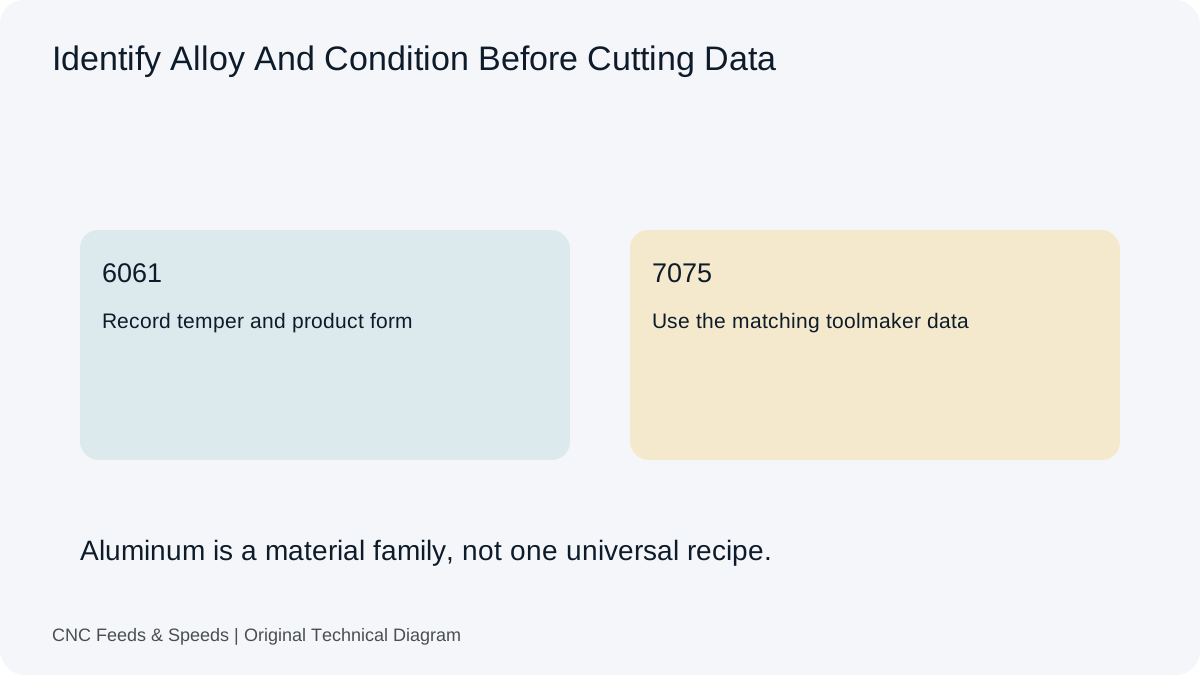
Build an aluminum milling starting point from toolmaker cutting speed and chip load, then verify engagement, chip evacuation and machine limits.
Read Article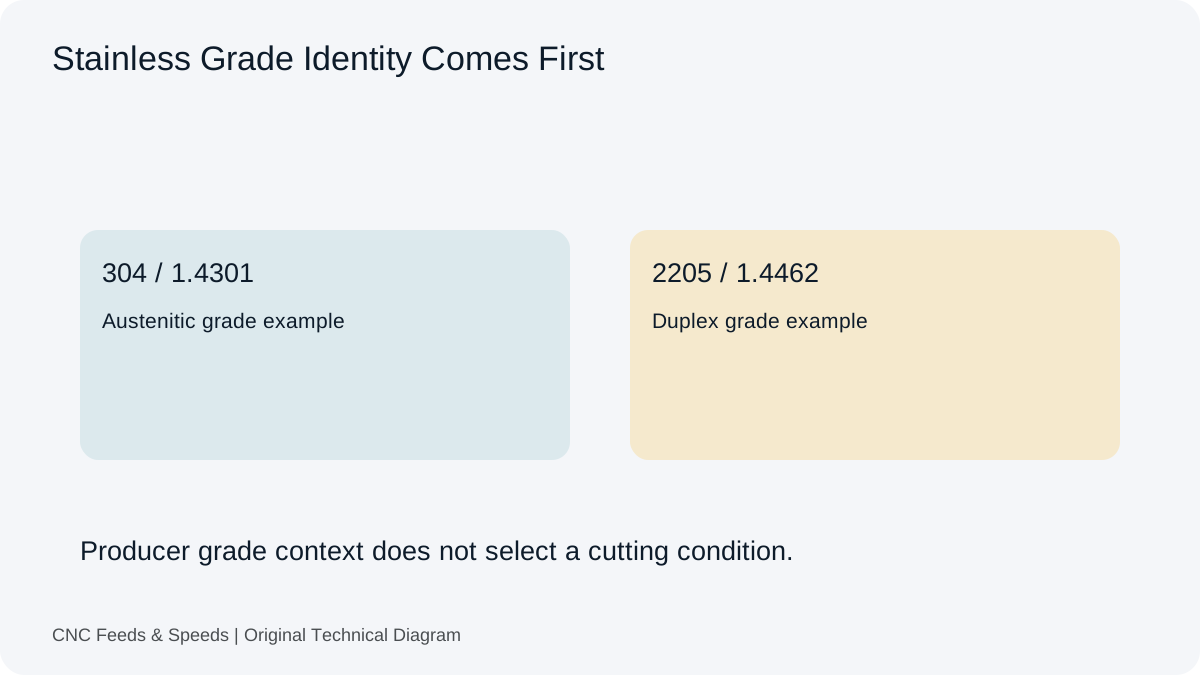
A calculation-first framework for stainless steel machining that emphasizes tool data, chip thickness, rigidity and heat control.
Read Article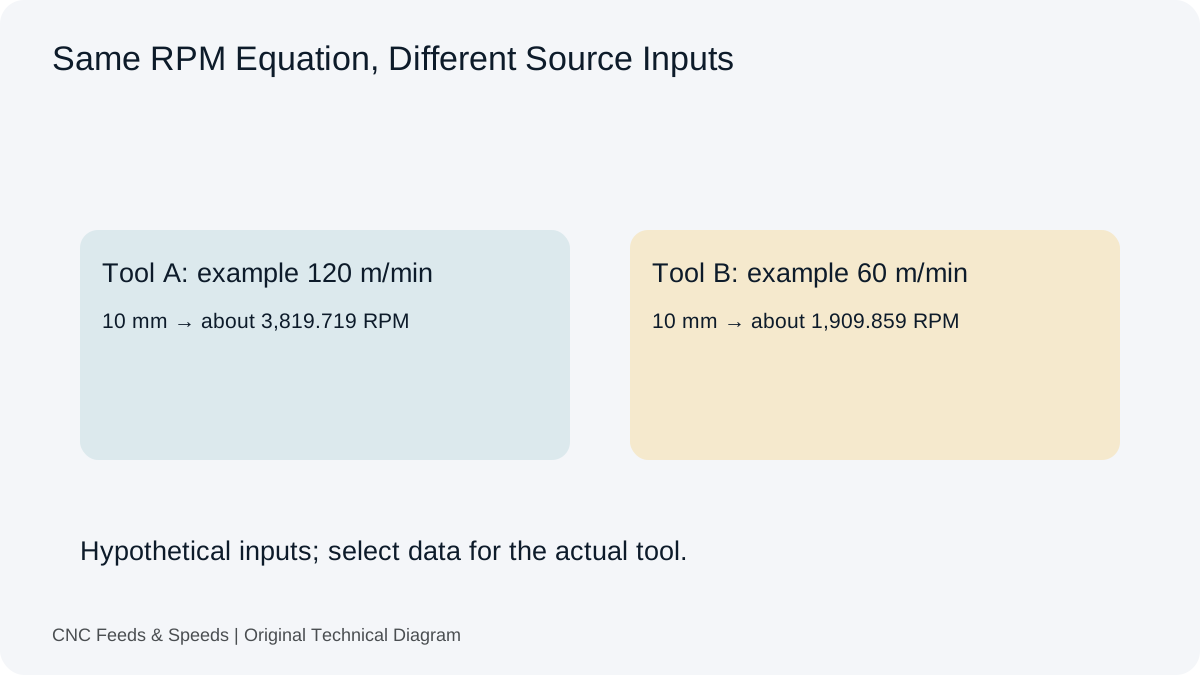
Compare carbide and HSS cutting-data considerations and learn how tool construction changes the starting cutting condition.
Read Article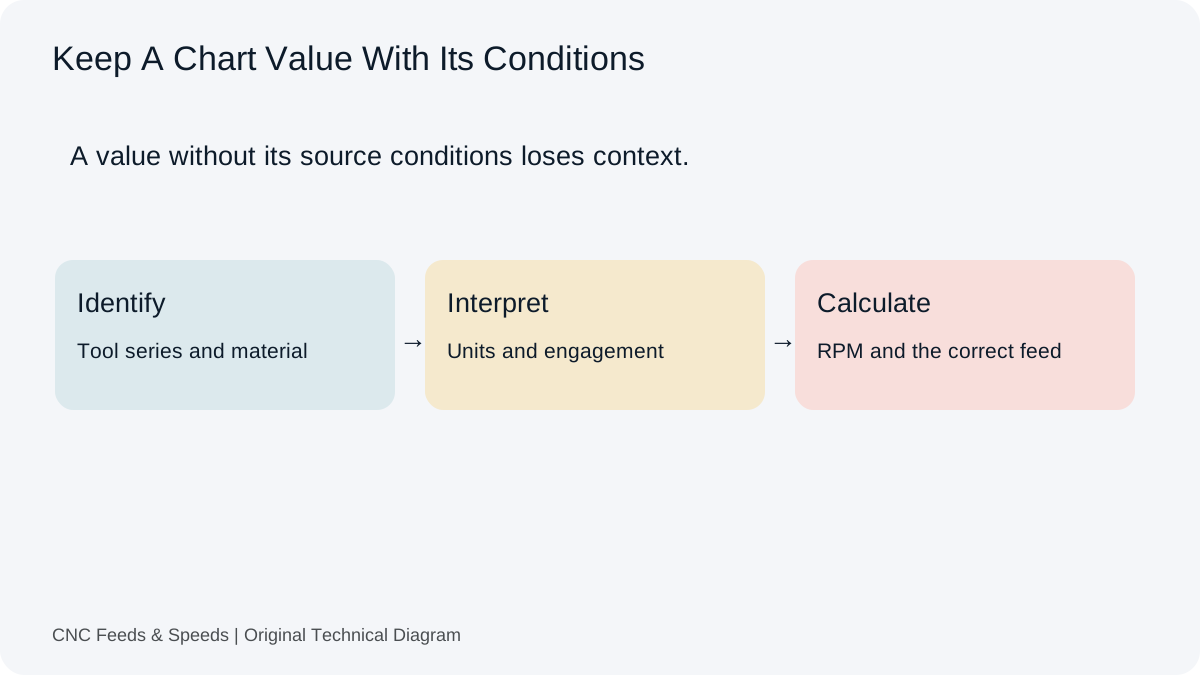
A practical method for interpreting CNC cutting-data charts, matching units, and cross-checking chart values with transparent calculations.
Read Article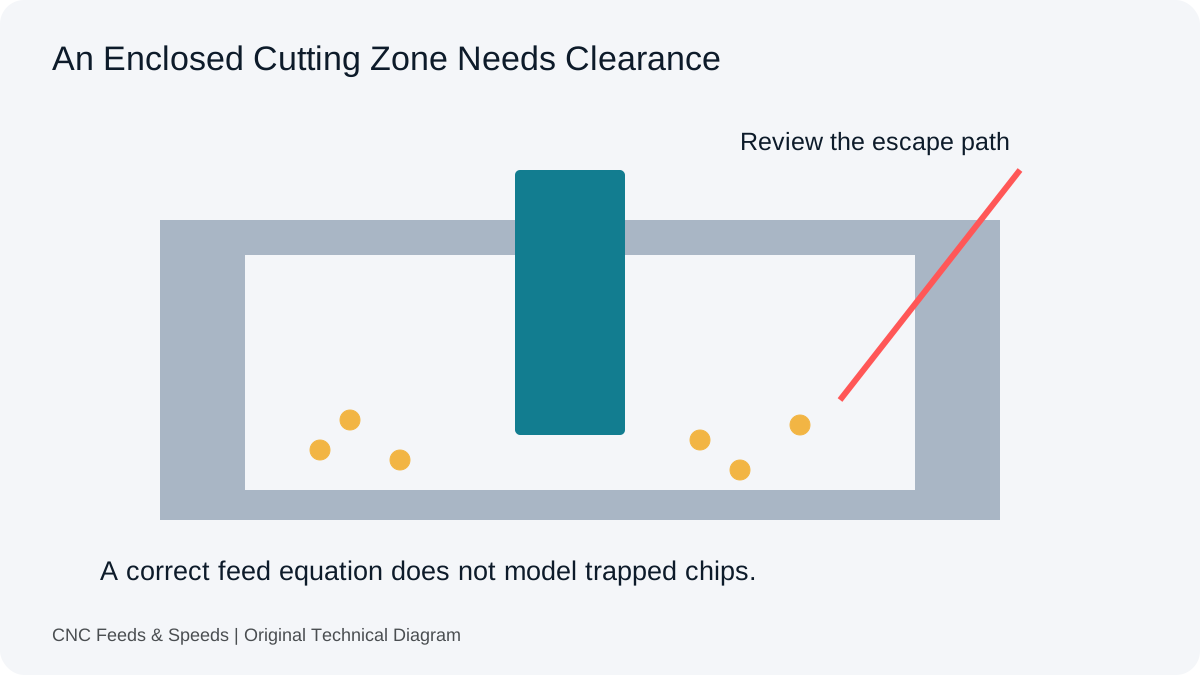
Distinguish arithmetic errors from an enclosed cutting zone. Review entry, tooling, material and chip clearance before another feed change.
Read Article
Inspect the difference between nominal tooth feed and actual edge loading. Record the assembly and measurement before changing assumptions.
Read Article
Understand why tool stick-out and system rigidity affect usable CNC cutting conditions, and how to troubleshoot chatter systematically.
Read Article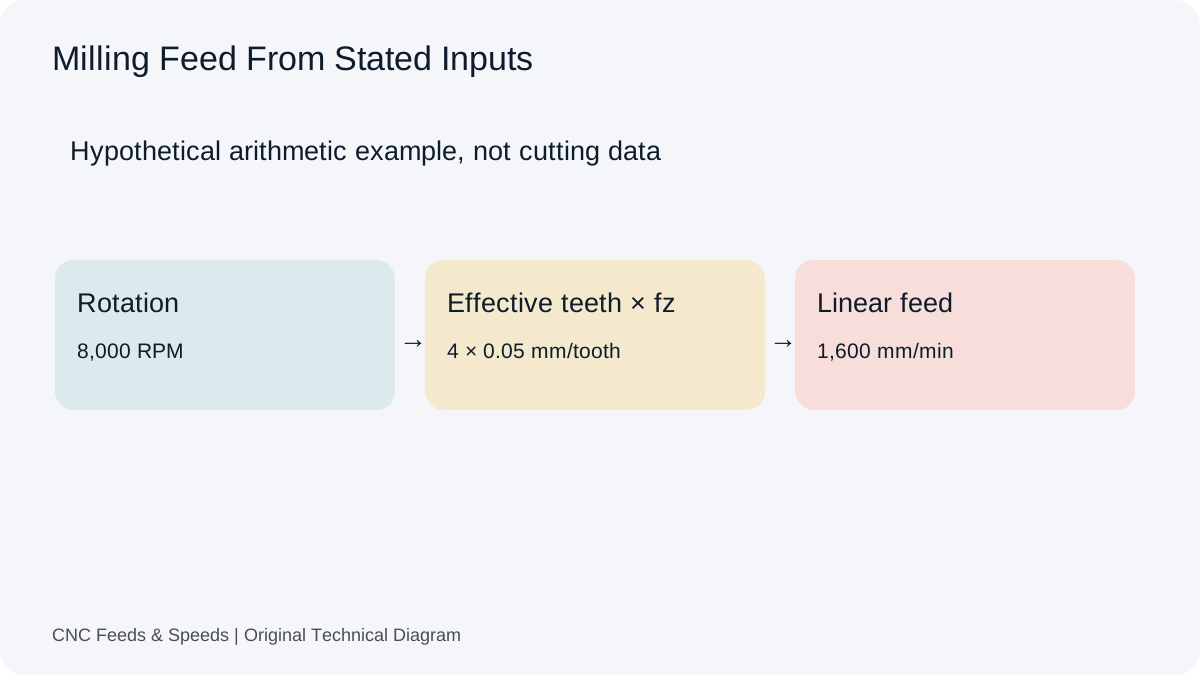
A practical guide to calculating CNC milling feed rate from spindle speed, flute count and chip load, with unit checks and verification steps.
Read Article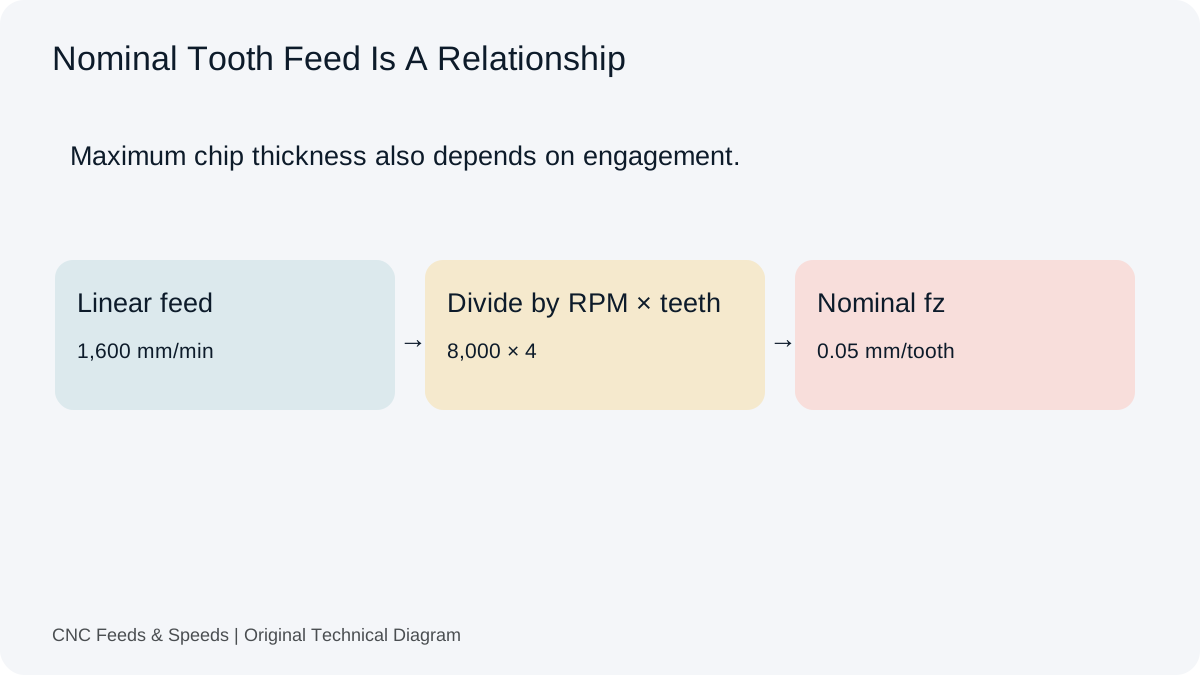
Understand feed per tooth, how chip load is calculated, and how flute count and spindle speed change milling feed.
Read Article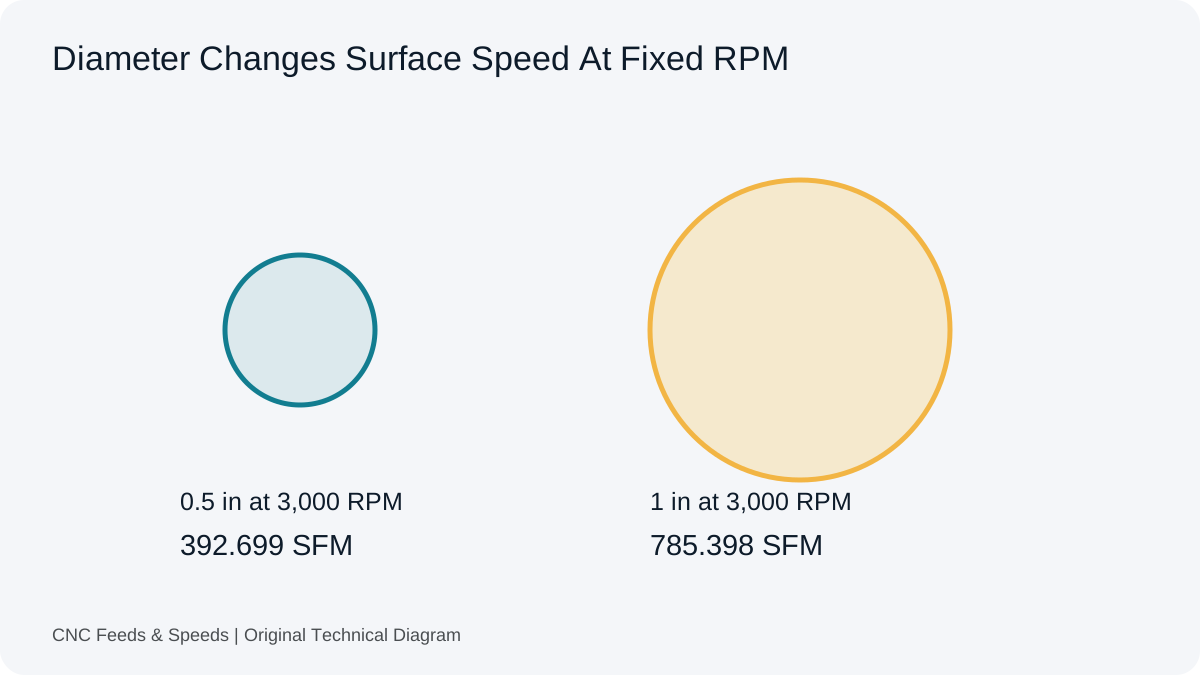
Learn what surface feet per minute means, how it relates to RPM and diameter, and when to use SFM versus metric cutting speed.
Read Article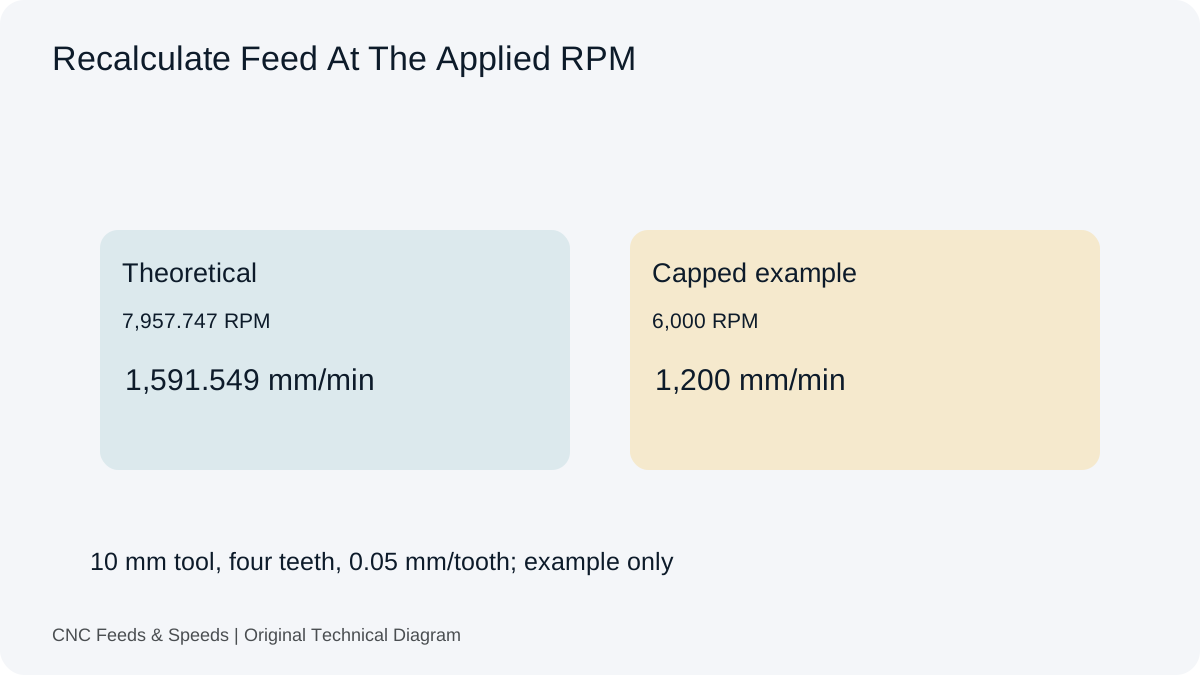
Understand how spindle RPM and programmed feed interact, when feed should scale, and why machine limits change the calculation.
Read Article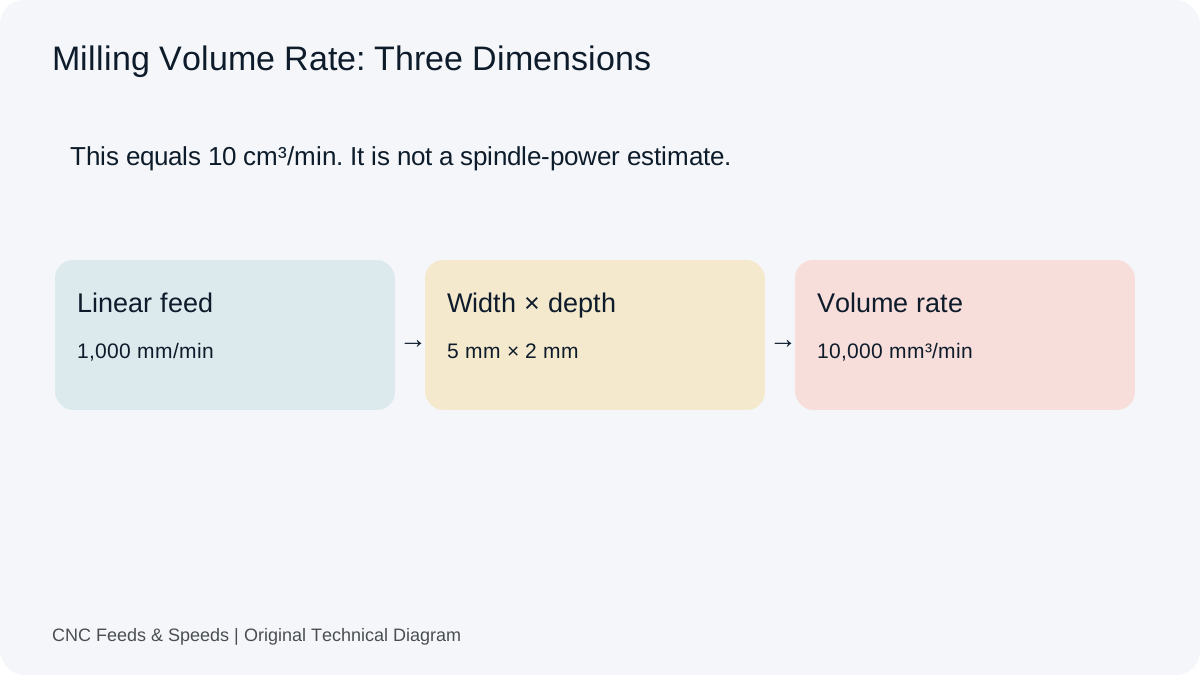
Calculate and interpret material removal rate for CNC milling, including feed, radial engagement and axial depth.
Read Article