Practical explanations of machining arithmetic and setup checks.
These guides explain the calculations and assumptions behind common machining decisions. Each article addresses a specific question rather than repeating a calculator page under another title.
Start with the point that is uncertain in the job. A calculation guide helps when an input or unit is unclear; a material article helps when source data needs context. For a known setup with an unstable result, read the physical setup guidance before treating a different calculator value as the answer.
Understand The Cutting Chart
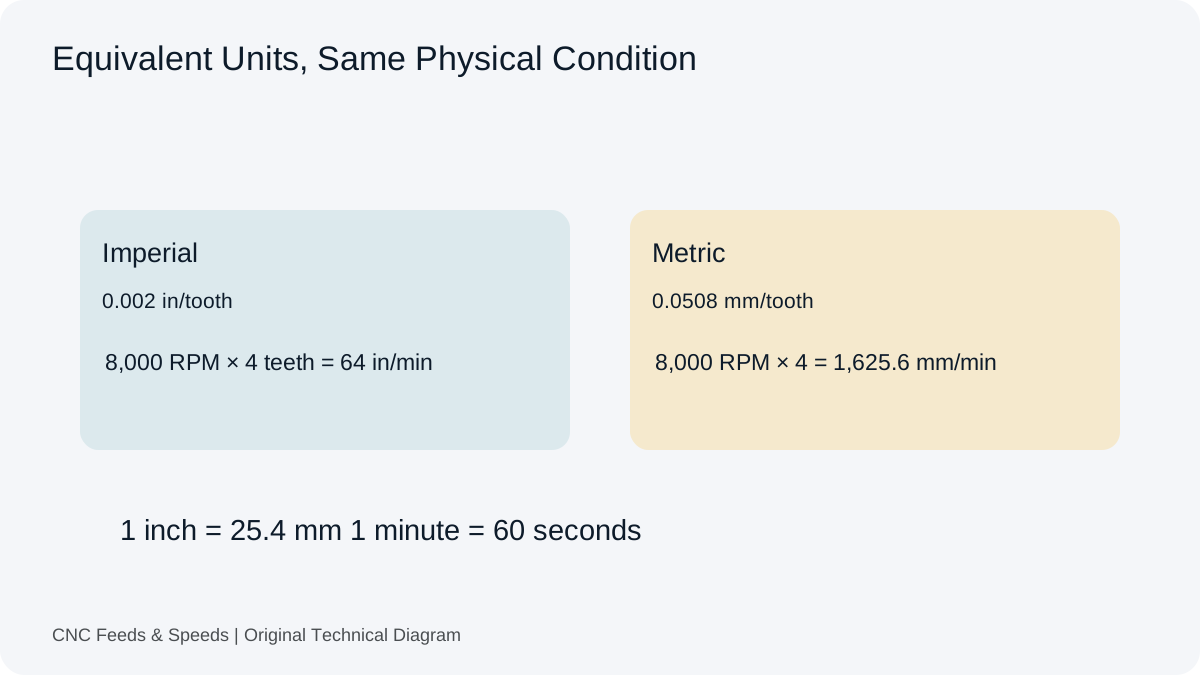
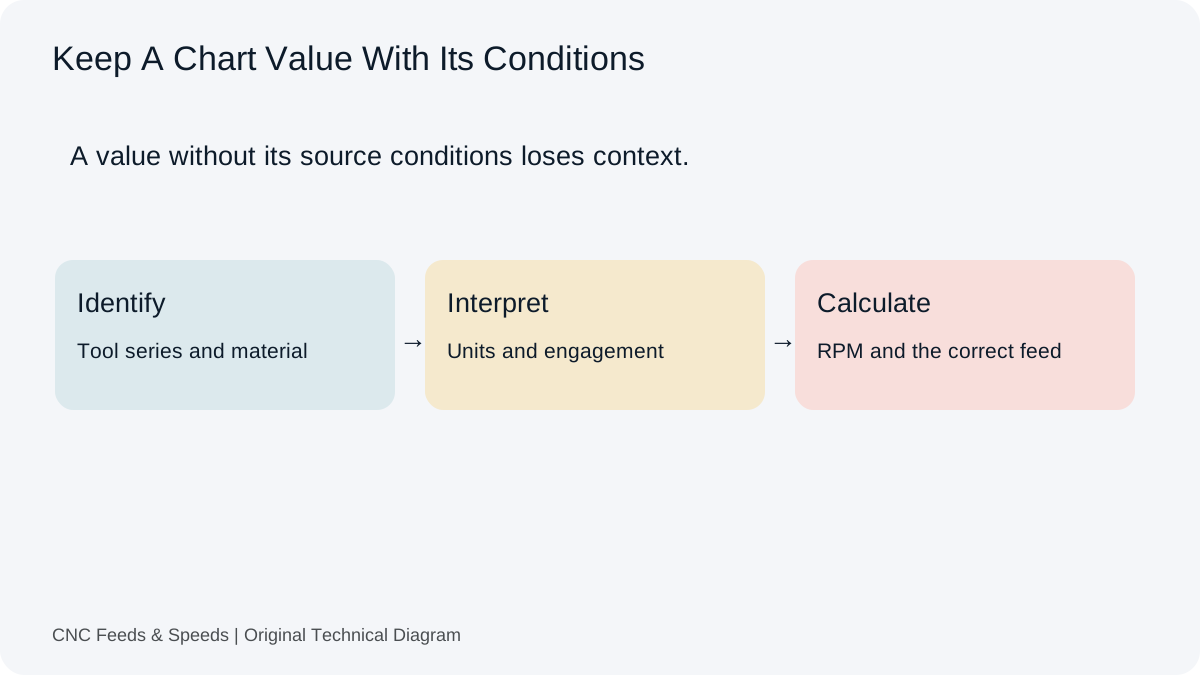
Identify the tool family, source units and operation before transferring numbers. Follow the chart guide to separate tooth feed, feed per revolution and linear feed. Keep the selected source row with the calculation.
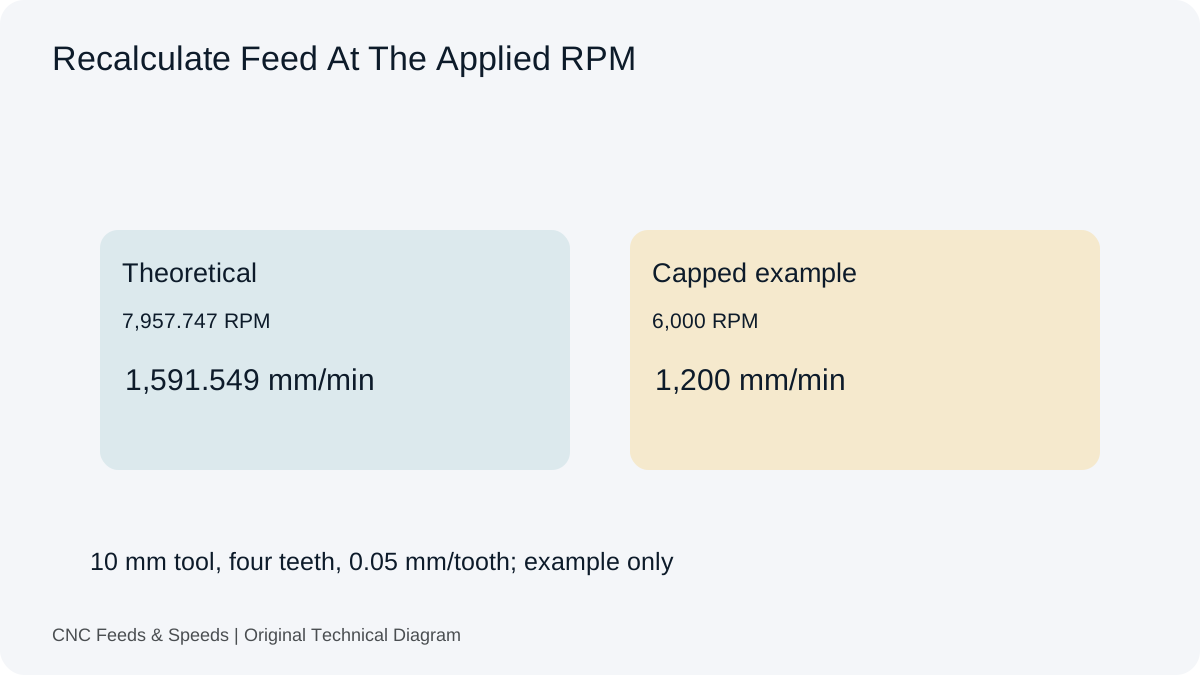
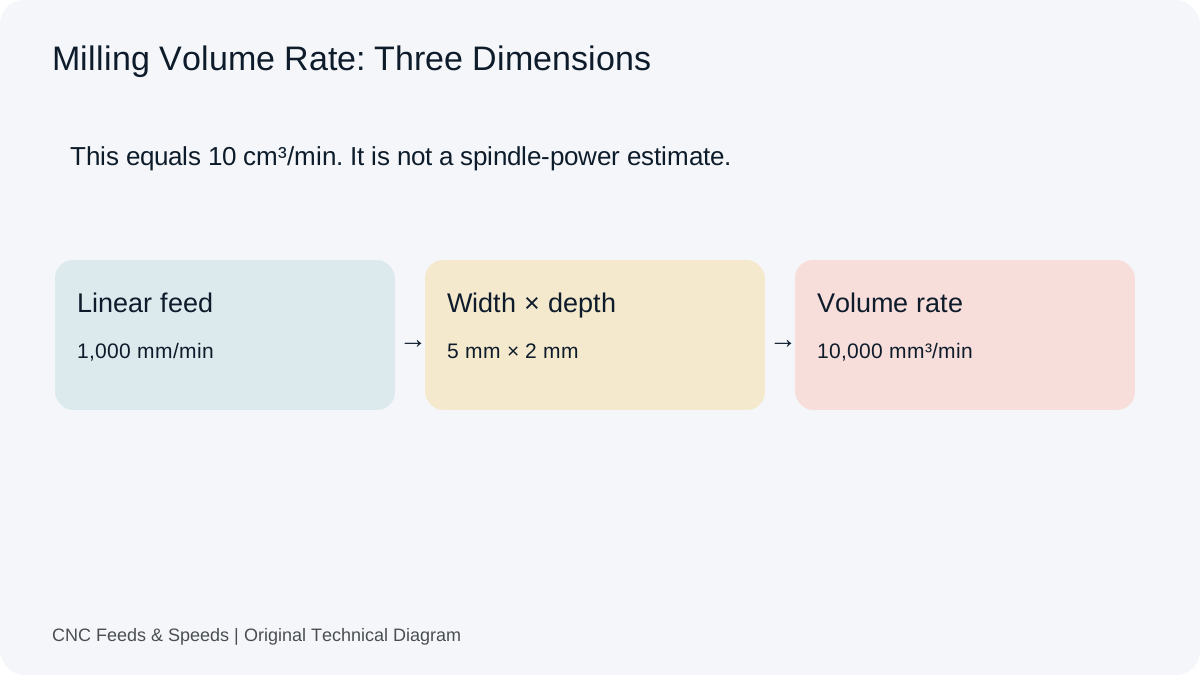
Work through a milling example from cutting speed to RPM and programmed feed. Compare theoretical RPM with the machine setting. Use the article to see which value needs recalculation after a spindle limit.
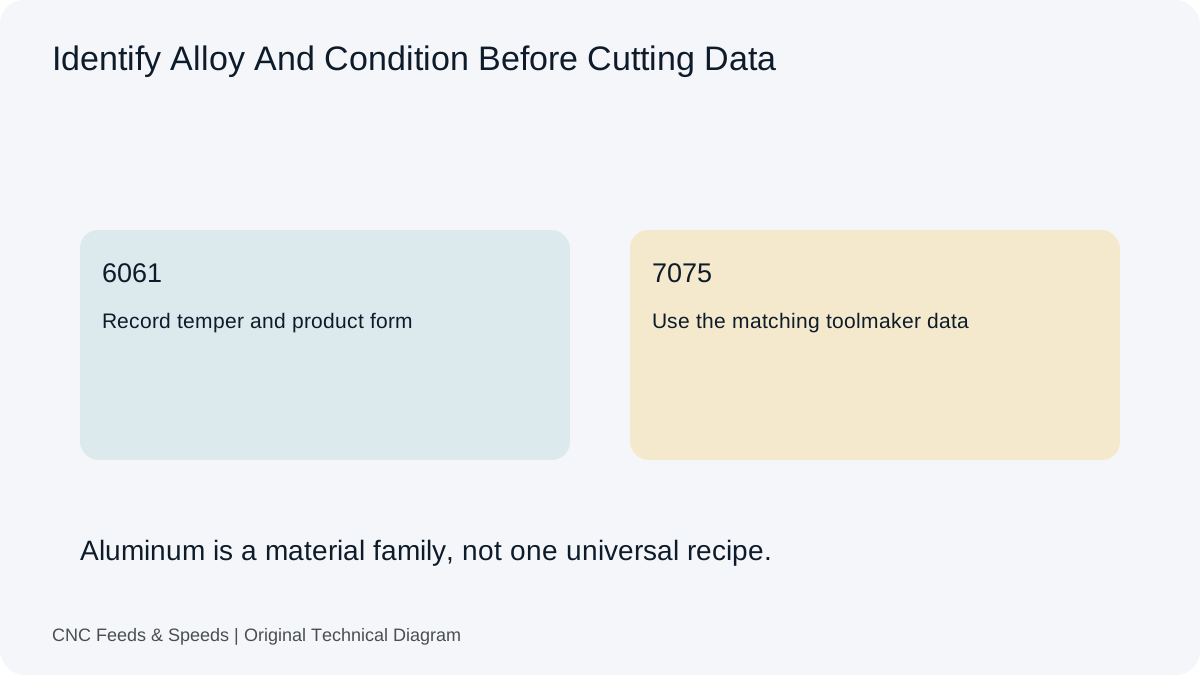
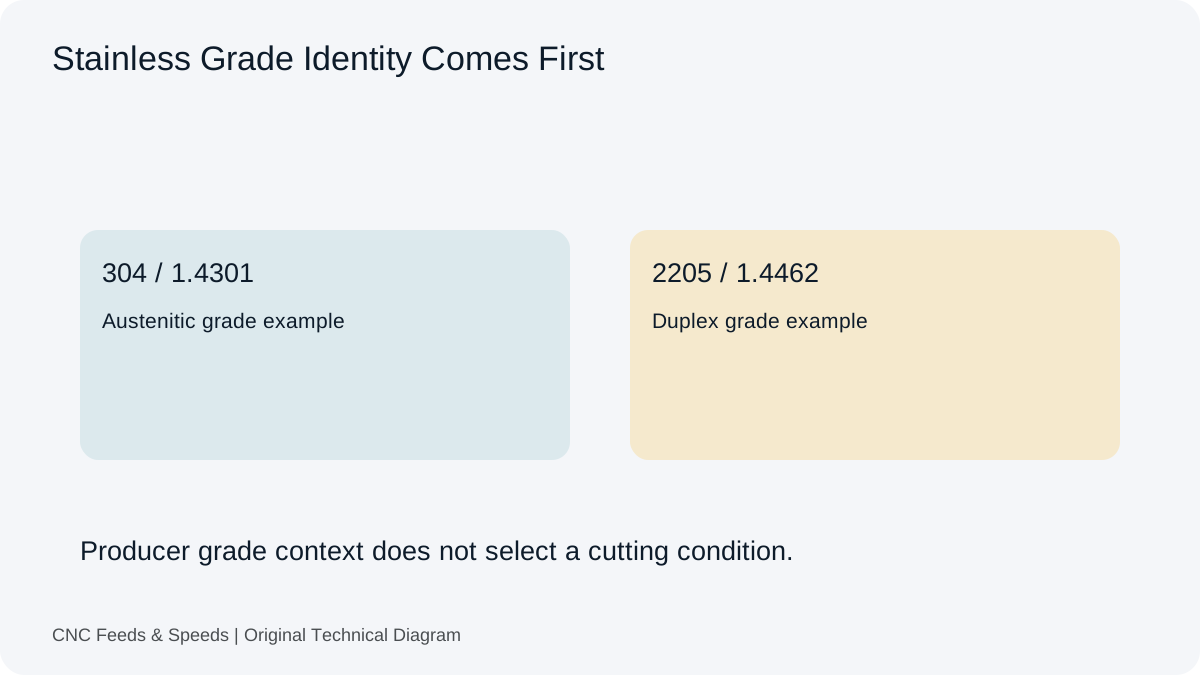
Review the exact material grade and condition before choosing a tooling-table entry. Use the material references for named examples and source pointers. Return to the operation workspace when the inputs are established.
Look beyond the nominal RPM and feed when a cut chatters. The tool reach guide reviews the holder, workpiece and engagement as parts of the same setup. Record those conditions alongside any parameter change.
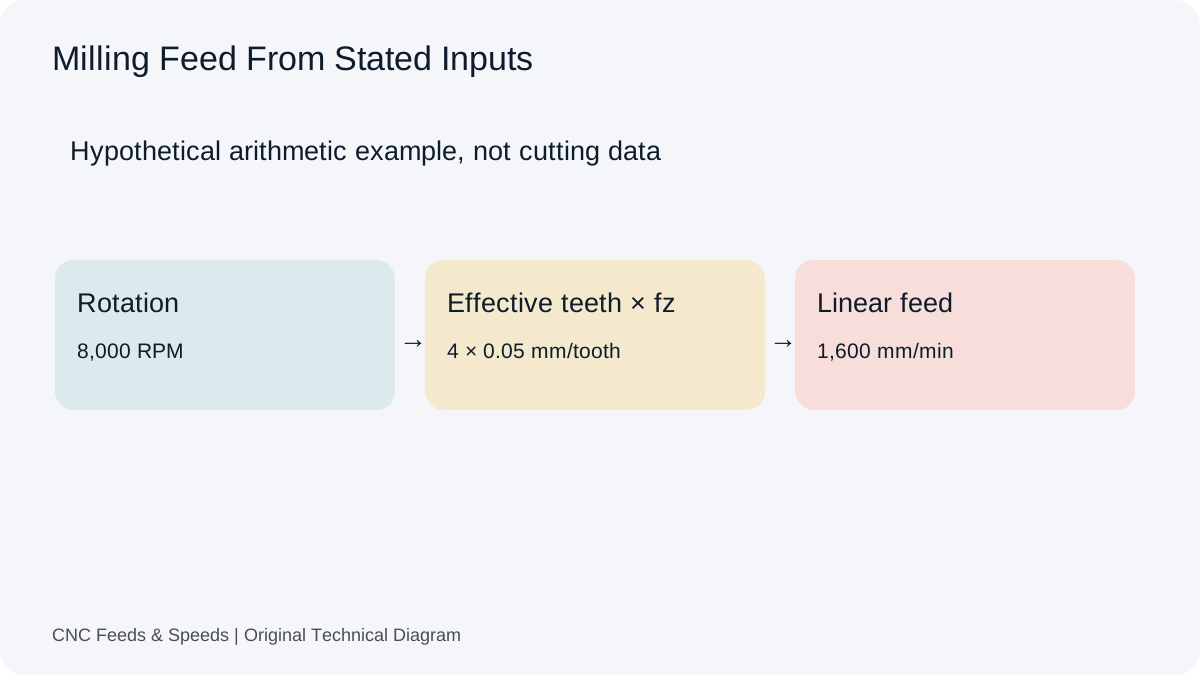
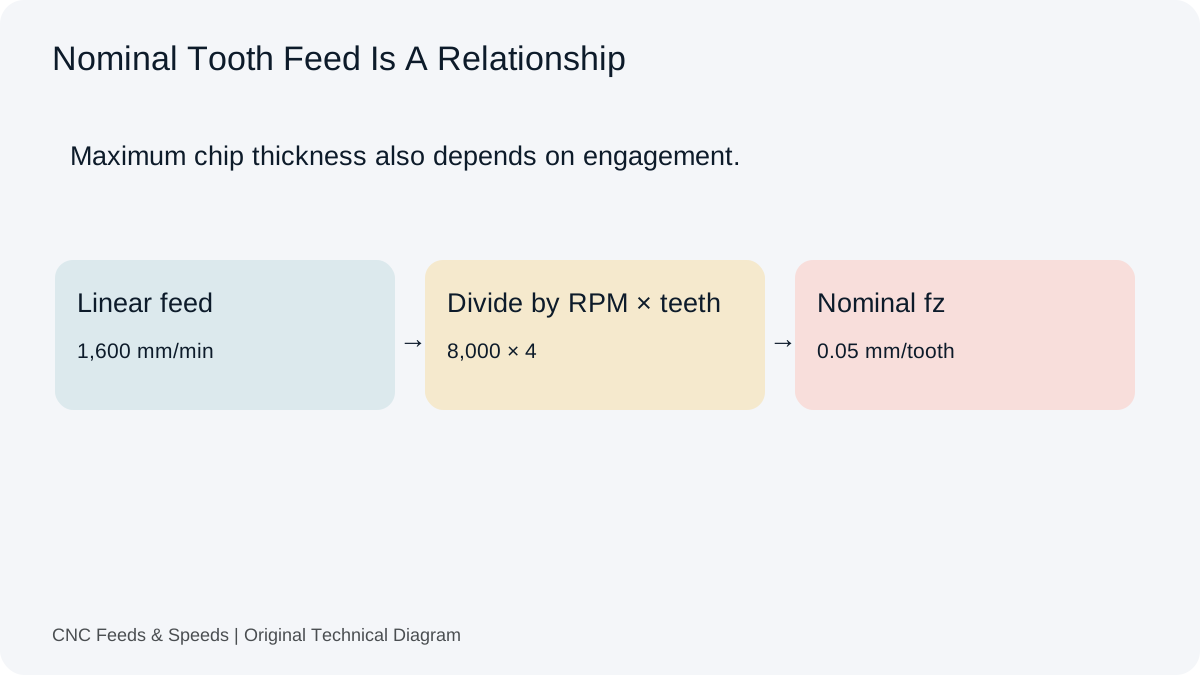
Use this for formula symbols, effective teeth and the distinction between tooth feed and chip thickness. It complements the site’s worked calculations.
An operation-specific plastics reference. Use it with the exact polymer and cutter documentation rather than treating metal-cutting data as a general plastics table.
Follow The Setup Question Into A Tool
Start with the dimension or quantity that is unclear rather than adjusting feed by a percentage. The linked sections contain the calculation, units, worked example and limits together. Use the result as one part of the setup record, then return to the applicable tooling source and machine requirements before programming.
Read the chart interpretation guide first. It separates tooth feed, feed per revolution and linear feed before the values enter a calculator.
Are Guides Different From Calculator Pages?
Guides explain decisions and common interpretation problems. Calculator pages expose inputs, equations and outputs for a particular numerical task.
Help Improve This Resource
Request A Tool
Describe the calculation your workflow needs, the inputs you already have and the output you want to check. Include units and an example without confidential job details.
Share this page address, the entered values and the result you expected. Include the source of your comparison so the formula, units and explanation can be investigated.
The site brings calculation tools and machining references into one workspace. Use the editorial and site information to understand its purpose and limitations. Send corrections with a reproducible example through the error report form.
Related Articles
Continue with the calculation, setup or troubleshooting question closest to your task.
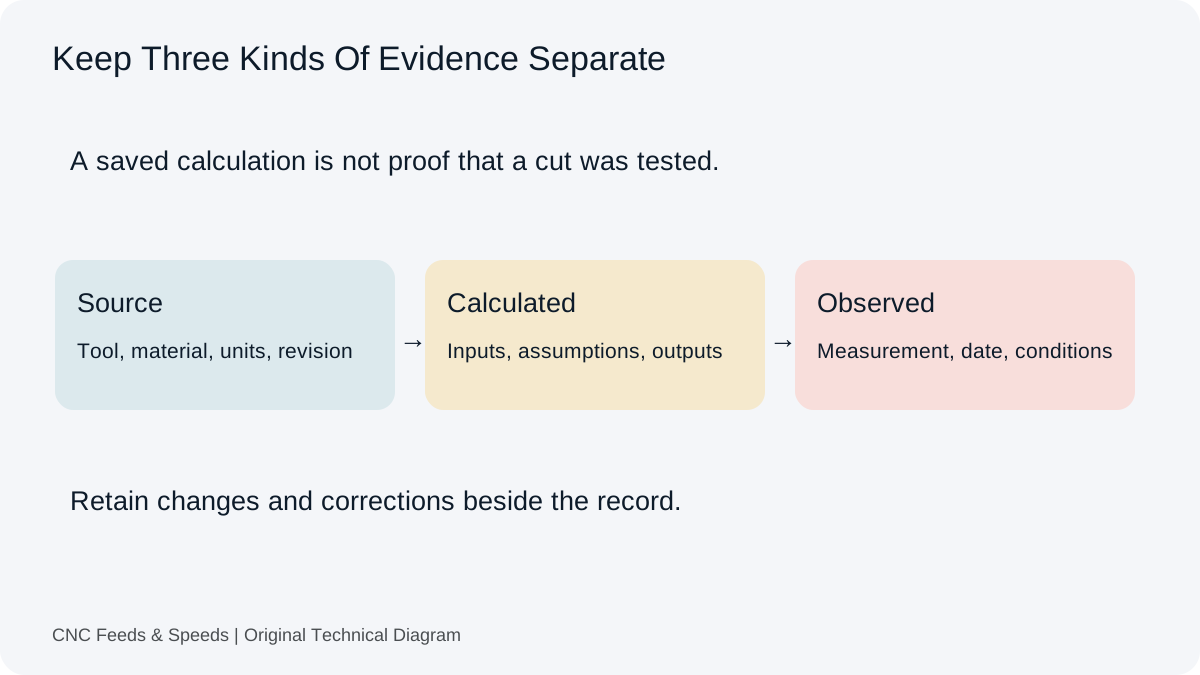
Record A CNC Setup So The Next Job Starts With Evidence
Preserve source data, calculated commands and observed results separately. Use local setup records with clear revisions, units and export limits.