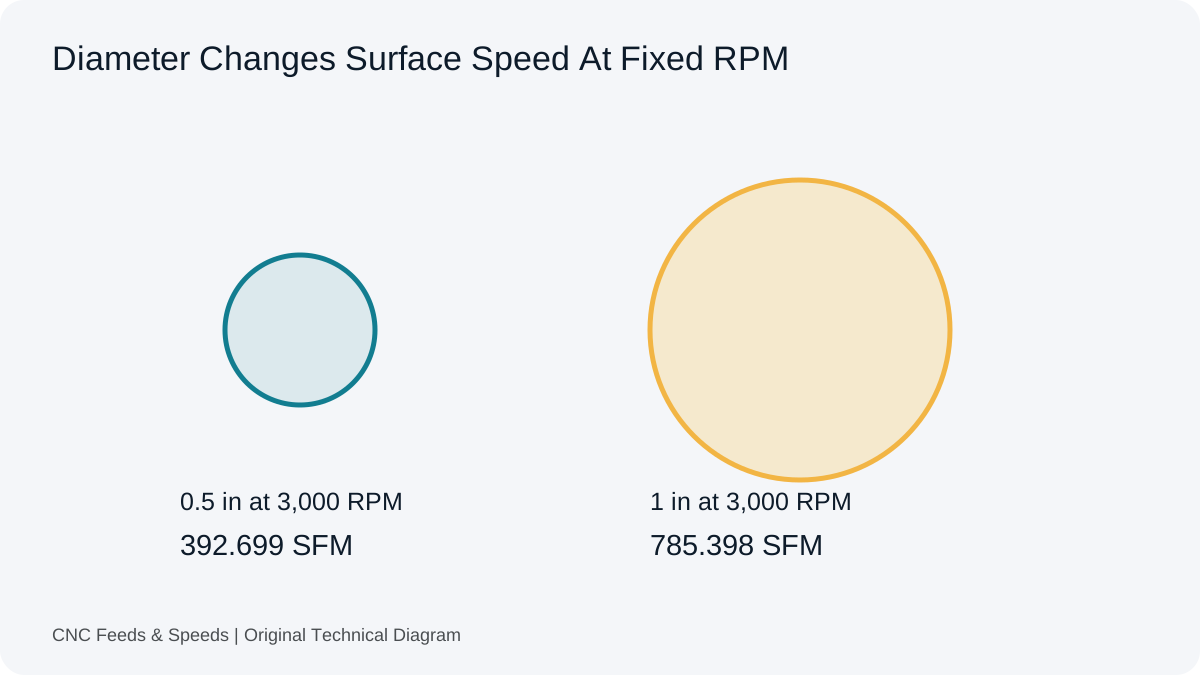
SFM means surface feet per minute. It describes linear speed at the cutting circumference, while RPM counts spindle revolutions. A 0.5 inch cutter at 6,000 RPM runs at about 785.4 SFM; a change in diameter changes surface speed even if RPM stays fixed.
Surface speed versus spindle speed
RPM counts revolutions. SFM describes distance traveled at the cutting diameter. The relationship for a rotating diameter in inches is SFM = (π × D × RPM) ÷ 12. Rearranged, RPM = (12 × SFM) ÷ (π × D). The formula explains why a larger diameter generates higher surface speed at the same RPM.
Metric equivalent
Metric references commonly express cutting speed as metres per minute, abbreviated Vc. The corresponding RPM equation is RPM = (1000 × Vc) ÷ (π × Dmm). SFM and m/min describe the same kind of physical quantity using different unit systems. The calculator keeps the unit conversion separate so the meaning of the input stays visible.
Worked example
For a 0.5 inch cutter at 6,000 RPM, SFM = (π × 0.5 × 6,000) ÷ 12 ≈ 785.4 SFM. Reverse the calculation with RPM = (12 × 785.4) ÷ (π × 0.5) to recover approximately 6,000 RPM. The reciprocal relationship is a useful manual audit.
Why diameter matters
A common programming mistake is carrying an RPM value from one cutter diameter to another without checking surface speed. A 1 inch cutter at 3,000 RPM has a very different surface speed from a 0.25 inch cutter at 3,000 RPM. Cutting data is therefore often safer to preserve in surface-speed form when the tool diameter changes.
SFM and feed rate
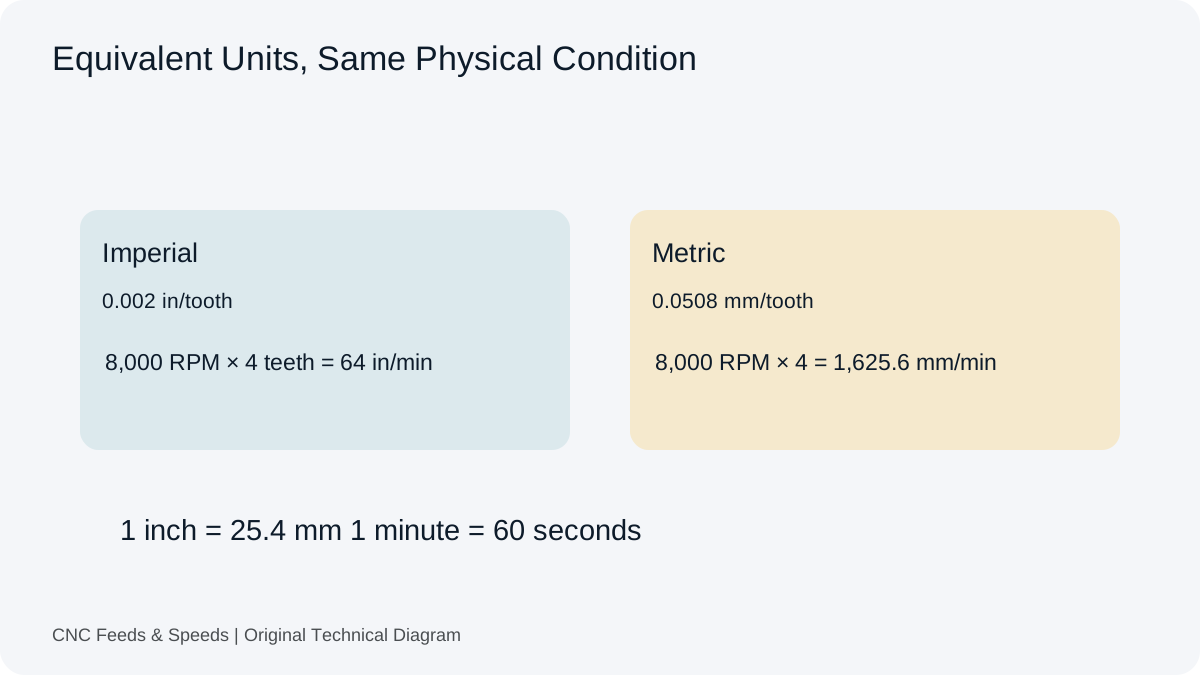
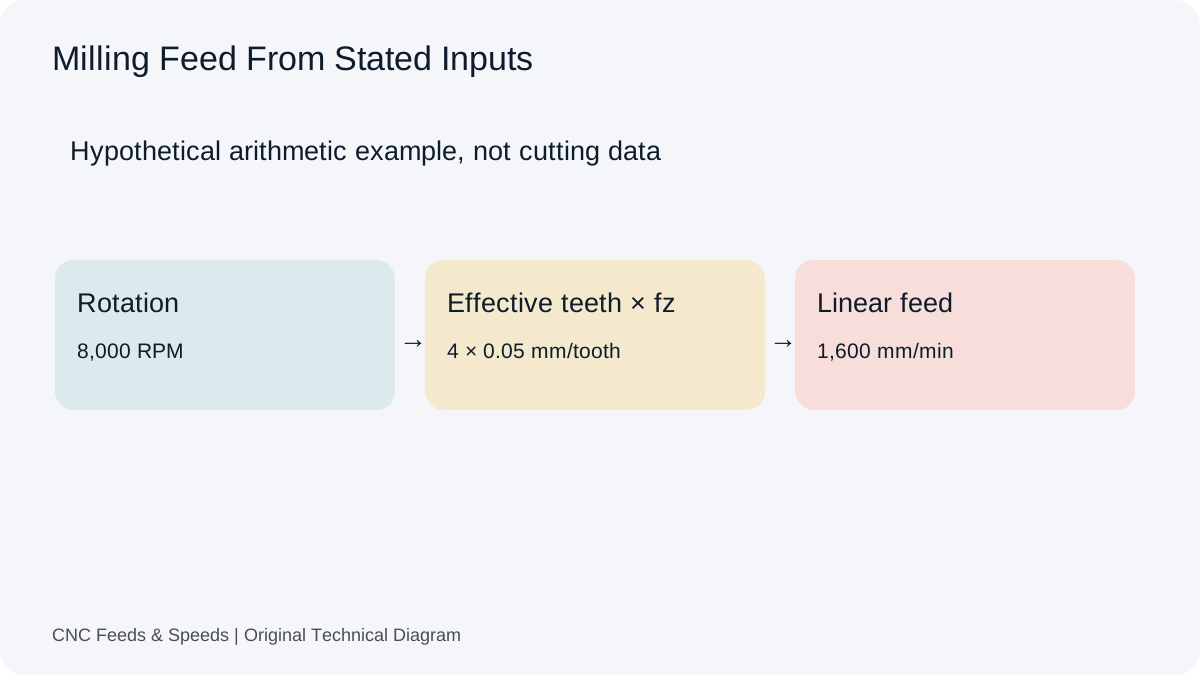
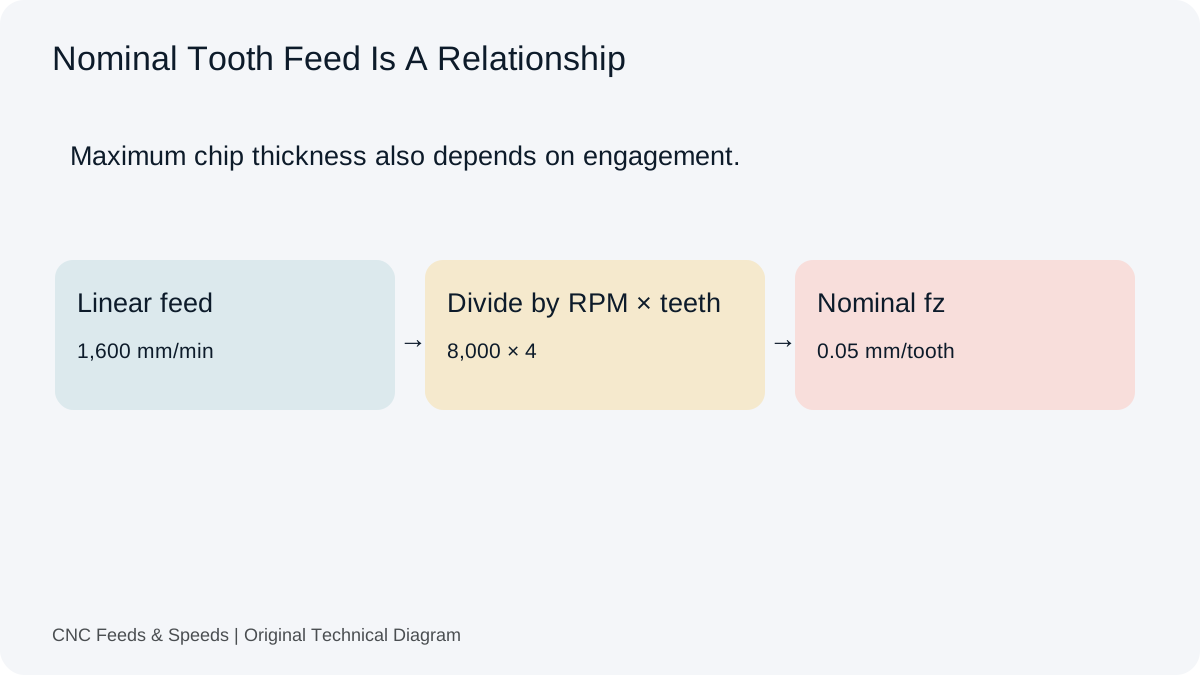
SFM alone does not determine feed rate. For milling, the chain is cutting speed → RPM → feed based on flute count and chip load. Keeping these variables separate helps diagnose whether a problem comes from spindle speed or feed rather than changing both at once.
SFM in turning
Turning often uses constant surface speed (CSS), where spindle RPM changes as the cutting diameter changes. The control may calculate RPM dynamically from the target surface speed and current diameter. A standalone SFM calculator is useful for understanding the relationship, but the CNC control’s CSS behavior and maximum RPM setting are separate constraints.
SFM and material changes
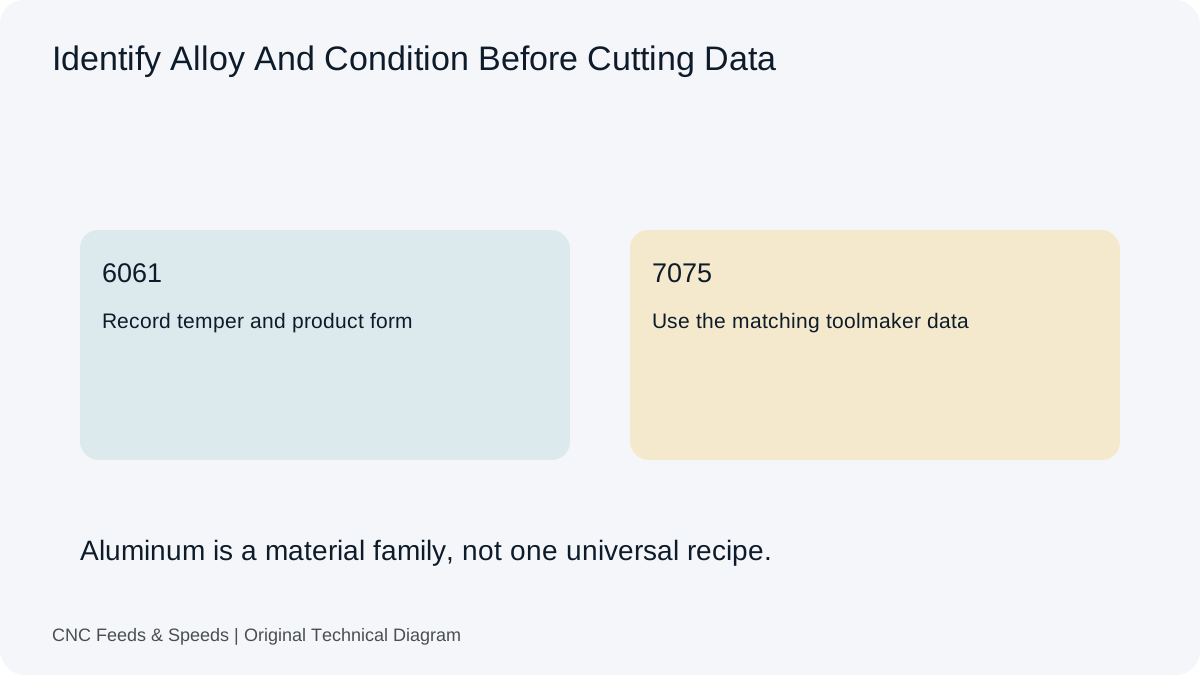
Toolmaker cutting data can specify different surface-speed ranges for different materials and tool constructions. The number should be selected from the appropriate source, then converted into RPM using the actual diameter. Do not assume one SFM is correct for every alloy in a material family.
Checking a chart
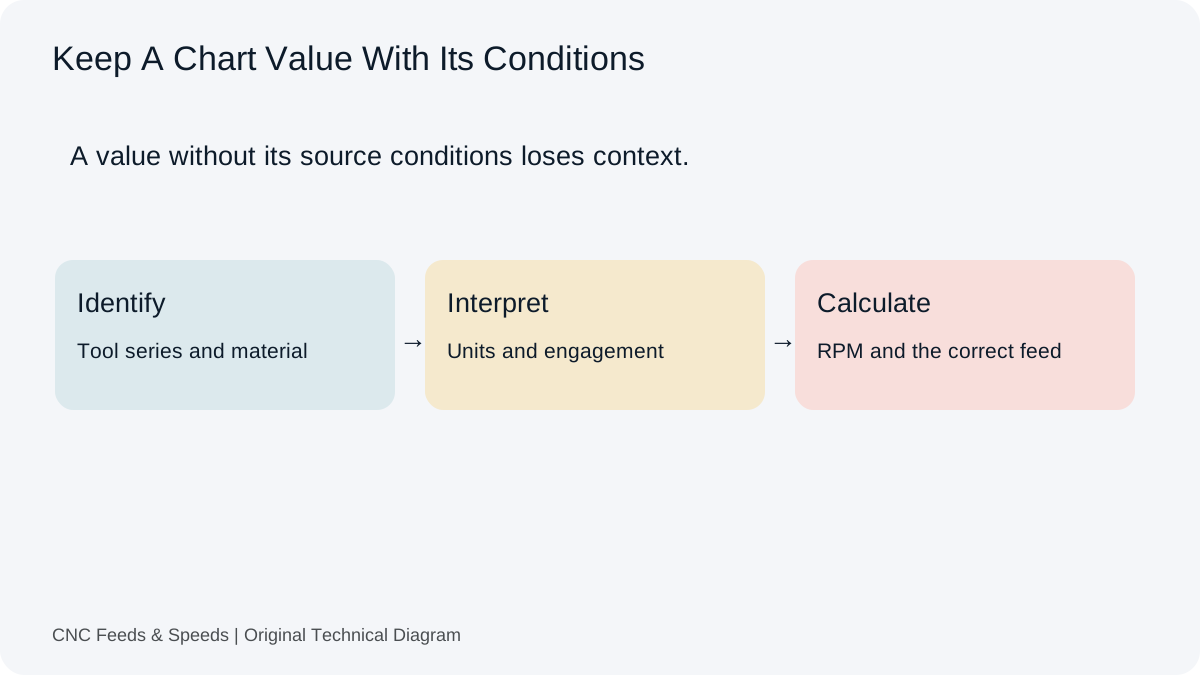
If a reference chart supplies SFM, write the diameter and unit next to it, calculate RPM, and compare the result to the intended program. If the result is not plausible, check whether the chart uses diameter in inches, whether the value is actually m/min, and whether the operation is milling or turning.
Machine speed caps
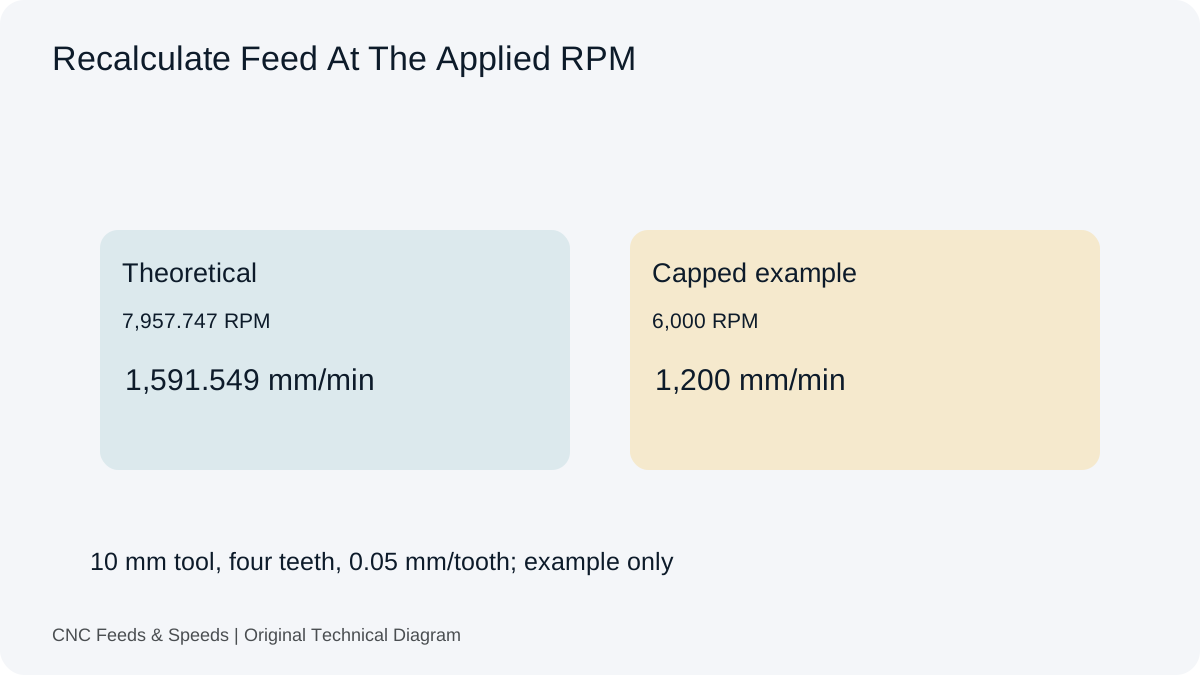
An RPM calculated from SFM can exceed the spindle’s maximum. The machine limit is a hard constraint. After capping RPM, reassess the intended feed relationship because maintaining the original chip load at a lower spindle speed may require a lower programmed feed.
Frequently asked questions
What does SFM stand for?
Surface feet per minute. It represents surface speed in the imperial system.
Is SFM the same as RPM?
No. RPM is rotational speed; SFM is linear surface speed at a specific diameter.
Can SFM be converted to m/min?
Yes. They are equivalent surface-speed quantities expressed in different units, but the conversion must be made before mixing them in a formula.
Applications And Related Calculation Workflows
SFM To RPM And Back
SFM is surface speed while RPM is rotational speed. For diameter in inches, RPM = 12 × SFM ÷ (π × diameter); reversing that relationship gives SFM from a known machine setting. Use the spindle speed tool for the first direction and the SFM tool for the second. Confirm the diameter convention before comparing a tool and a rotating workpiece.
Formula reference: Sandvik Coromant turning definitions (surface speed, machined diameter and rotation).
Help Improve This Resource
Request A Tool
Describe the calculation your workflow needs, the inputs you already have and the output you want to check. Include units and an example without confidential job details.
Request A ToolReport An Error
Share this page address, the entered values and the result you expected. Include the source of your comparison so the formula, units and explanation can be investigated.
Report An ErrorCNC Feeds & Speeds Editorial Desk
The site brings calculation tools and machining references into one workspace. Use the editorial and site information to understand its purpose and limitations. Send corrections with a reproducible example through the error report form.