
Request A Tool
Describe the calculation your workflow needs, the inputs you already have and the output you want to check. Include units and an example without confidential job details.
Request A ToolCheck the programmed milling feed from spindle RPM, effective flute count and feed per tooth. Use it to compare a CAM feed value with a toolmaker chip-load value or to recalculate feed after changing RPM.
Check the programmed milling feed from spindle RPM, effective flute count and feed per tooth. Use it to compare a CAM feed value with a toolmaker chip-load value or to recalculate feed after changing RPM. The useful comparison is between programmed feed and the intended tooth feed at actual RPM, including any spindle or feed limit that changes the command.
Check actual spindle RPM, effective flute count and feed per tooth.
Feed rate = RPM × effective flute count × feed per tooth.
Enter the values you know. The result is calculated in your browser.
Calculation only. Verify toolmaker data, material grade, engagement, machine limits, workholding and actual cutting conditions before production.
Review the additional variables shown in this tool.
Enter the values you know. The result is calculated in your browser.
Calculation only. Verify toolmaker data, material grade, engagement, machine limits, workholding and actual cutting conditions before production.
Feed rate = RPM × effective flute count × feed per tooth.
At 8,000 RPM, four effective flutes and 0.05 mm/tooth give 1,600 mm/min. If RPM falls to 6,000, preserving that chip load requires 1,200 mm/min. Retaining 1,600 mm/min would increase nominal feed per tooth to 0.0667 mm.
A drill or turning reference may state mm/rev rather than mm/tooth. Do not multiply a feed-per-revolution value by flute count. Use the drilling or turning reference when that is how the source data is expressed.
This multiplication alone does not select a plunge feed or router chip load. Entry geometry, tool construction and the intended material still determine suitable source data. A machine feed cap is also different from the feed actually achieved around a short toolpath.
Check the formula reference or report a result that does not match your calculation.
Illustrative arithmetic only. Select cutting inputs from the applicable tool and material reference.
| Step | Substitution | Result |
|---|---|---|
| Milling Feed | 8,000 × 4 × 0.05 | 1,600 mm/min |
The advanced panel displays a capped feed without changing the intended chip-load input. To find the tooth feed at that capped command, divide it by RPM and effective teeth in the chip load calculator. The machine ceiling is a numerical constraint; it does not say the changed chip thickness suits the tool.
Formula reference: Sandvik Coromant milling formulas and definitions. Use the exact tool supplier for recommended cutting values.
A CNC feed rate calculator for milling uses actual RPM, effective cutting edges and feed per tooth. In metric mode, multiplying RPM by millimetres per tooth gives millimetres per minute after the flute count is included. A metric feed rate calculation follows the same relationship as the imperial calculation; the labels and length units change, not the role of each input.
A router feed rate check uses the same nominal tooth-feed relationship when the source data is stated per tooth. Enter the effective flute count of the actual router bit and the spindle speed you intend to run. A result for one material or bit construction is not a transferable recommendation for another. Read the chip load explanation before comparing feeds from different bit specifications.
The standard milling equation does not select a plunge feed. A straight plunge, ramp and helical entry engage the cutting edges differently, so use entry data for the exact cutter and move type. If you use this page as a plunge feed rate check, it only verifies the arithmetic of inputs you already have. It does not confirm centre-cutting capability or choose an entry strategy.
That input has a different convention. Use the drilling workspace and multiply actual RPM by source feed per revolution. Do not multiply a per-revolution value by flute count.
No. It checks a known milling tooth-feed relationship. Router bit data and entry-motion data must come from the relevant tool instructions.
Describe the calculation your workflow needs, the inputs you already have and the output you want to check. Include units and an example without confidential job details.
Request A ToolShare this page address, the entered values and the result you expected. Include the source of your comparison so the formula, units and explanation can be investigated.
Report An ErrorThe site brings calculation tools and machining references into one workspace. Use the editorial and site information to understand its purpose and limitations. Send corrections with a reproducible example through the error report form.
Continue with the calculation, setup or troubleshooting question closest to your task.
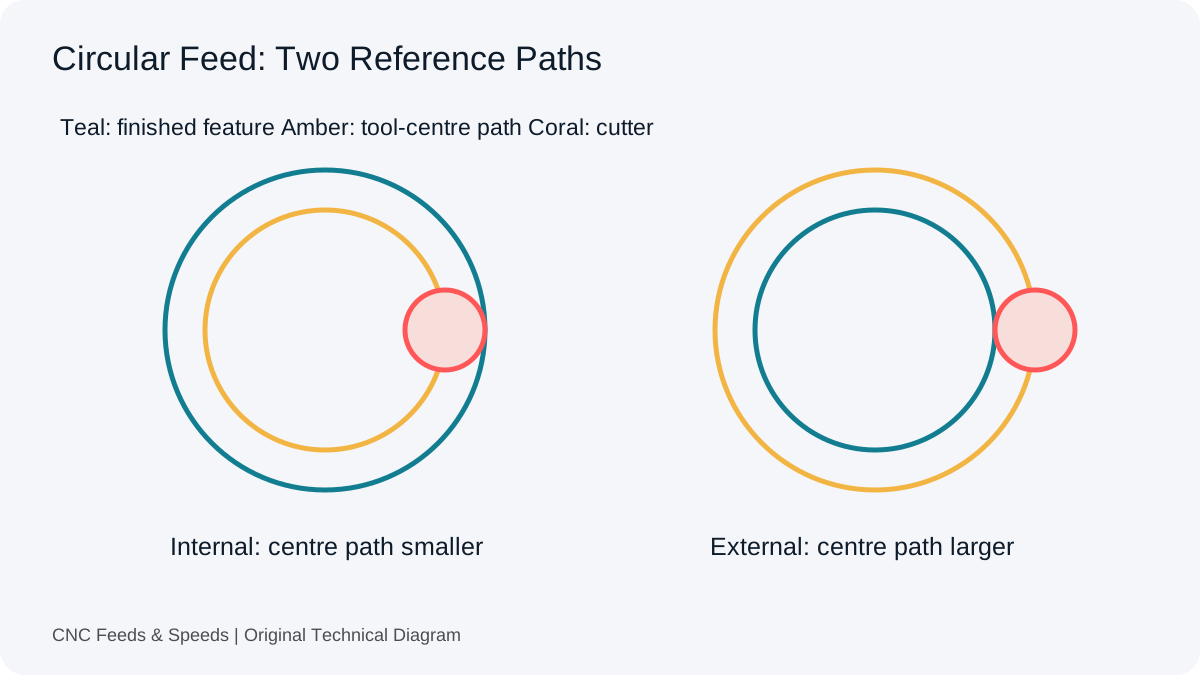
Convert internal and external circular feed with explicit path geometry. Check what CAM already handles before applying another adjustment.
Read Article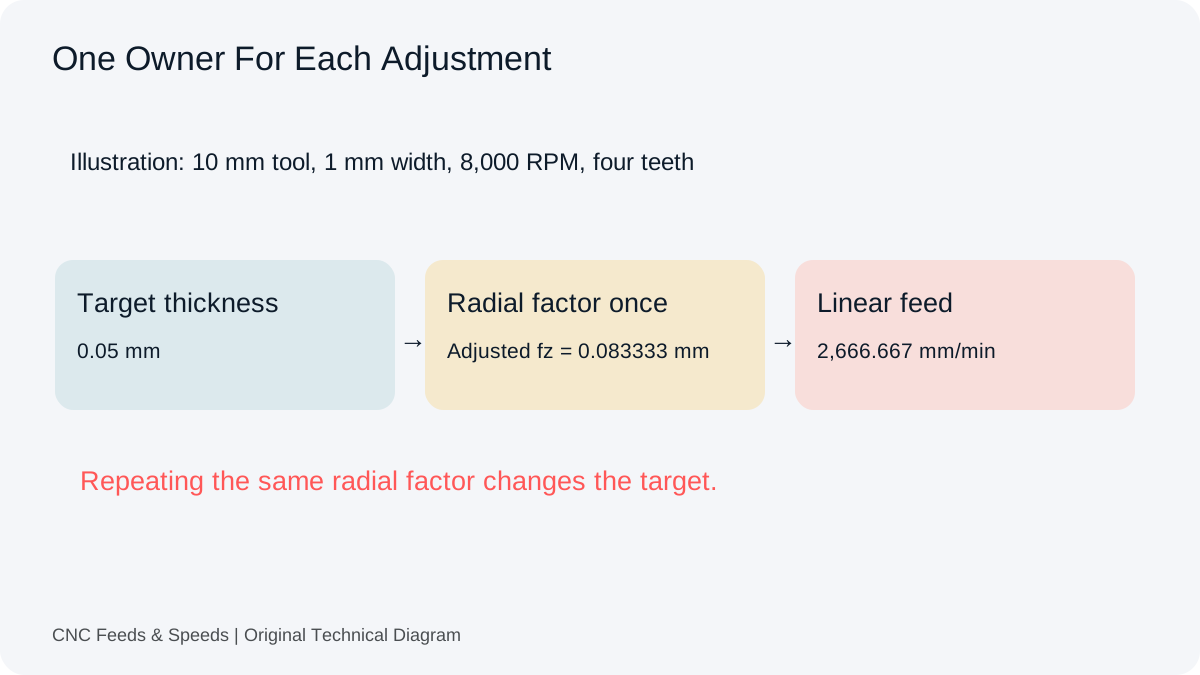
Trace target chip thickness through tooth feed and final command. Identify where compensation occurs before repeating the same adjustment.
Read Article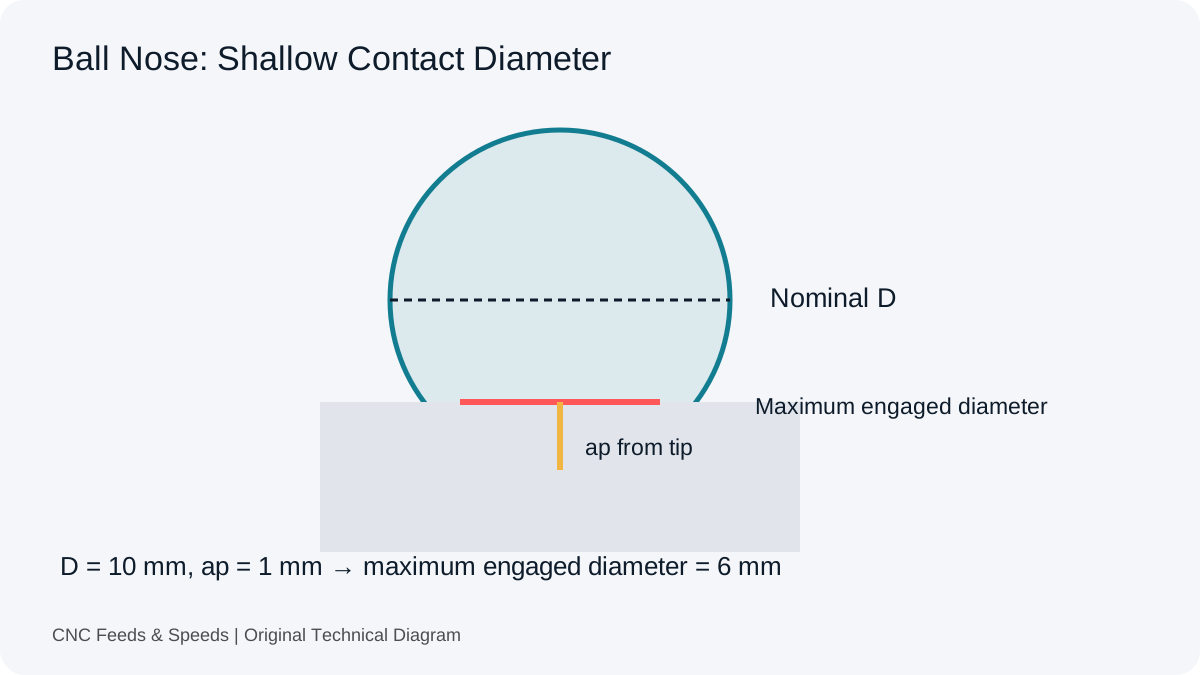
Understand engaged diameter, shallow contact and capped RPM. Keep the untilted model separate from changing three-dimensional surfaces.
Read Article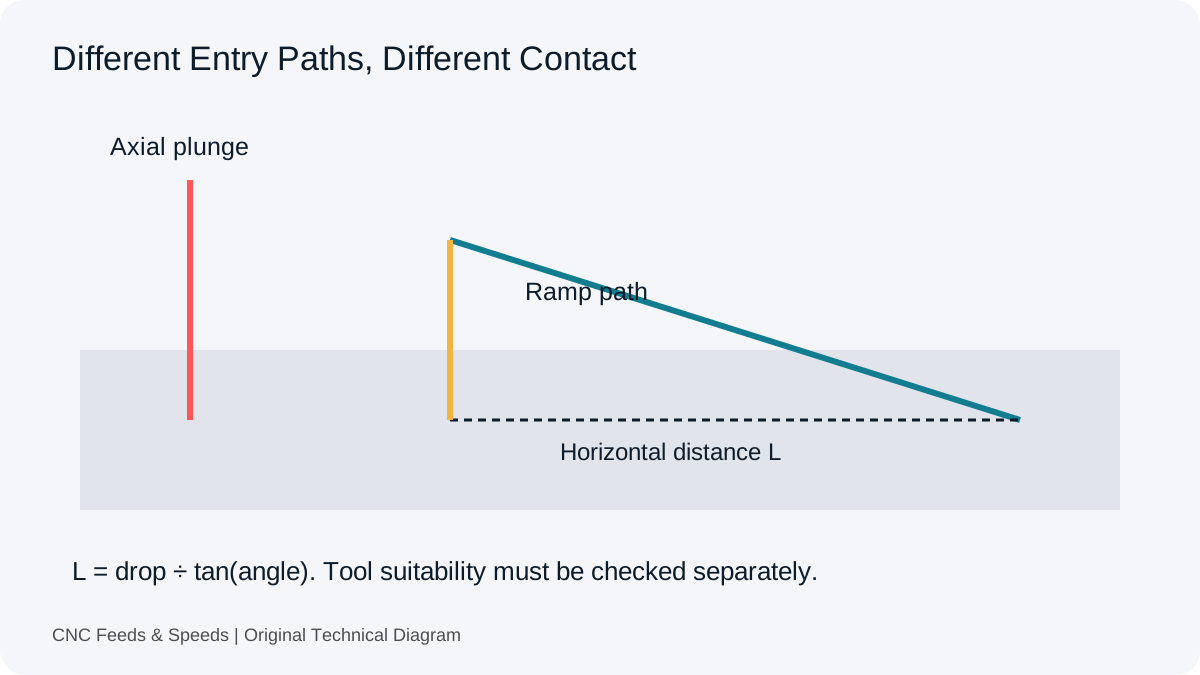
Review entry capability, ramp geometry and chip clearance. Understand why a universal percentage cannot choose a suitable plunge or ramp condition.
Read Article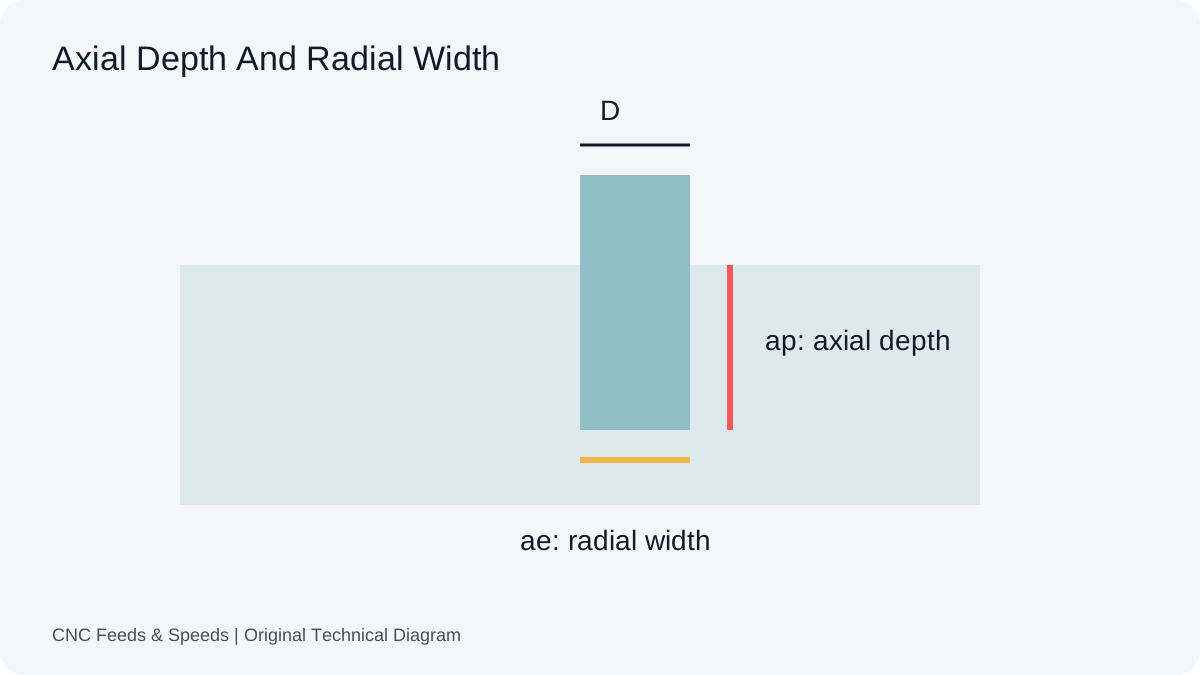
Distinguish tool diameter, axial depth and radial width. Convert engagement percentages and compare removal volume without assuming equal tool load.
Read Article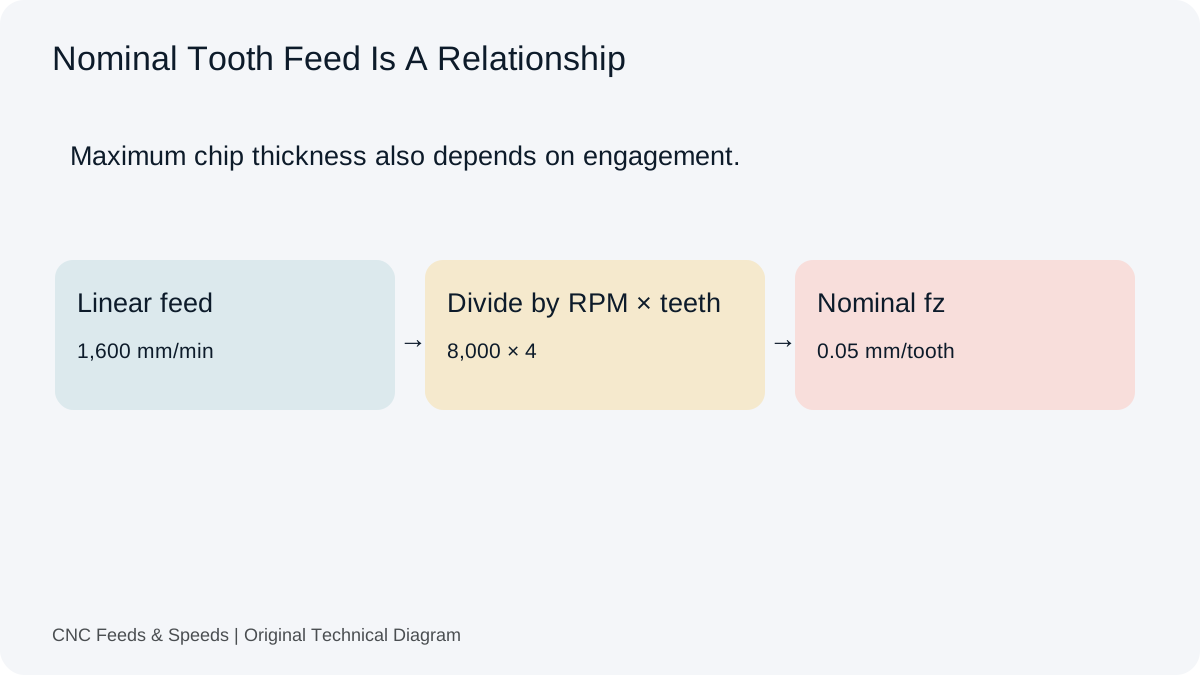
Understand feed per tooth, how chip load is calculated, and how flute count and spindle speed change milling feed.
Read Article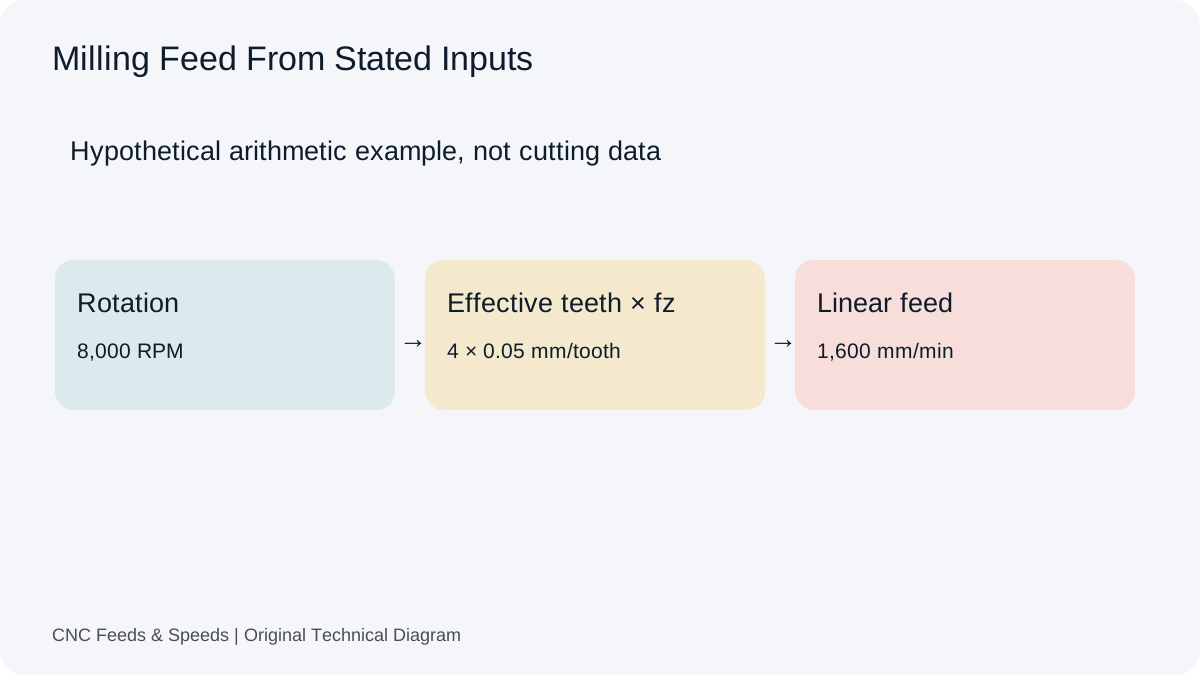
A practical guide to calculating CNC milling feed rate from spindle speed, flute count and chip load, with unit checks and verification steps.
Read Article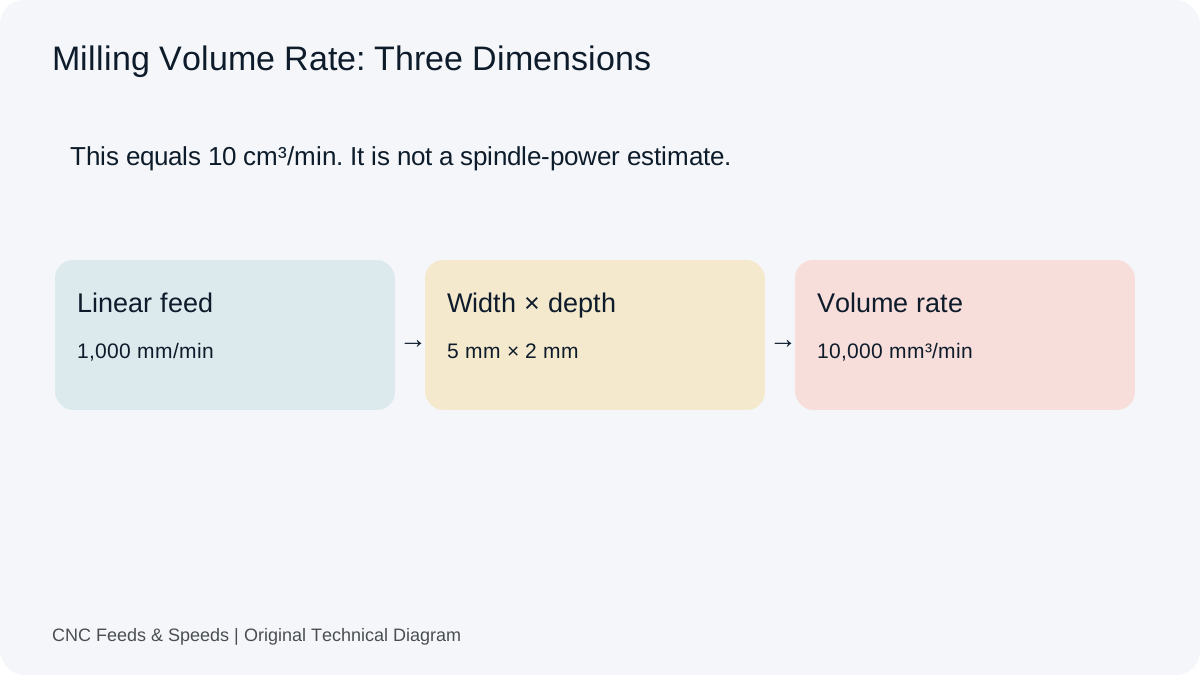
Calculate and interpret material removal rate for CNC milling, including feed, radial engagement and axial depth.
Read Article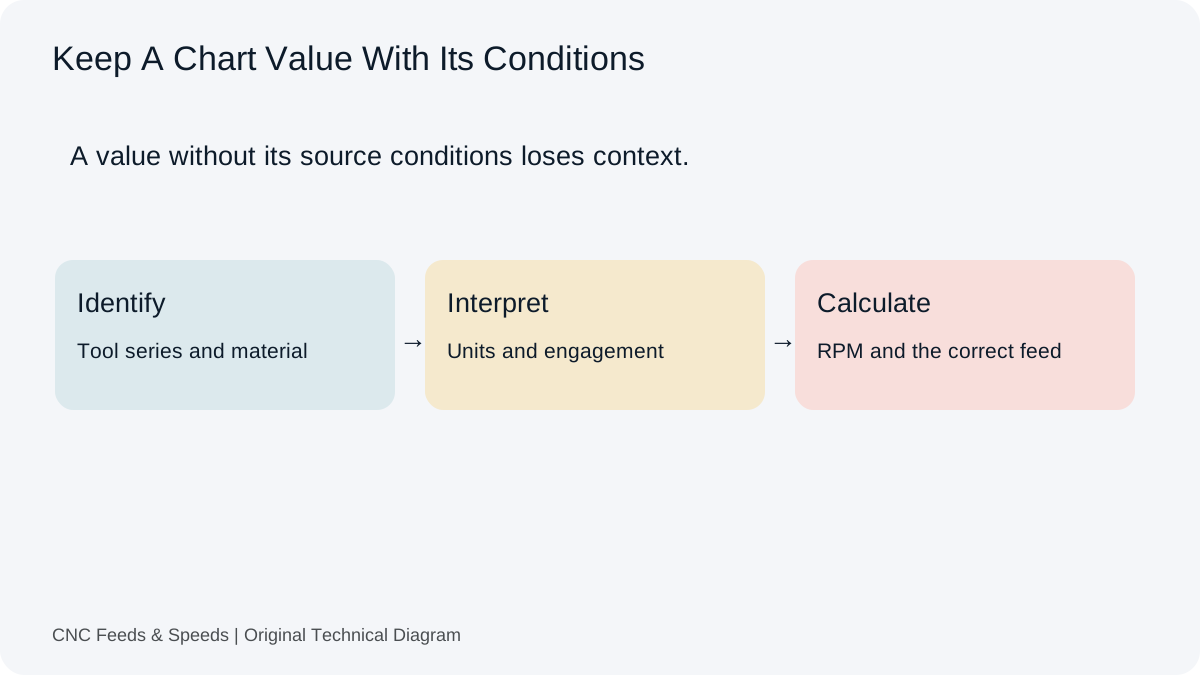
A practical method for interpreting CNC cutting-data charts, matching units, and cross-checking chart values with transparent calculations.
Read Article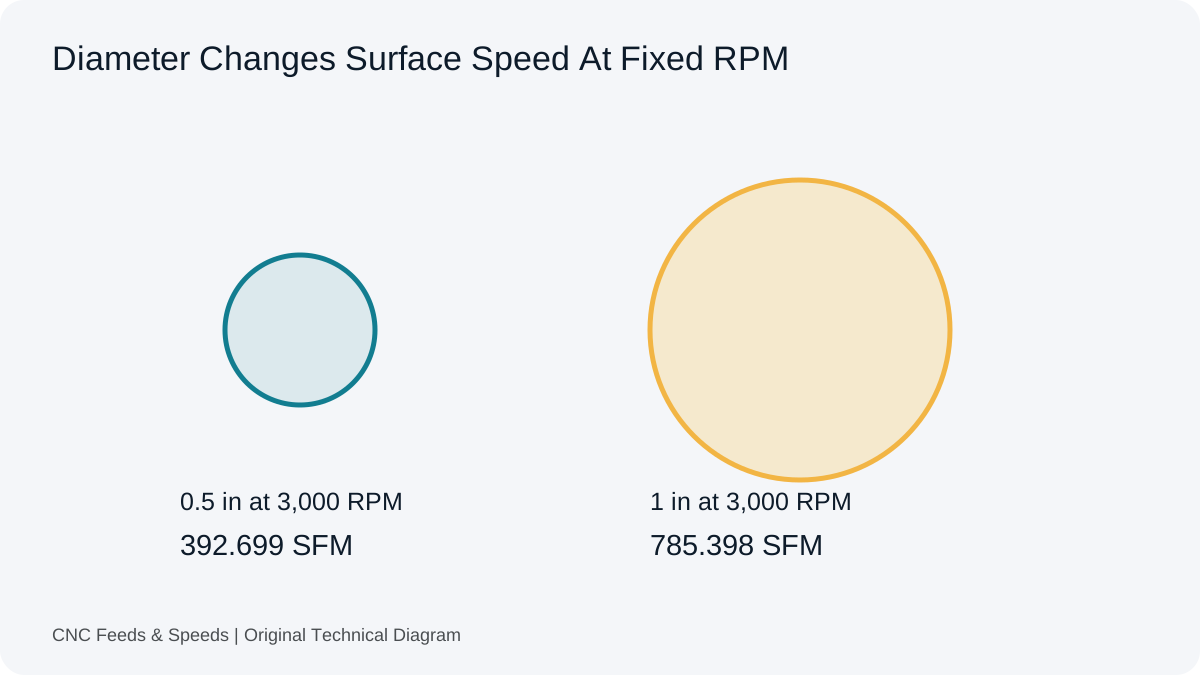
Learn what surface feet per minute means, how it relates to RPM and diameter, and when to use SFM versus metric cutting speed.
Read Article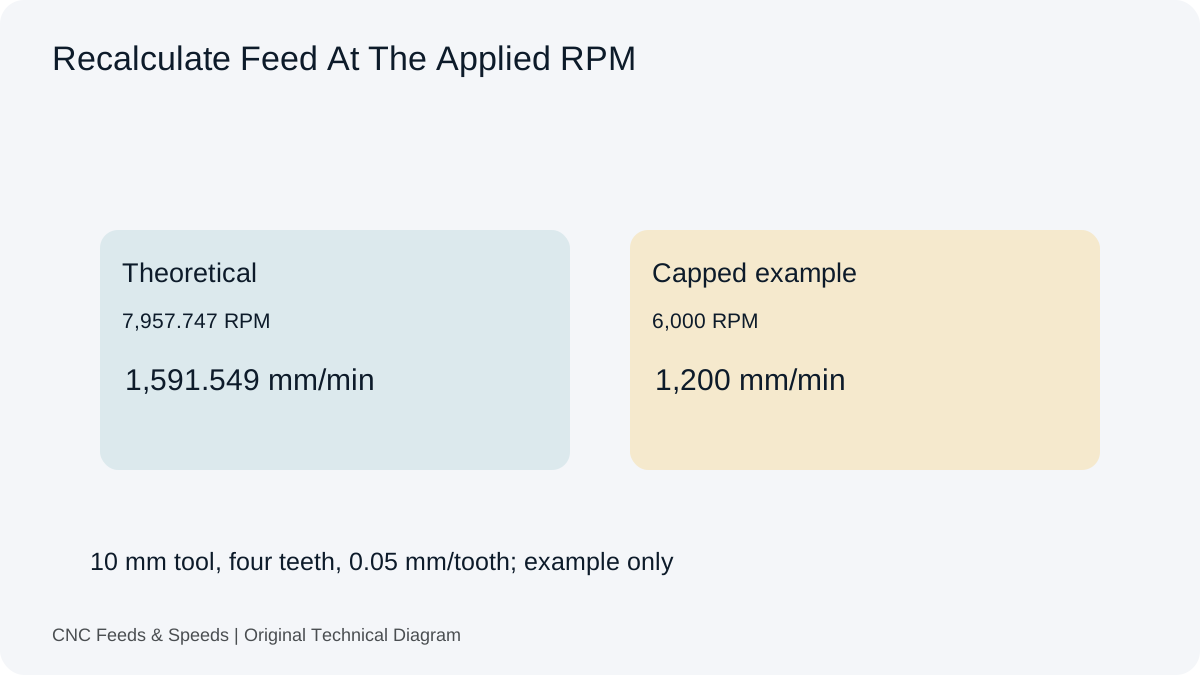
Understand how spindle RPM and programmed feed interact, when feed should scale, and why machine limits change the calculation.
Read Article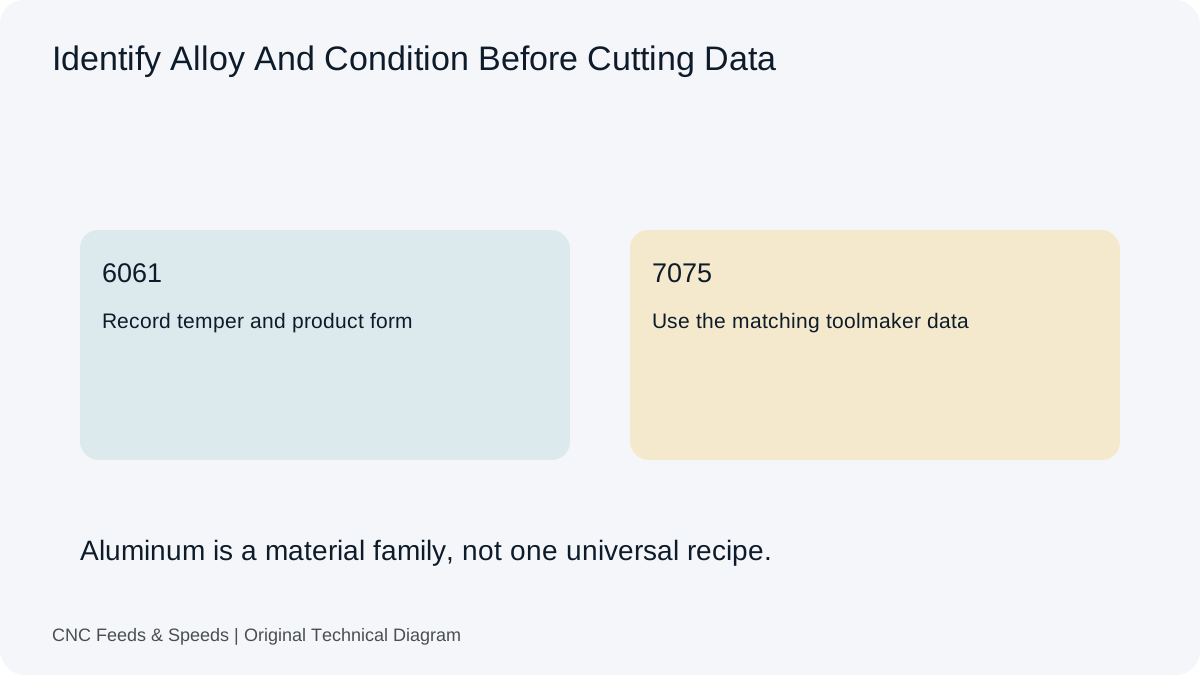
Build an aluminum milling starting point from toolmaker cutting speed and chip load, then verify engagement, chip evacuation and machine limits.
Read Article