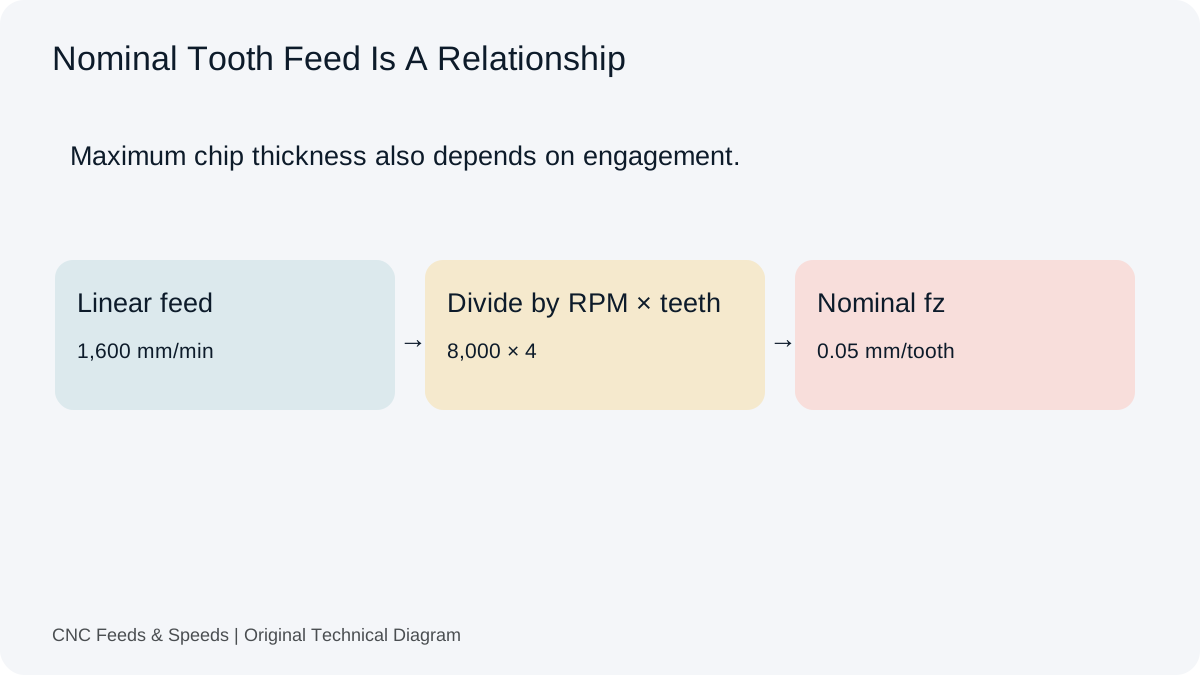
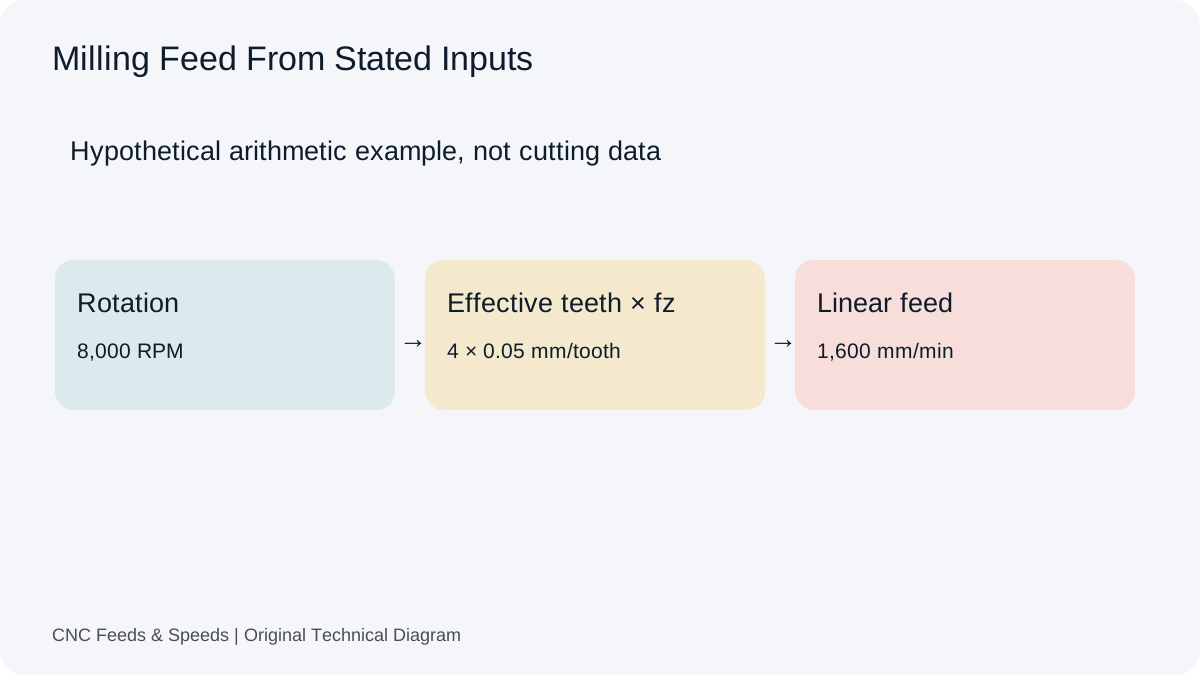
For milling, calculate feed rate by multiplying actual spindle RPM, effective cutting teeth and feed per tooth. A four-tooth cutter at 8,000 RPM and 0.05 mm/tooth gives 1,600 mm/min. Before using that result, establish that the tooth feed belongs to the actual cutter, material and engagement.
The core milling equation
For a conventional milling calculation, feed rate is calculated as F = RPM × Z × fz. RPM is spindle revolutions per minute, Z is the number of effective flutes or teeth, and fz is feed per tooth. If a 4-flute cutter runs at 8,000 RPM with a chip load of 0.05 mm/tooth, the calculated feed is 8,000 × 4 × 0.05 = 1,600 mm/min. The equation is transparent enough to check with a calculator or by hand, which is why it is useful for program review.
Start with the right inputs
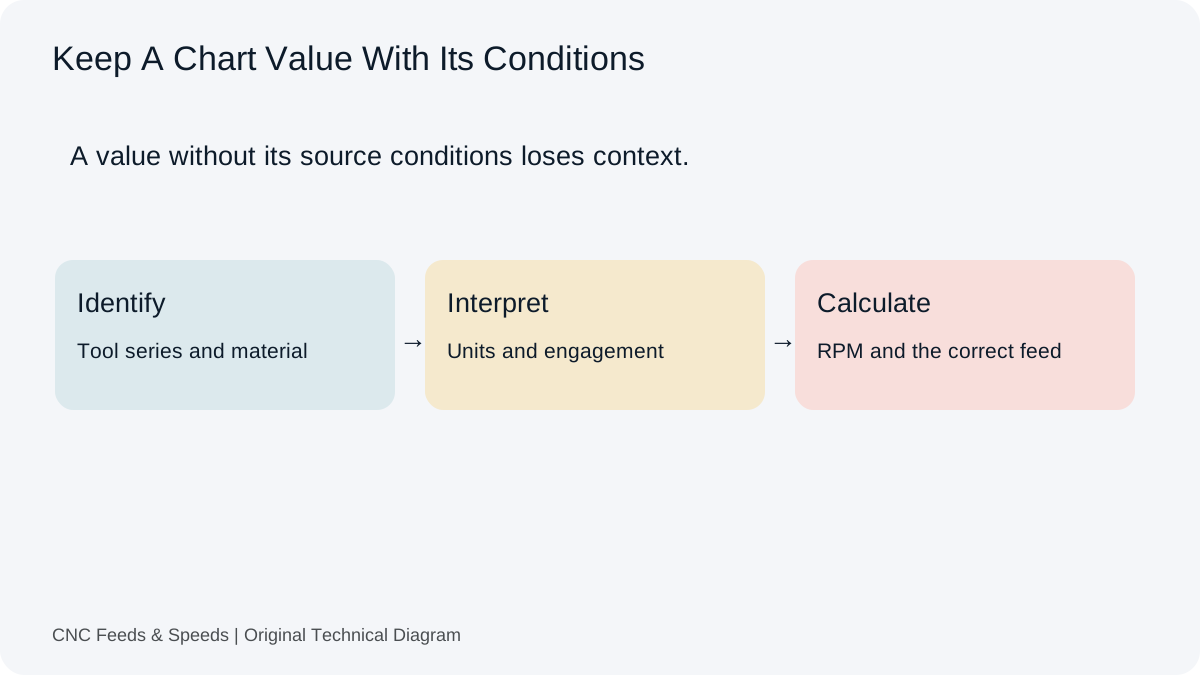
Before entering numbers, identify the actual cutter. Diameter, flute count, geometry, coating, corner treatment and stick-out can all affect the cutting data supplied by the toolmaker. The chip load should come from a source appropriate to that tool and the material being cut. Do not copy a chip-load number from a different diameter or flute geometry simply because the unit looks familiar.
Metric and imperial units
Metric milling calculations commonly pair cutting speed in metres per minute with diameter in millimetres. Imperial calculations commonly use SFM with diameter in inches. Once RPM is established, feed rate follows the same multiplication relationship, but the chip-load unit must match the feed unit. A common mistake is entering a metric chip load into an imperial feed equation. Write the units next to every source number before typing it into the calculator.
A worked shop-floor example
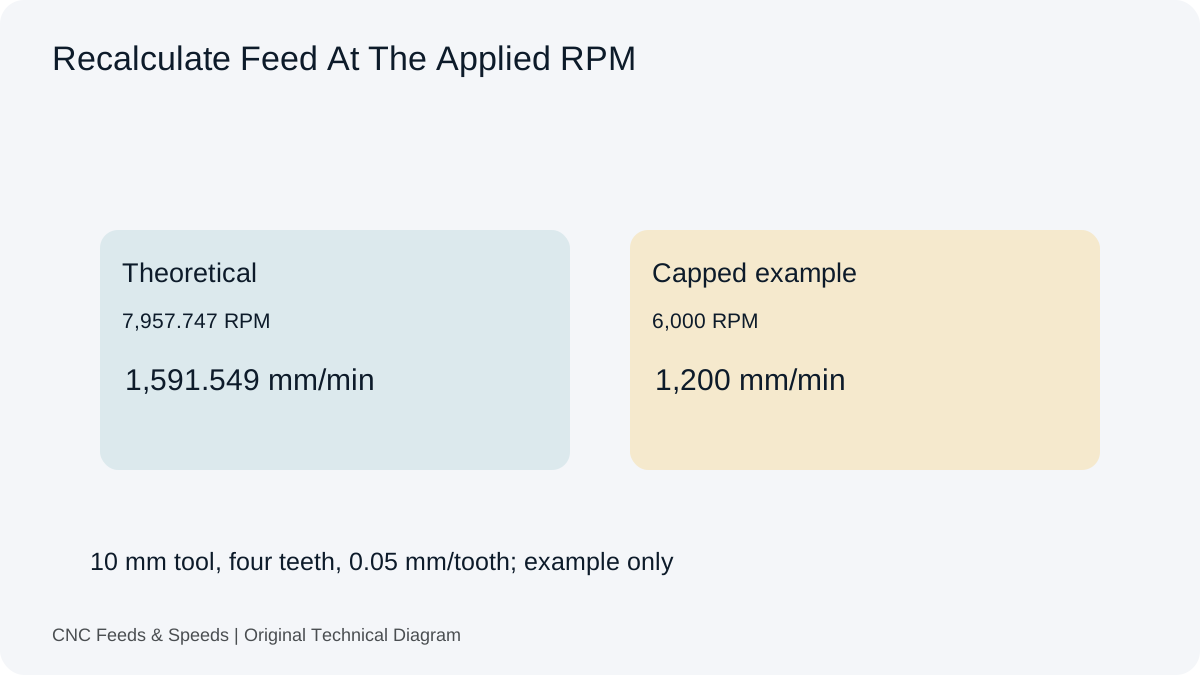
Suppose a 10 mm, 4-flute end mill is specified at 250 m/min and 0.05 mm/tooth. RPM = (1000 × 250) ÷ (π × 10) ≈ 7,958 RPM. Feed = 7,958 × 4 × 0.05 ≈ 1,592 mm/min. The calculator gives the same arithmetic. The important step after the number is the verification: compare the RPM and chip load against the toolmaker range, then check the machine, engagement, workholding and stick-out.
Machine limits are a separate calculation check
A machine may have a spindle ceiling, programmed feed limit, acceleration limitation or control setting that affects the commanded value. If the calculated RPM exceeds the spindle maximum, cap the spindle speed and recalculate feed using the capped RPM when the cutting condition requires feed to remain proportional to chip load. A mathematical feed number is not automatically the best machine command.
Feed per revolution is not feed per tooth
Milling data is often expressed as feed per tooth, while turning and drilling frequently use feed per revolution. Feed per revolution is simply F ÷ RPM once feed and RPM are known. Feed per tooth is F ÷ (RPM × Z). Confusing the two can produce a plausible-looking number that is several times too high or too low.
Engagement changes what the number means
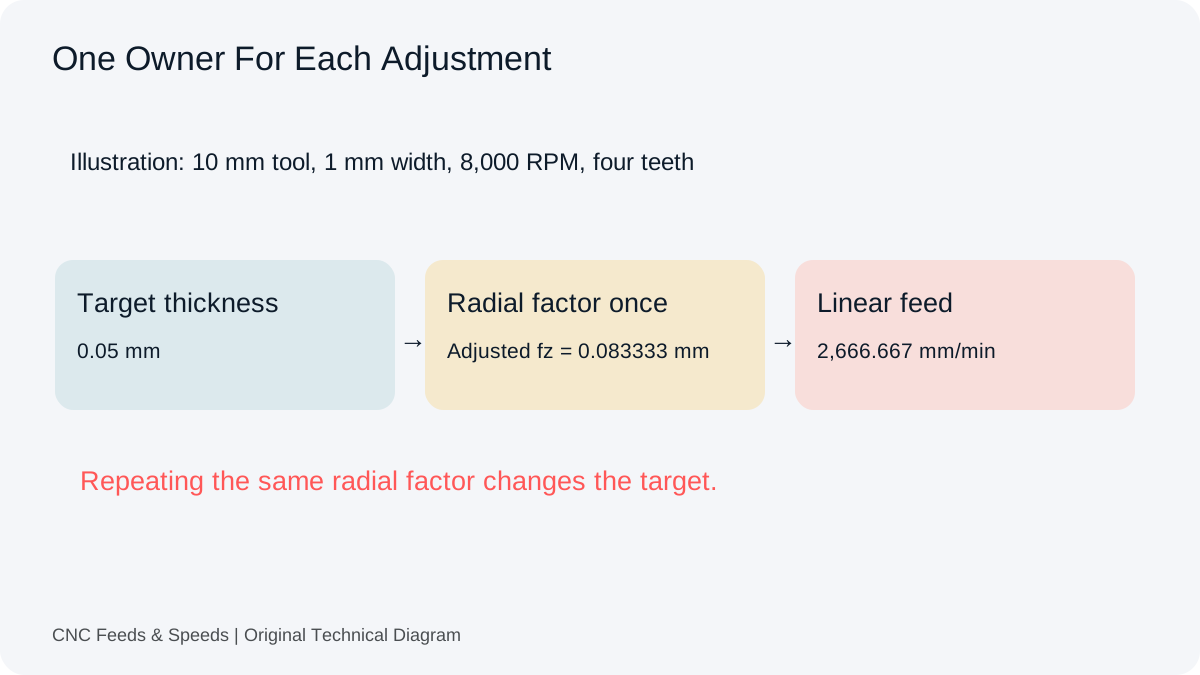
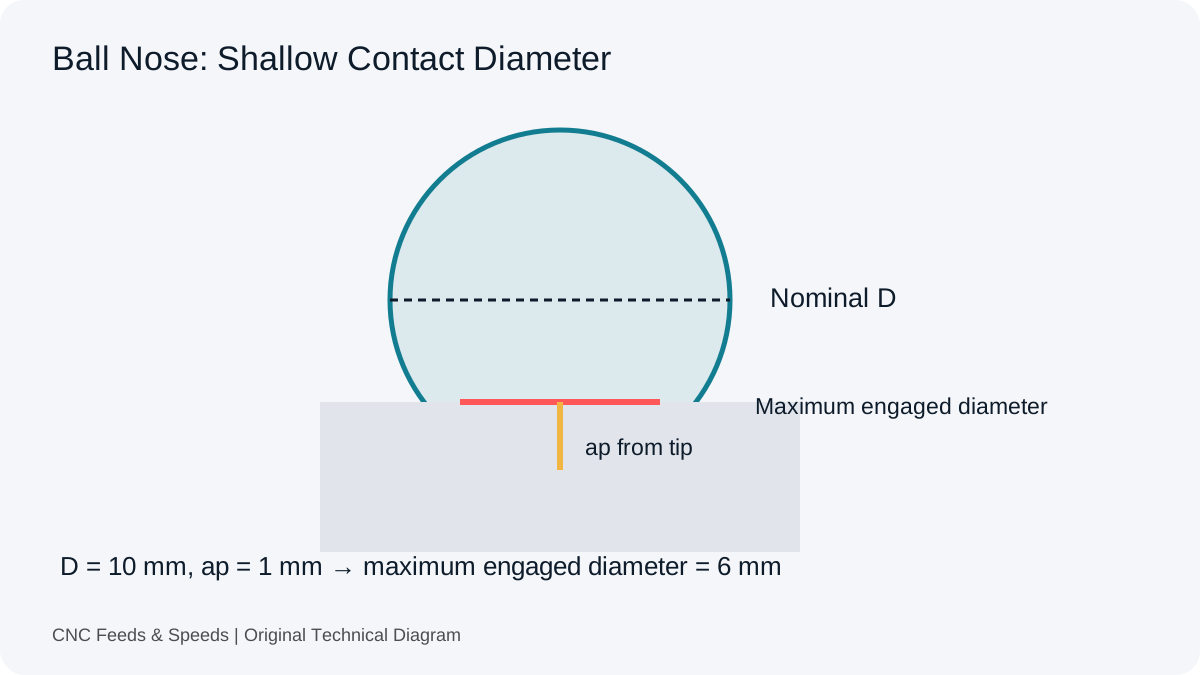
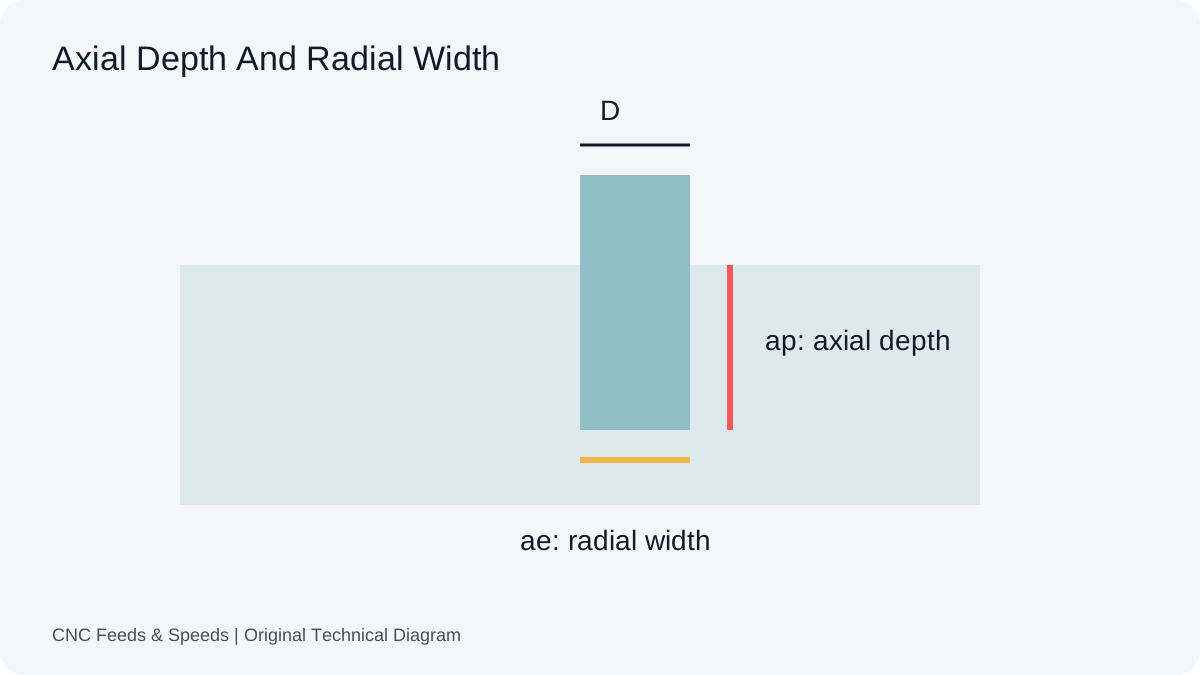
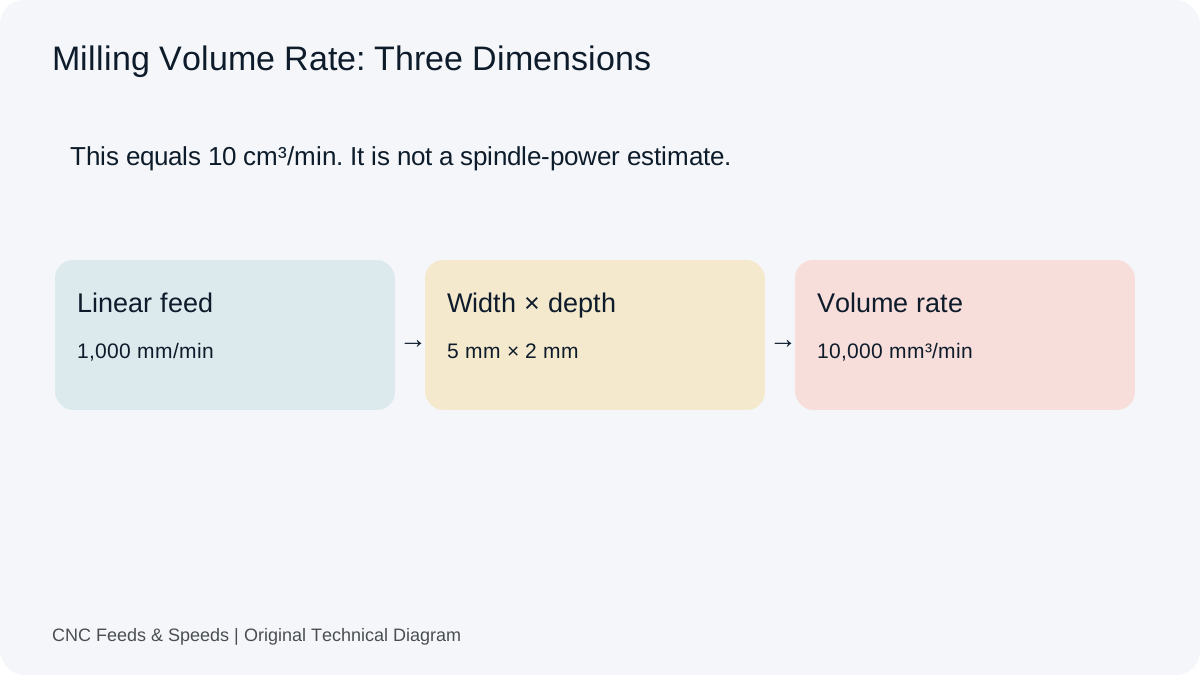
Radial width of cut and axial depth are not part of the simple feed equation, but they change chip formation, heat, tool load and the usable starting point. A calculator that estimates MRR can help quantify the material volume being removed, while the actual cutting data still needs to reflect the chosen engagement strategy, tool geometry and machine capability.
Common calculation mistakes
The most common mistakes are mixing metric and imperial units, using the wrong diameter, treating feed per revolution as feed per tooth, forgetting flute count, using an ineffective flute count when the tool geometry requires a different interpretation, and failing to recalculate feed after capping RPM. Another error is treating a generic online chart as if it were exact cutting data for every machine.
Applications And Related Calculation Workflows
A Repeatable Feed Rate Workflow
Read the source feed convention before doing the multiplication. For milling tooth feed, use actual RPM and effective flute count; for a feed stated per revolution, multiply only by RPM. Use the milling feed rate calculator for the first case and the feed per revolution calculator to audit the second. Record the source and units beside the final command.
Feed Calculation Questions
What If The Machine Cannot Reach The Calculated RPM?
Use actual RPM to recalculate feed when preserving the intended tooth feed. In the 10 mm example, a 6,000 RPM ceiling gives 1,200 mm/min at four teeth and 0.05 mm/tooth.
Can I Use This Equation With Feed Per Revolution?
Use RPM multiplied by feed per revolution without the tooth multiplier. The source unit determines which equation applies.
Technical reference: Sandvik Coromant milling formulas (RPM, effective teeth and table-feed definitions).
Help Improve This Resource
Request A Tool
Describe the calculation your workflow needs, the inputs you already have and the output you want to check. Include units and an example without confidential job details.
Request A ToolReport An Error
Share this page address, the entered values and the result you expected. Include the source of your comparison so the formula, units and explanation can be investigated.
Report An ErrorCNC Feeds & Speeds Editorial Desk
The site brings calculation tools and machining references into one workspace. Use the editorial and site information to understand its purpose and limitations. Send corrections with a reproducible example through the error report form.