A saved feed becomes useful when another person can understand where it came from and what happened on the machine. Keep source cutting data, calculated commands and observed results as separate parts of the record. A number labelled successful is difficult to reuse if its tool, material condition or units have disappeared.
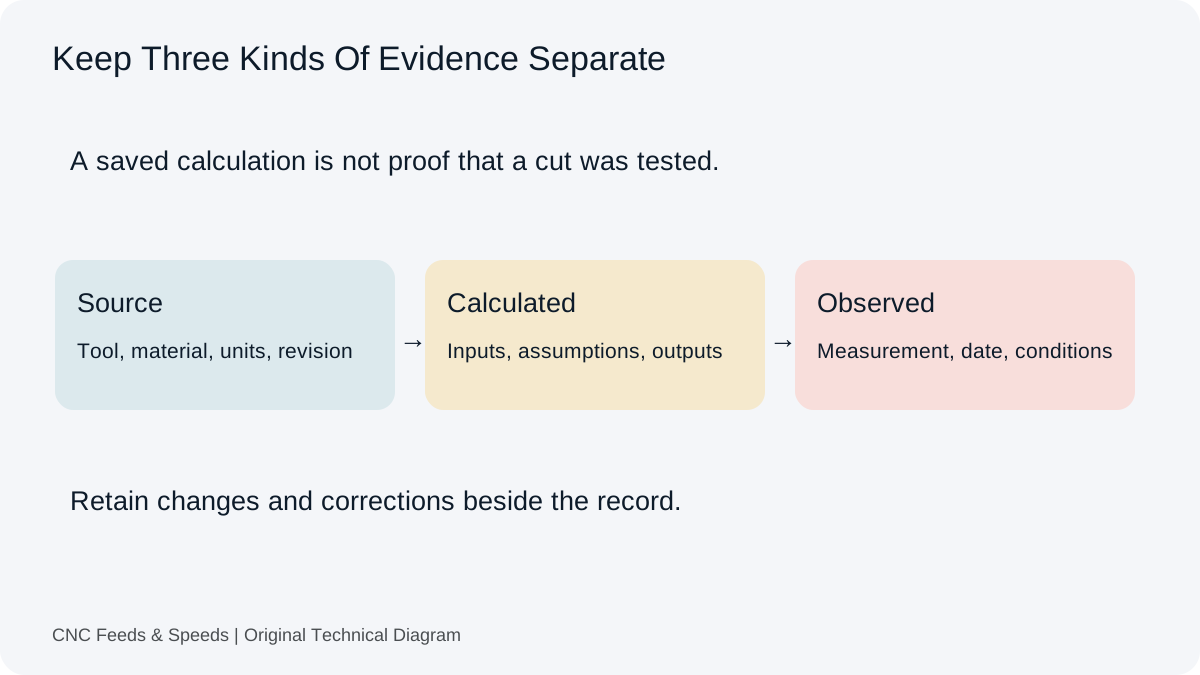
Save The Job Context Before The Result
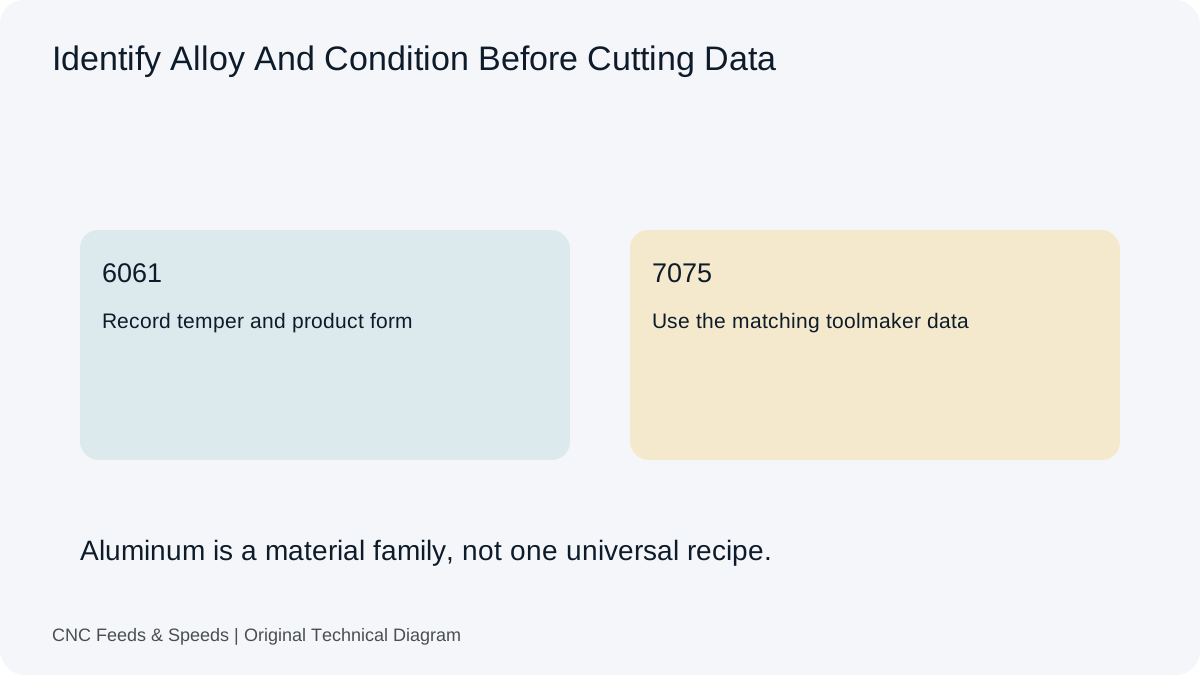
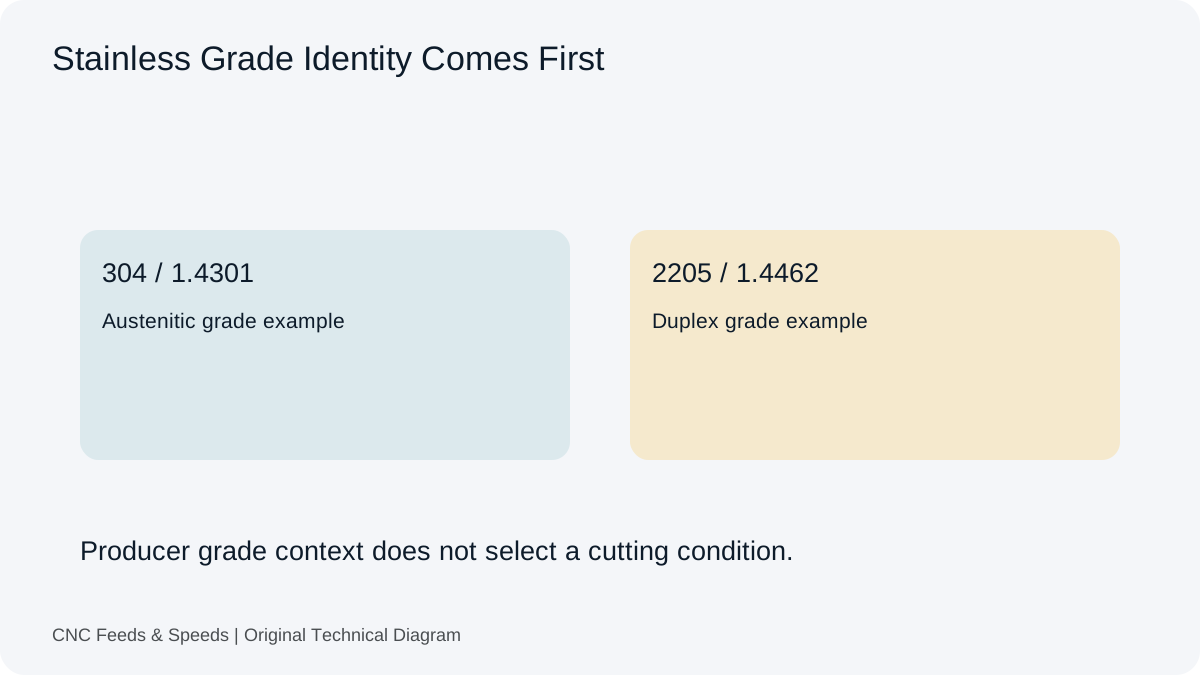
Start with the operation and feature. A side-milling pass, full slot, drilled hole and finish contour can use the same nominal cutter diameter while presenting different conditions. Record the material grade and condition, the actual tool manufacturer and part number, and the relevant machine. Keep confidential customer details outside a public submission or a shared example unless there is explicit permission to disclose them.
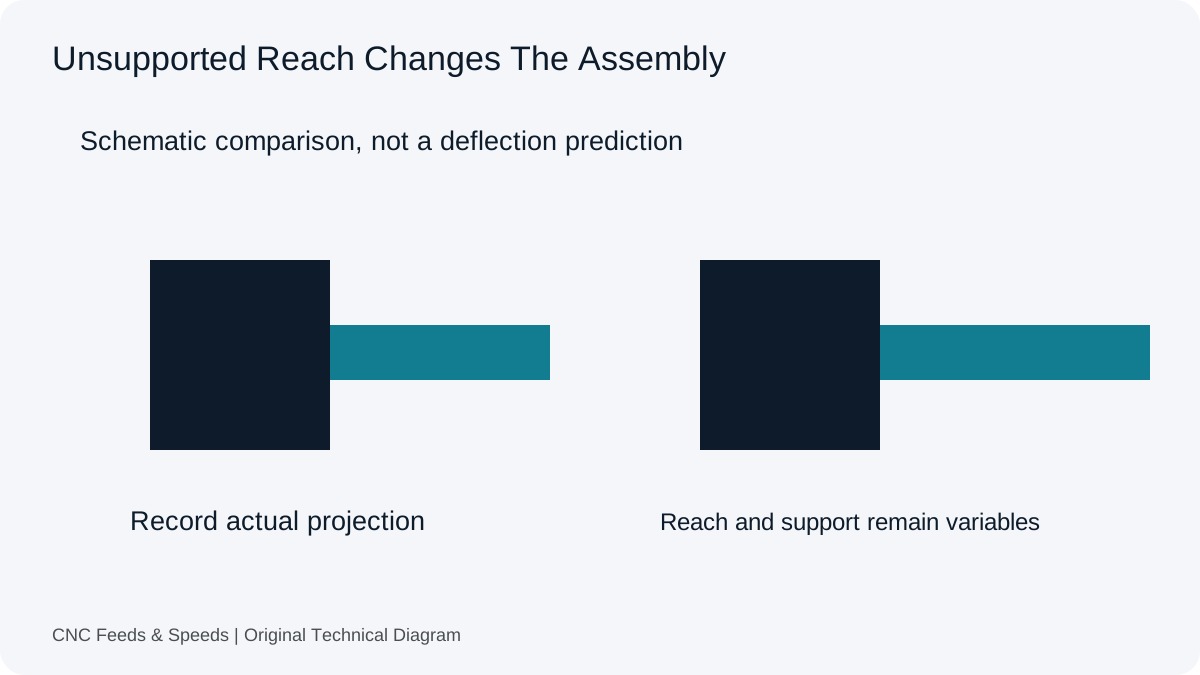
The tool description needs more than diameter and flute count. Add geometry, coating, corner treatment, holder and stickout where they affect the operation. The material description should distinguish a known grade and condition from an assumption. If a key detail is unknown, say so. A clearly identified gap is more useful than a precise-looking record built on an unsupported label.
Three Kinds Of Evidence Belong In Different Fields
Source data describes the condition supplied by a toolmaker or another identified reference. Calculated data describes what follows from the chosen inputs and equations. Observed data describes what was actually measured or seen. These categories can agree, but they are not the same. A calculated feed copied into a program has not become an observed result merely because the program was saved.
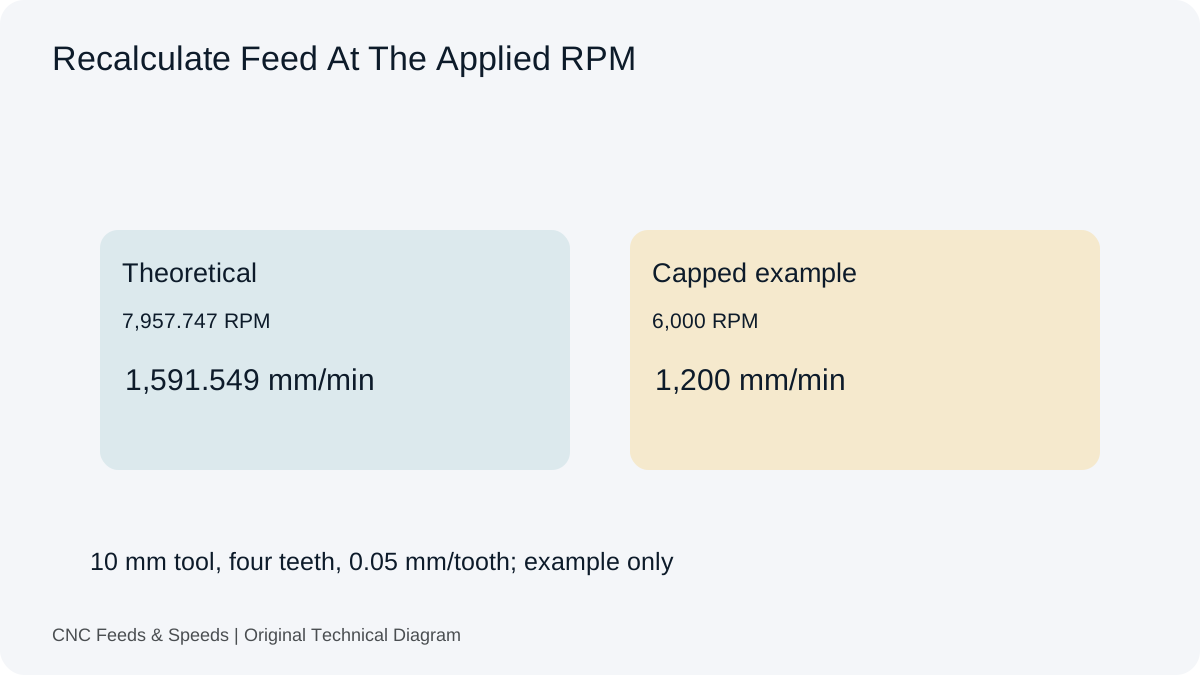
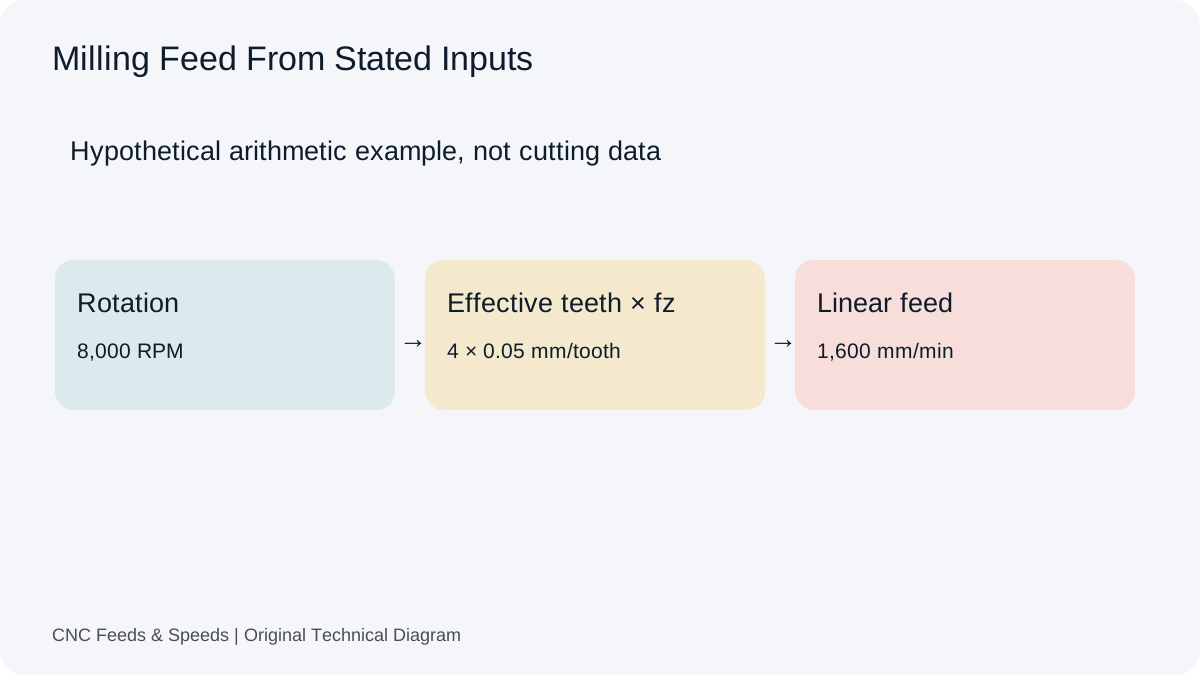
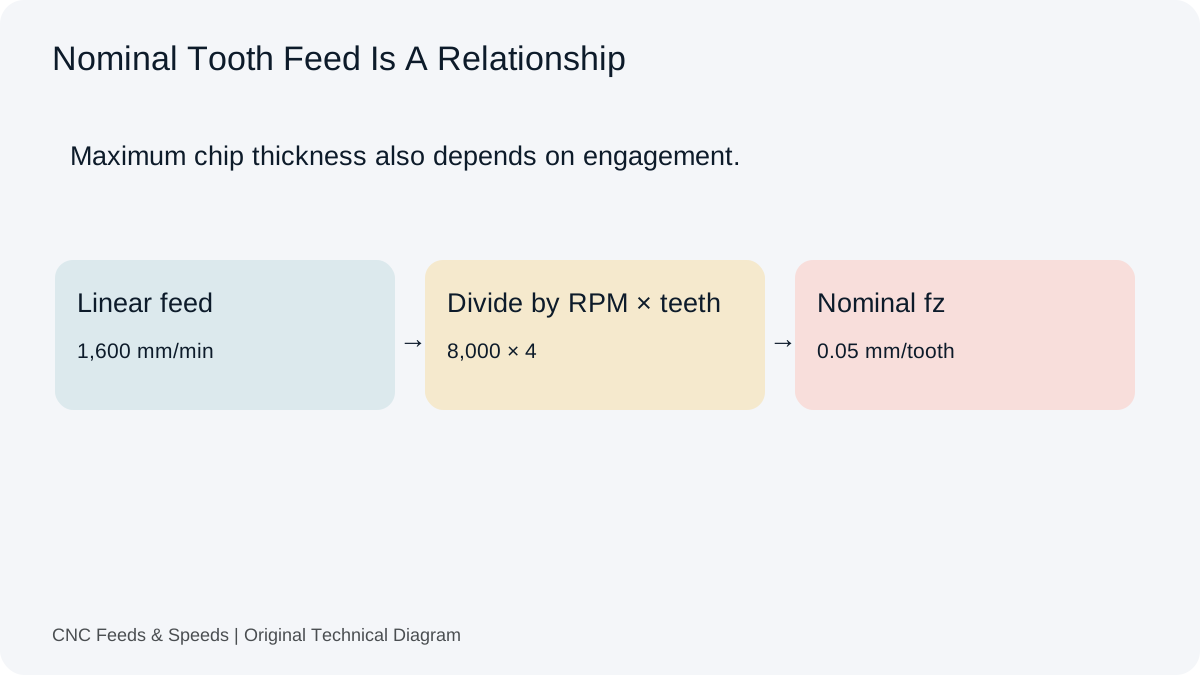
For example, record a source cutting speed of 250 m/min and 0.05 mm/tooth as proposed inputs. A 10 mm, four-tooth calculation gives about 7,957.747 RPM and 1,591.549 mm/min before a spindle limit. If the actual ceiling is 6,000 RPM, record the resulting 1,200 mm/min command separately. Use the feed and speed workspace to preserve both the requested relationship and the constrained result.
Retain The Source In A Form Someone Can Revisit
A bookmark alone may be insufficient if a supplier page changes. Record the tool family, document title, revision or access date, units and the row or condition used. Retain a permitted local reference where appropriate. Do not reproduce an entire proprietary database in a public setup. The goal is to identify the evidence, not to imply ownership of the supplier’s cutting tables.
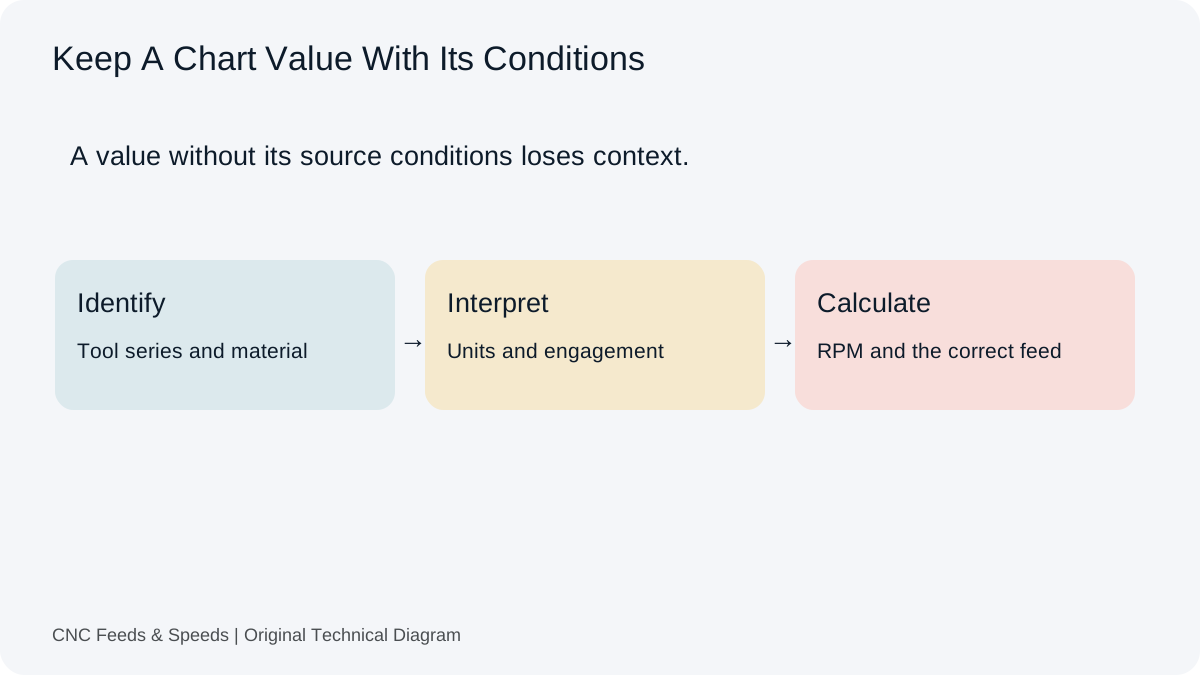
The chart-reading guide explains how source notes affect interpretation. Capture radial width, axial depth and the operation attached to a recommendation. If the record preserves only the cutting speed while dropping the engagement condition, a later user may apply the number to a cut the source never described.
A Compact Source Record
- Exact tool series, material grade and condition.
- Source document, revision or access date.
- Original values, units and engagement conditions.
- The calculation revision and applied machine limits.
Write Units Beside Inputs And Commands
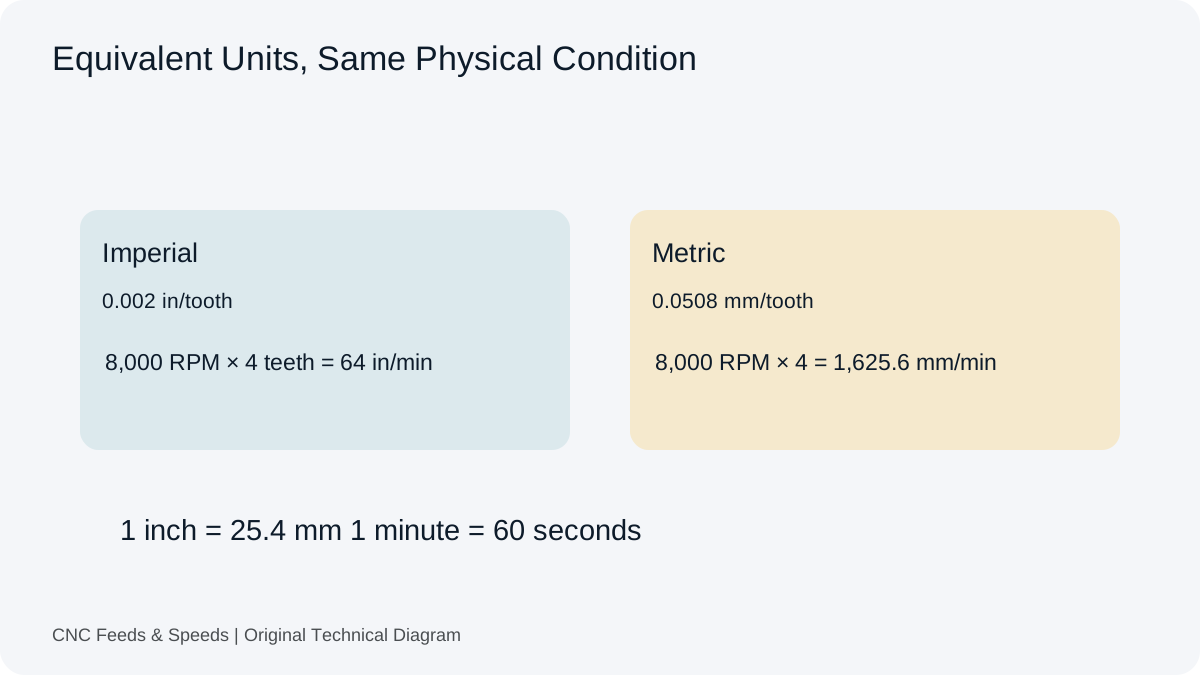
Do not rely on a remembered machine mode or a spreadsheet column called feed. State whether the value is per minute, per revolution or per tooth. Distinguish inches from millimetres and pitch from threads per inch. The mixed-unit guide gives transfer checks for shops that use metric tools and imperial programs. The record should retain the units actually entered and the final command’s interpretation.
Store theoretical RPM, applied RPM and any feed cap as separate quantities. If a tool-centre conversion or chip-thinning adjustment was applied, name it. A label such as adjusted feed does not explain whether the adjustment came from geometry, CAM, machine limits or an operator decision. Preserve enough detail that another person can reproduce the arithmetic without reconstructing the whole conversation.
Document The Trial Without Inventing Certainty
Record the date, wear state of the tool, entry strategy, coolant method, engagement and observed symptoms. Where measurements are available, identify the method and the result. Where the observation is subjective, such as a change in sound or finish appearance, label it accordingly. Do not convert an informal impression into a quantified performance claim after the fact.
If one variable was changed, record the previous and revised value. If several changed, say that the effect cannot be assigned to one change from this record alone. A stable result on one machine is useful evidence for that setup, but it is not an endorsement of the same condition elsewhere. The machine, holder, part support and material condition remain part of the result.
Use The Browser Record For Its Intended Scope
Every calculator includes an optional Save Or Export This Setup panel. It retains a setup name, source URL, entered values, units, results and calculator revision. Up to twenty records per calculator type stay in that browser’s local storage. This makes repeated arithmetic easier to revisit, but it does not create a cloud account, a full tool library or a permanent backup.
Browser data can be cleared or unavailable. Export an important record and keep the resulting file in the organisation’s normal job-documentation system. The exported JSON is a structured calculation record, not machine-ready code. Read the local-storage privacy information before adding personal or confidential details. The feature does not upload saved setups to the site.
Why Version And Naming Matter
A clear name should identify the calculation or operation without embedding confidential drawing details. Include a revision or date in the surrounding job documentation when the setup changes. Do not silently overwrite a previous result and then describe the latest file as the original test. A short revision note can explain whether the change concerns source data, arithmetic, machine settings or a corrected observation.
In a Carbide 3D calculator discussion, participants ask for clearer versions and discuss recording results. That supports the practical need for persistence and traceability. It does not establish a formal industry record standard. The fields proposed here are an editorial workflow designed to make a calculation easier to inspect.
Use References For The Variables, Not An Approval Stamp
Sandvik Coromant’s milling definitions identify quantities such as effective cutting diameter, feed and engagement. Those distinctions explain why a record needs more than one result. They do not certify a saved setup or establish that our suggested documentation fields are a machine-safety standard.
For an error report, send a simplified reproducible example: page, units, inputs, actual output, expected output and the source of that expectation. The report form is intended for that task. Keep the original record available so a correction can be compared with the condition that produced the problem rather than an edited reconstruction.
Record-Keeping Questions
Does A Saved Calculator Result Mean The Cut Was Tested?
No. It reproduces arithmetic from entered inputs. A machining trial and its observations must be documented separately.
Will The Browser Record Follow Me To Another Computer?
No. Export a copy if you need to retain or transfer it. Local storage is specific to the browser and site origin.
Should We Publish Client Setup Sheets As Examples?
Only with appropriate permission and after removing confidential information. A simplified numerical example is often enough to explain the calculation.
Help Improve This Resource
Request A Tool
Describe the calculation your workflow needs, the inputs you already have and the output you want to check. Include units and an example without confidential job details.
Request A ToolReport An Error
Share this page address, the entered values and the result you expected. Include the source of your comparison so the formula, units and explanation can be investigated.
Report An ErrorCNC Feeds & Speeds Editorial Desk
The site brings calculation tools and machining references into one workspace. Use the editorial and site information to understand its purpose and limitations. Send corrections with a reproducible example through the error report form.