
Request A Tool
Describe the calculation your workflow needs, the inputs you already have and the output you want to check. Include units and an example without confidential job details.
Request A ToolIdentify the titanium alloy, condition and intended operation before choosing a tooling chart entry. The calculator can convert documented values into RPM and feed. It cannot establish a suitable cutting condition from the material family alone.
A reference for a particular cutter should stay attached to that cutter identification. Tool construction, coating, geometry and the supplier operation notes are part of the input selection. Replacing a cutter with a nominally similar diameter does not prove that the previous speed is still appropriate.
Width and depth of cut are not just optional notes when comparing two setups. Use cutting data that applies to the engagement described by the job. The simple milling formula does not model heat flow, force, stability or coolant delivery.
For an assumed surface speed of 40 m/min and a diameter of 10 mm, spindle speed is approximately 1,273 RPM. This demonstrates the diameter-to-speed relationship. The 40 m/min input is not a recommendation for titanium or for any specific tool.
A theoretical result, a spindle cap and the final programmed feed are different entries. Record the actual RPM and resulting feed-per-tooth calculation when limits change the command. Keep observations with that setup so another operator can distinguish selected data from a proven result.
Open The Feed & Speed Calculator | Browse Material References
TIMET publishes separate datasheets for commercially pure grades and several alloy families. Its list includes TIMETAL 50A under CP grades and TIMETAL 6-4 under alpha and beta alloys. Keep that distinction in the material record. A label that only says titanium loses information needed to choose the correct tooling reference.
| Example Producer Designation | Reference Task |
|---|---|
| TIMETAL 50A | Locate the producer datasheet and confirm the exact supplied material and condition. |
| TIMETAL 6-4 | Use its separate alloy datasheet rather than a commercially pure material entry. |
| Another specified titanium alloy | Recover its own datasheet and applicable toolmaker category before selecting values. |
Use the TIMET datasheet library for those producer designations. Datasheet identity and mechanical-property information serve a different purpose from a tool supplier’s cutting-speed and feed recommendations.
Preserve the component’s alloy and condition, then compare the replacement cutter with its own source data. For a milling operation, use the milling workspace to convert those values to RPM and feed. The chip load guide helps interpret the tooth-feed quantity without implying a maximum chip thickness or tool-life prediction.
No. Its assumed value demonstrates conversion to RPM. Select cutting speed from the applicable tool and material reference.
Keep the alloy and condition, tool series, engagement, actual RPM and final feed together. Record observations separately from theoretical values.
Describe the calculation your workflow needs, the inputs you already have and the output you want to check. Include units and an example without confidential job details.
Request A ToolShare this page address, the entered values and the result you expected. Include the source of your comparison so the formula, units and explanation can be investigated.
Report An ErrorThe site brings calculation tools and machining references into one workspace. Use the editorial and site information to understand its purpose and limitations. Send corrections with a reproducible example through the error report form.
Continue with the calculation, setup or troubleshooting question closest to your task.
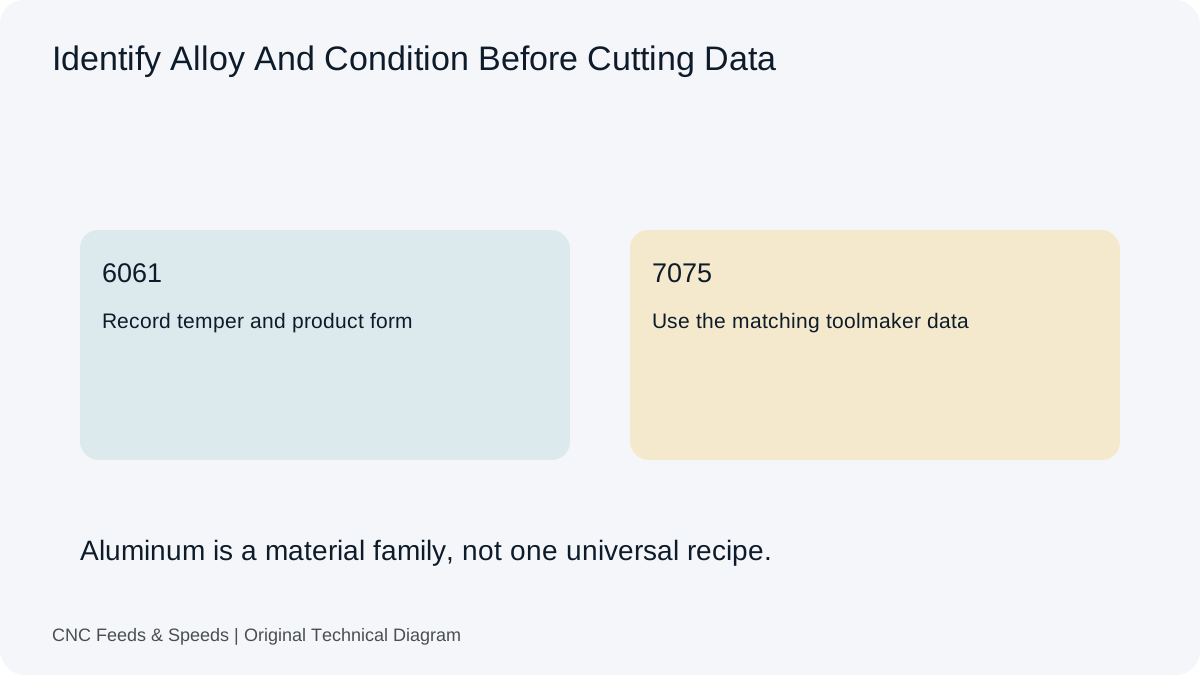
Build an aluminum milling starting point from toolmaker cutting speed and chip load, then verify engagement, chip evacuation and machine limits.
Read Article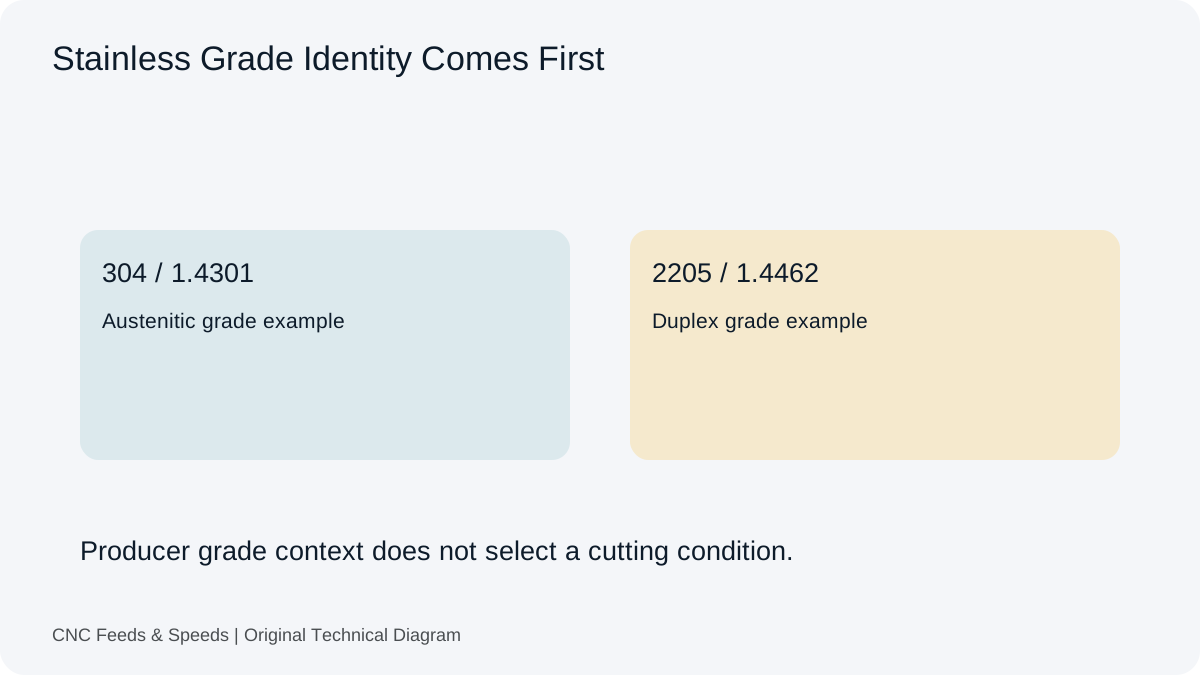
A calculation-first framework for stainless steel machining that emphasizes tool data, chip thickness, rigidity and heat control.
Read Article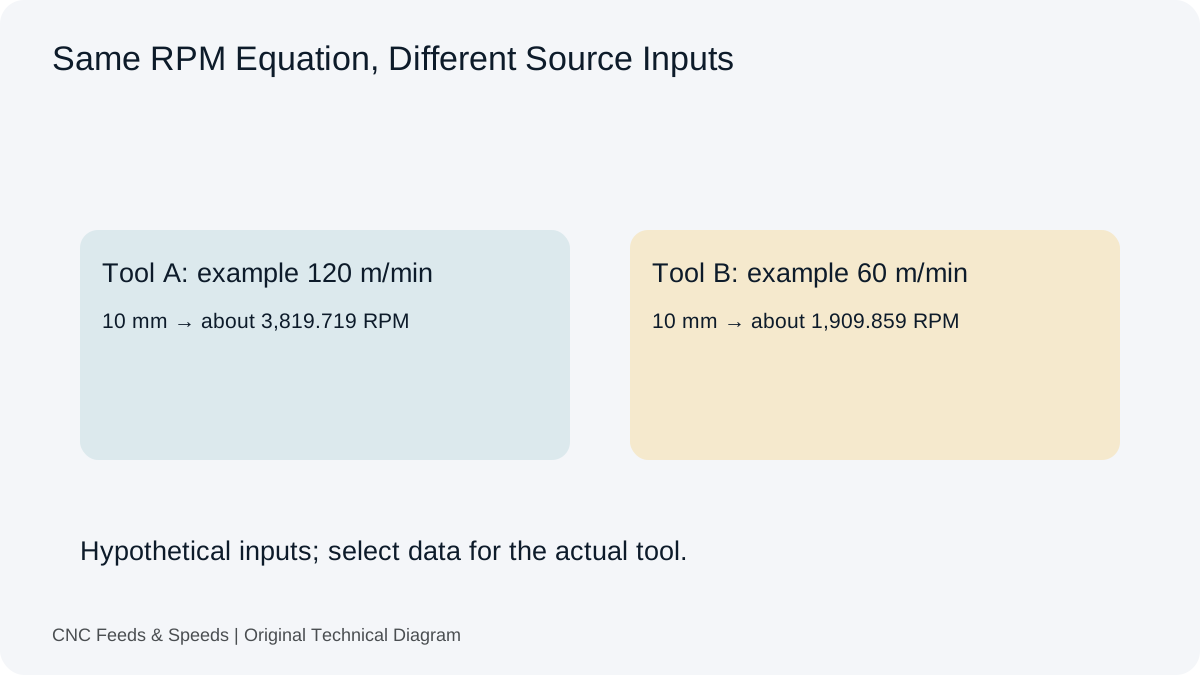
Compare carbide and HSS cutting-data considerations and learn how tool construction changes the starting cutting condition.
Read Article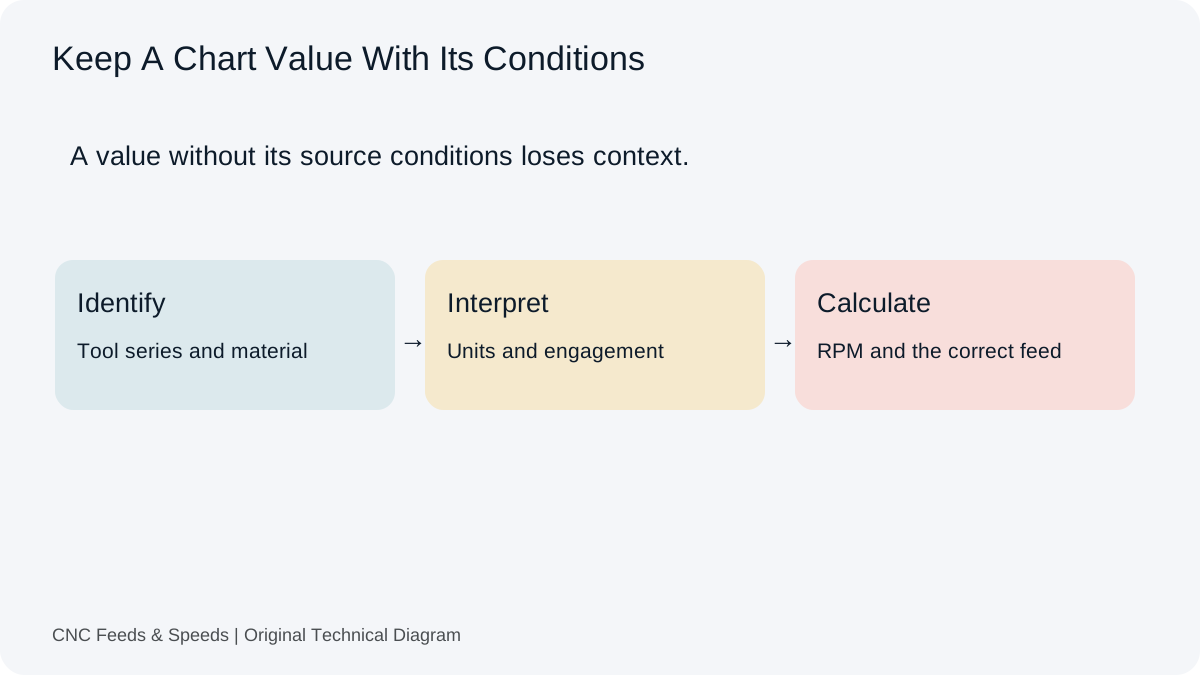
A practical method for interpreting CNC cutting-data charts, matching units, and cross-checking chart values with transparent calculations.
Read Article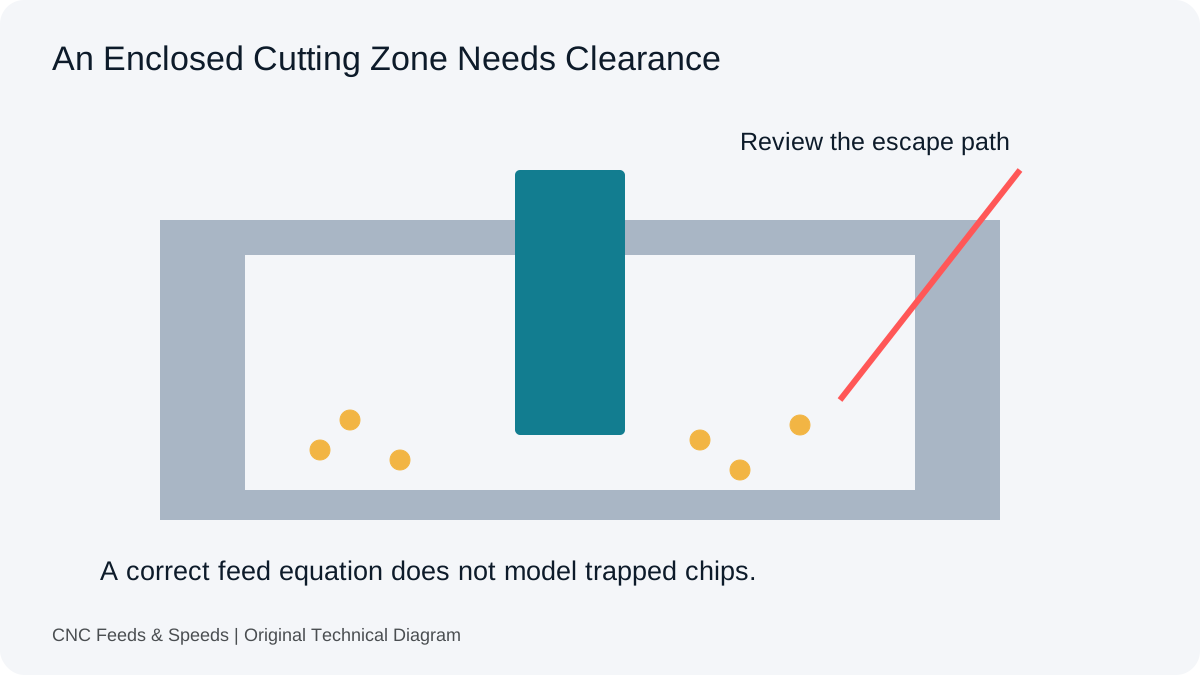
Distinguish arithmetic errors from an enclosed cutting zone. Review entry, tooling, material and chip clearance before another feed change.
Read Article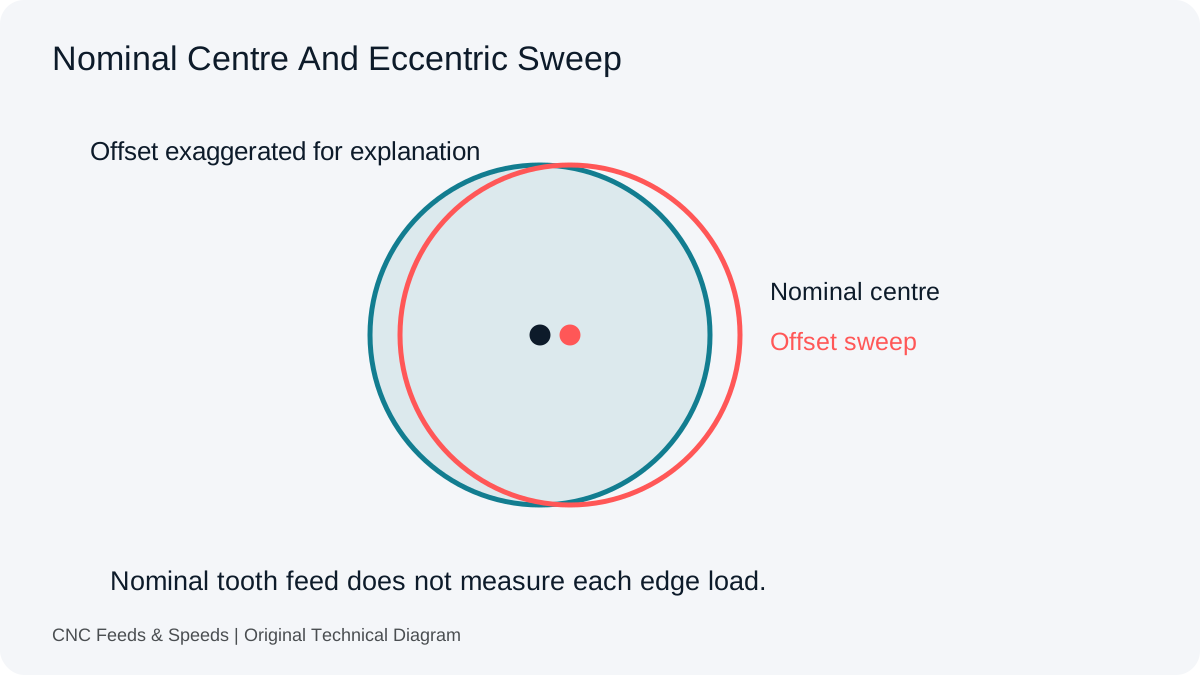
Inspect the difference between nominal tooth feed and actual edge loading. Record the assembly and measurement before changing assumptions.
Read Article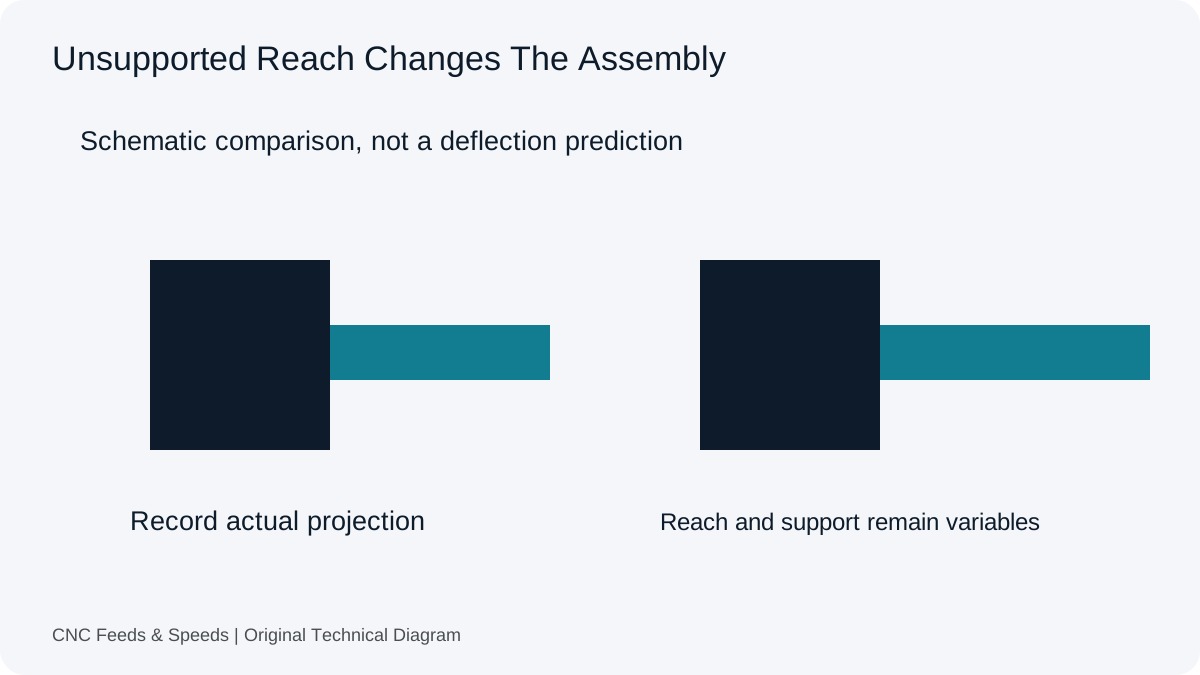
Understand why tool stick-out and system rigidity affect usable CNC cutting conditions, and how to troubleshoot chatter systematically.
Read Article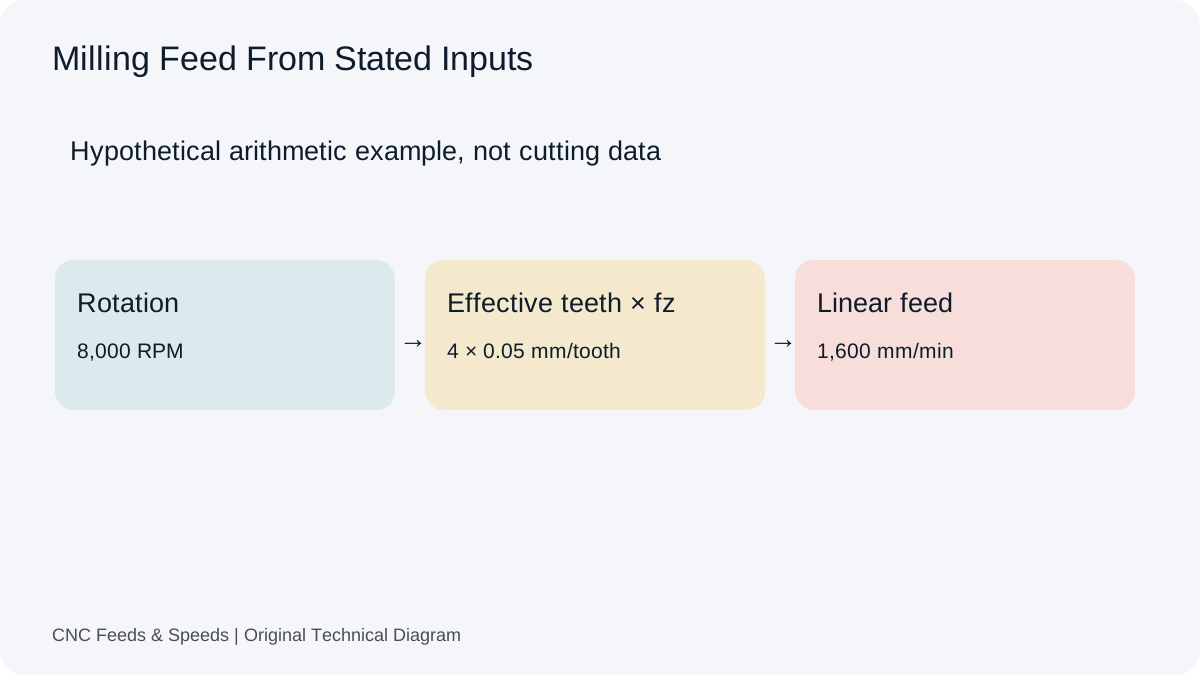
A practical guide to calculating CNC milling feed rate from spindle speed, flute count and chip load, with unit checks and verification steps.
Read Article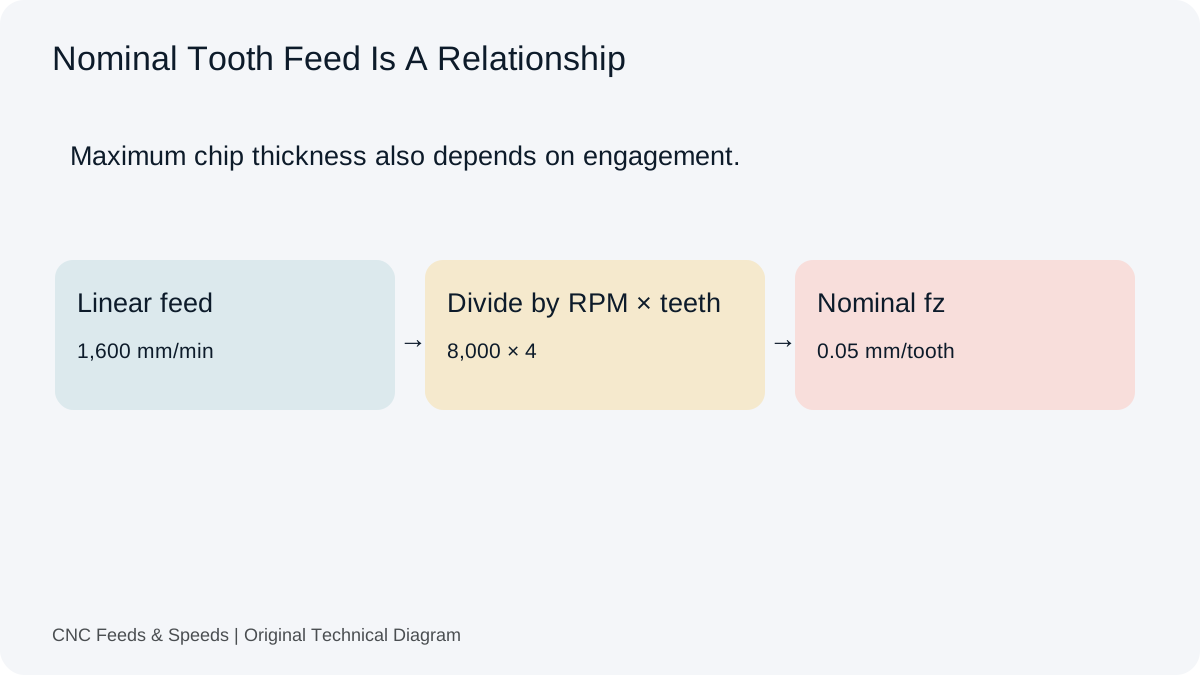
Understand feed per tooth, how chip load is calculated, and how flute count and spindle speed change milling feed.
Read Article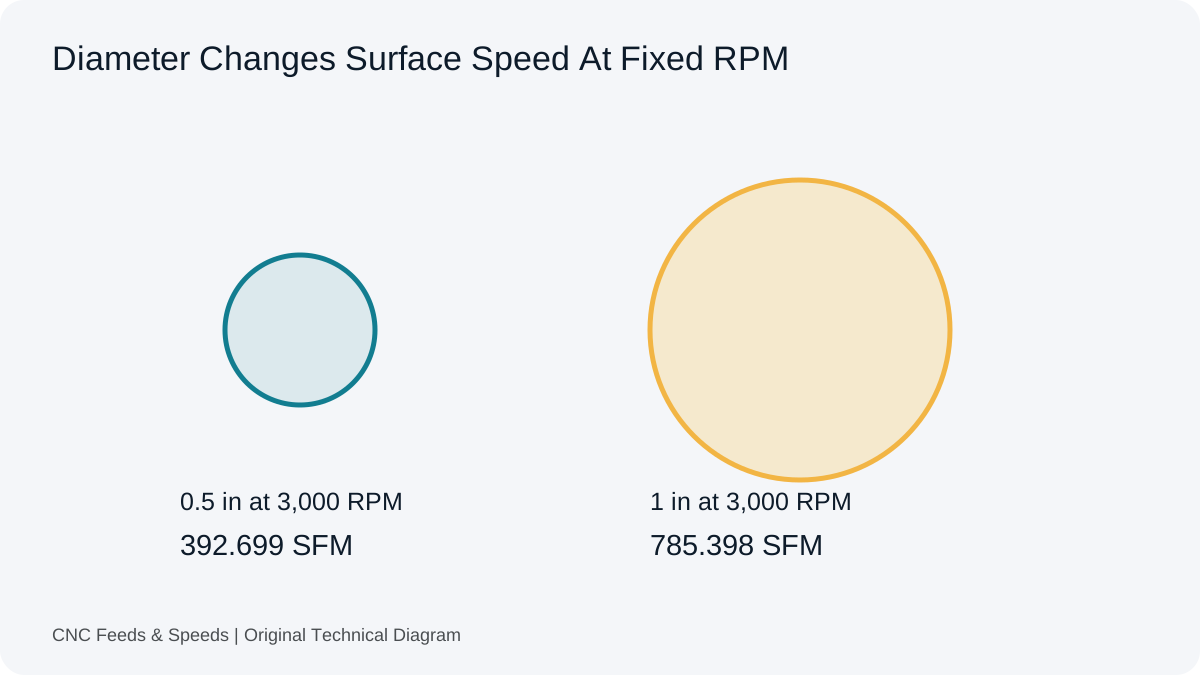
Learn what surface feet per minute means, how it relates to RPM and diameter, and when to use SFM versus metric cutting speed.
Read Article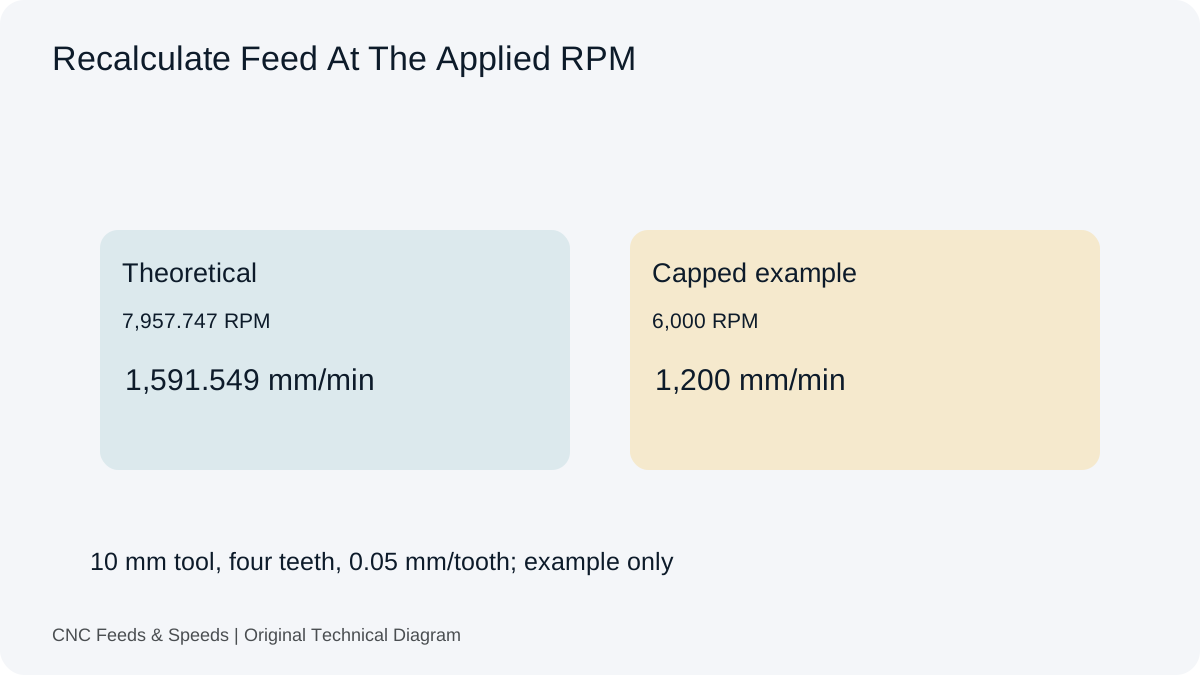
Understand how spindle RPM and programmed feed interact, when feed should scale, and why machine limits change the calculation.
Read Article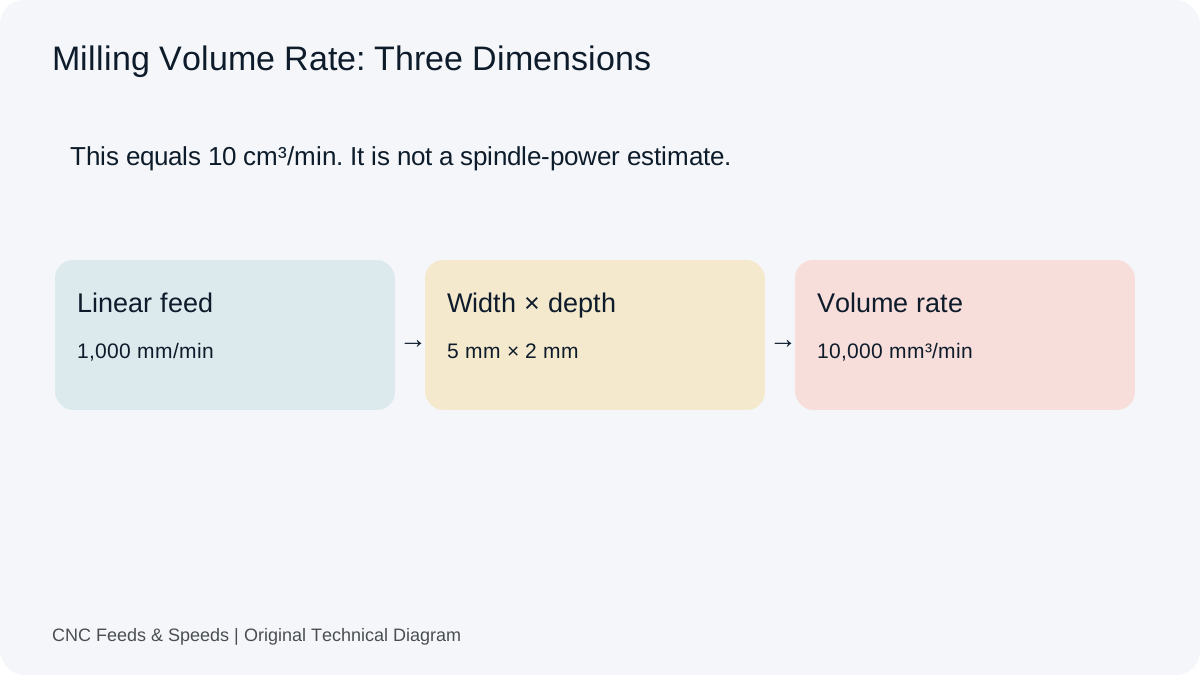
Calculate and interpret material removal rate for CNC milling, including feed, radial engagement and axial depth.
Read Article