
Request A Tool
Describe the calculation your workflow needs, the inputs you already have and the output you want to check. Include units and an example without confidential job details.
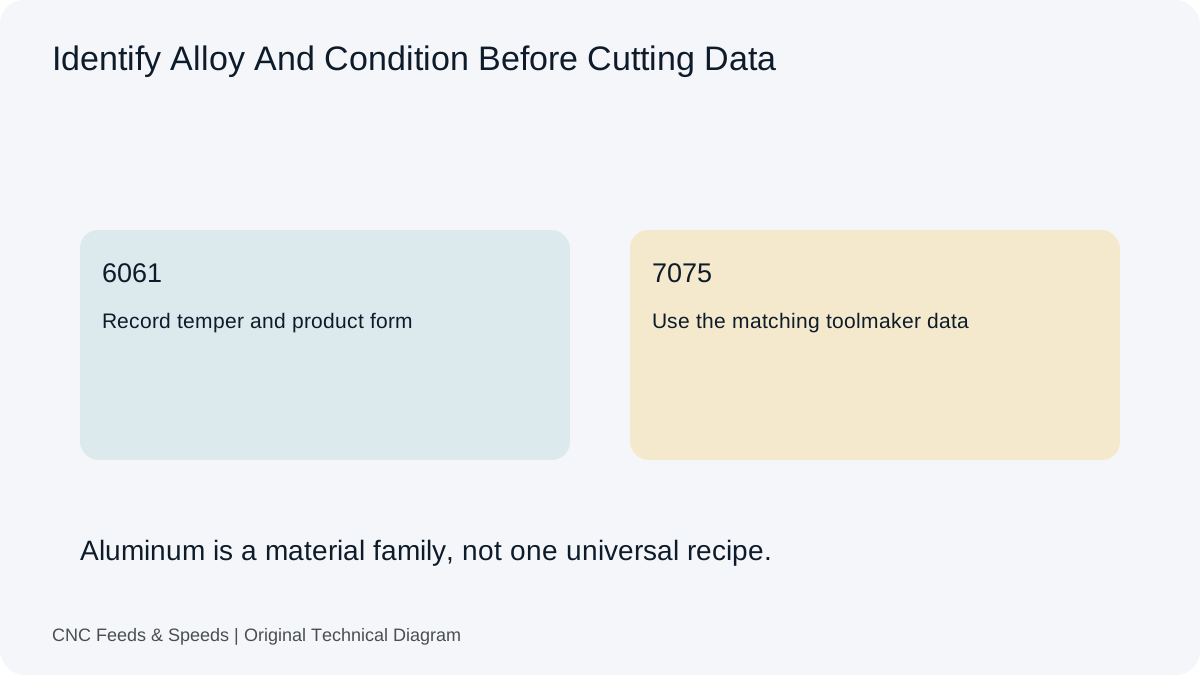
Request A ToolAluminum machining data should identify the alloy and temper before it is converted into RPM and feed. This page connects those source values with the calculators; it does not supply a universal aluminum cutting condition.
A note that says aluminum is incomplete if the tooling chart distinguishes alloys or stock conditions. Record the designation and temper from the job information. Then find the corresponding section for the actual cutter series. Keep any supplier limits on engagement and tool reach attached to those values.
Slotting and peripheral milling do not have the same engagement. A chip-load value must be interpreted in the operation context supplied with it. The calculator accepts a nominal tooth-feed input; it does not detect the toolpath or add chip-thinning compensation.
Assume a documented source has supplied 250 m/min and 0.05 mm/tooth for a 10 mm, four-flute cutter. The arithmetic gives about 7,958 RPM and 1,592 mm/min. At an actual 6,000 RPM, preserving that nominal tooth feed gives 1,200 mm/min. These are assumed example inputs, not recommended aluminum parameters.
Record the tool part number, alloy and temper, operation, width and depth, coolant arrangement and the final programmed values. A later change of cutter or stock condition should trigger a new comparison with the source data, even if the job name is unchanged.
Open The Feed & Speed Calculator | Browse Material References
Convert your aluminum tool supplier cutting data to RPM and milling feed. Identify the alloy, temper, cutter and engagement before selecting the values. The arithmetic does not establish a suitable aluminum cutting condition.
Check RPM and milling feed for a known tool and aluminum material condition.
RPM = 1000 × Vc ÷ (π × D). Milling feed = RPM × effective flutes × feed per tooth.
Enter the values you know. The result is calculated in your browser.
Calculation only. Verify toolmaker data, material grade, engagement, machine limits, workholding and actual cutting conditions before production.
Use the fuller calculation when additional process and machine variables matter.
Enter the values you know. The result is calculated in your browser.
Calculation only. Verify toolmaker data, material grade, engagement, machine limits, workholding and actual cutting conditions before production.
These values demonstrate the arithmetic. They are not a cutting-data recommendation or, for the automatic tool, a statement of its stored presets.
| Step | Substitution | Result |
|---|---|---|
| RPM | 1000 × 250 ÷ (π × 10) | 7,957.75 RPM |
| Milling Feed | 7,957.75 × 4 × 0.05 | 1,591.55 mm/min |
The output follows the entered values and the formula shown above. Display rounding can produce a small difference from a hand calculation that retains more decimal places. This is arithmetic accuracy, not confirmation that the tool, material or setup can run at that condition.
For the next check, read how CNC feed rate is calculated. Then use the feed rate calculator to cross-check the related quantity rather than assuming one result describes the complete process.
An aluminum milling feed rate calculation still uses RPM × effective flute count × feed per tooth. The material name does not supply the tooth-feed value. Match alloy, temper, tool geometry and engagement to the cutting-data source, then use the calculators above to convert those inputs. Keep the aluminum setup guide beside the result if you need a fuller explanation of the input choices.
Keep the full alloy and temper in the setup record. Hydro describes several 6061 conditions, including O, T4, T6 and T651. Those suffixes are part of the material identification, not a detail to remove when copying source data. For another example, Kaiser publishes a separate 7075 tube and pipe datasheet with its own temper and product-form information.
| Example | What To Establish | Primary Reference |
|---|---|---|
| 6061-T6 or 6061-T651 | Confirm the stated temper and stock form on the job or material record. | Hydro 6061 alloy and temper explanation |
| 7075, with specified temper | Use data for the supplied product form; a tube/pipe sheet is not a plate certificate. | Kaiser 7075 tube and pipe datasheet (PDF) |
For an aluminum pocket previously run with another cutter, recover the alloy, temper and original tool reference before reusing a feed. Compare the new cutter’s effective teeth, diameter and engagement conditions, then use the milling workspace to rebuild RPM and feed. The aluminum machining guide explains the setup observations to retain with that record.
These material references support identification and context. They do not approve the example cutting inputs used on this page or provide a universal milling condition.
No. Keep alloy and temper with the tool reference and compare the applicable conditions again. A shared material-family name does not establish the same cutting inputs.
The milling workspace explains end mill calculations, engagement and entry limits. This page keeps the aluminum material identification beside that arithmetic.
Describe the calculation your workflow needs, the inputs you already have and the output you want to check. Include units and an example without confidential job details.
Request A ToolShare this page address, the entered values and the result you expected. Include the source of your comparison so the formula, units and explanation can be investigated.
Report An ErrorThe site brings calculation tools and machining references into one workspace. Use the editorial and site information to understand its purpose and limitations. Send corrections with a reproducible example through the error report form.
Continue with the calculation, setup or troubleshooting question closest to your task.
Build an aluminum milling starting point from toolmaker cutting speed and chip load, then verify engagement, chip evacuation and machine limits.
Read Article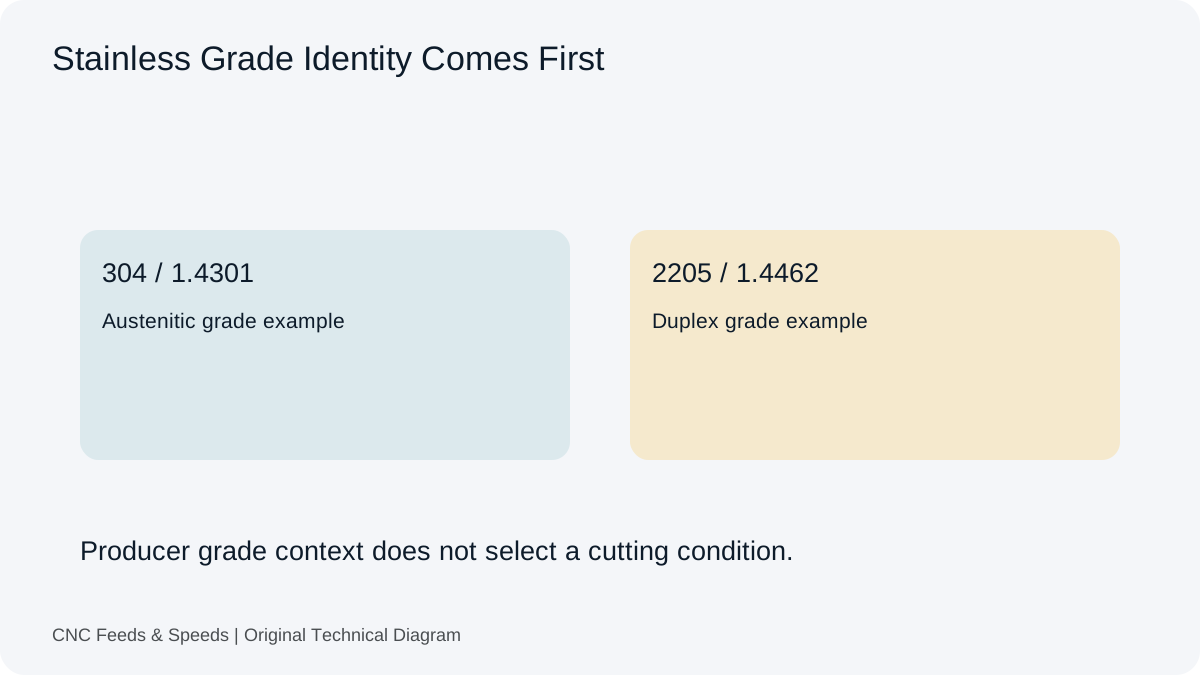
A calculation-first framework for stainless steel machining that emphasizes tool data, chip thickness, rigidity and heat control.
Read Article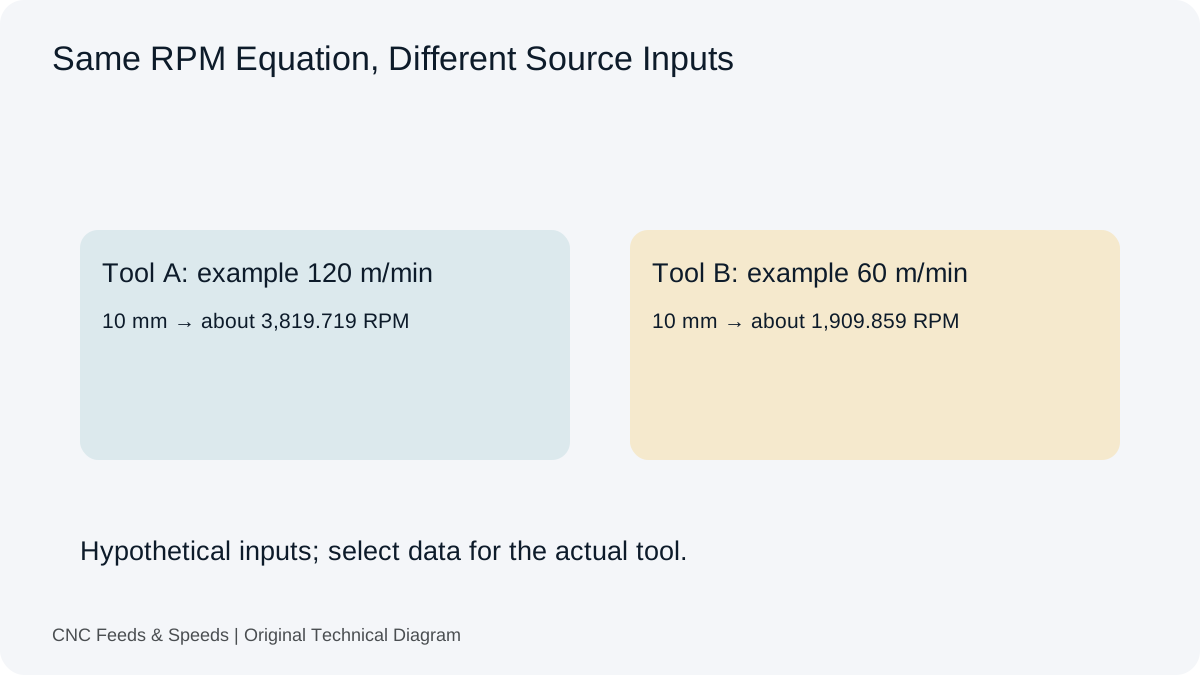
Compare carbide and HSS cutting-data considerations and learn how tool construction changes the starting cutting condition.
Read Article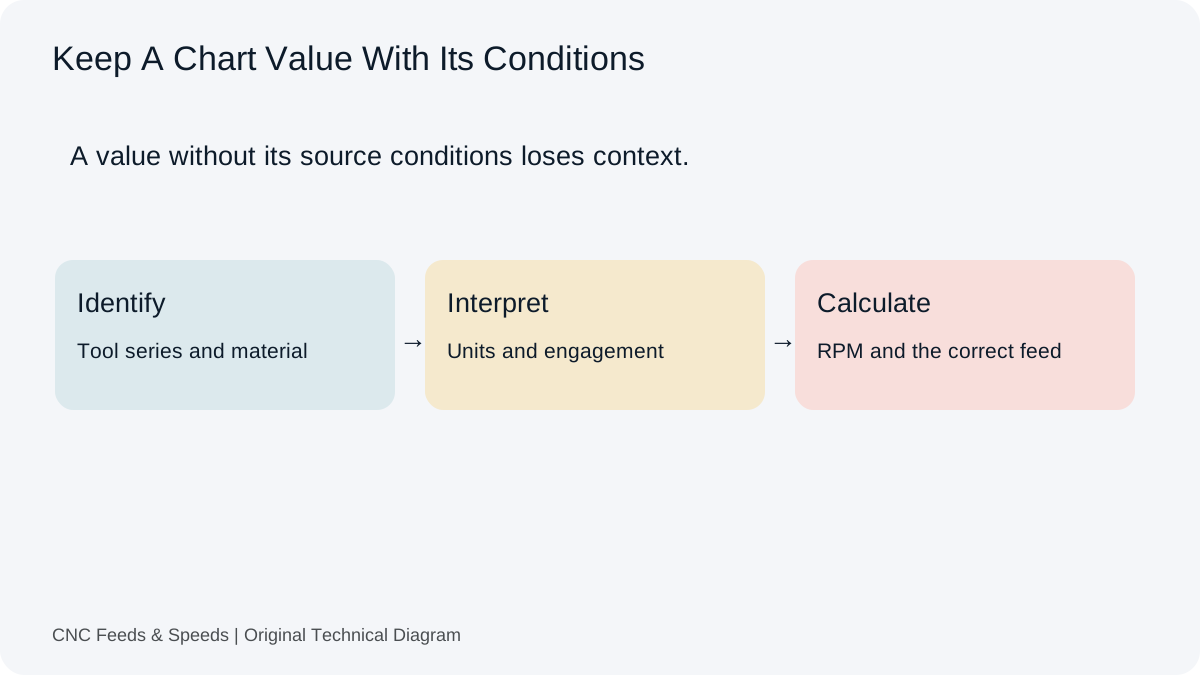
A practical method for interpreting CNC cutting-data charts, matching units, and cross-checking chart values with transparent calculations.
Read Article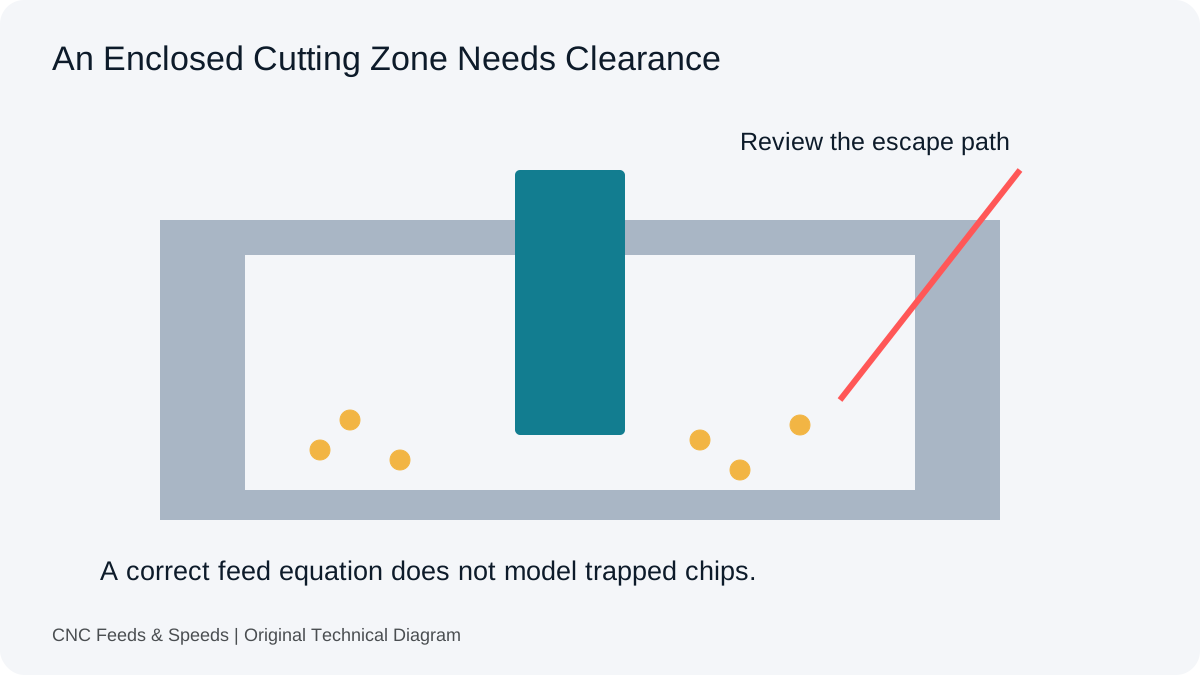
Distinguish arithmetic errors from an enclosed cutting zone. Review entry, tooling, material and chip clearance before another feed change.
Read Article
Inspect the difference between nominal tooth feed and actual edge loading. Record the assembly and measurement before changing assumptions.
Read Article
Understand why tool stick-out and system rigidity affect usable CNC cutting conditions, and how to troubleshoot chatter systematically.
Read Article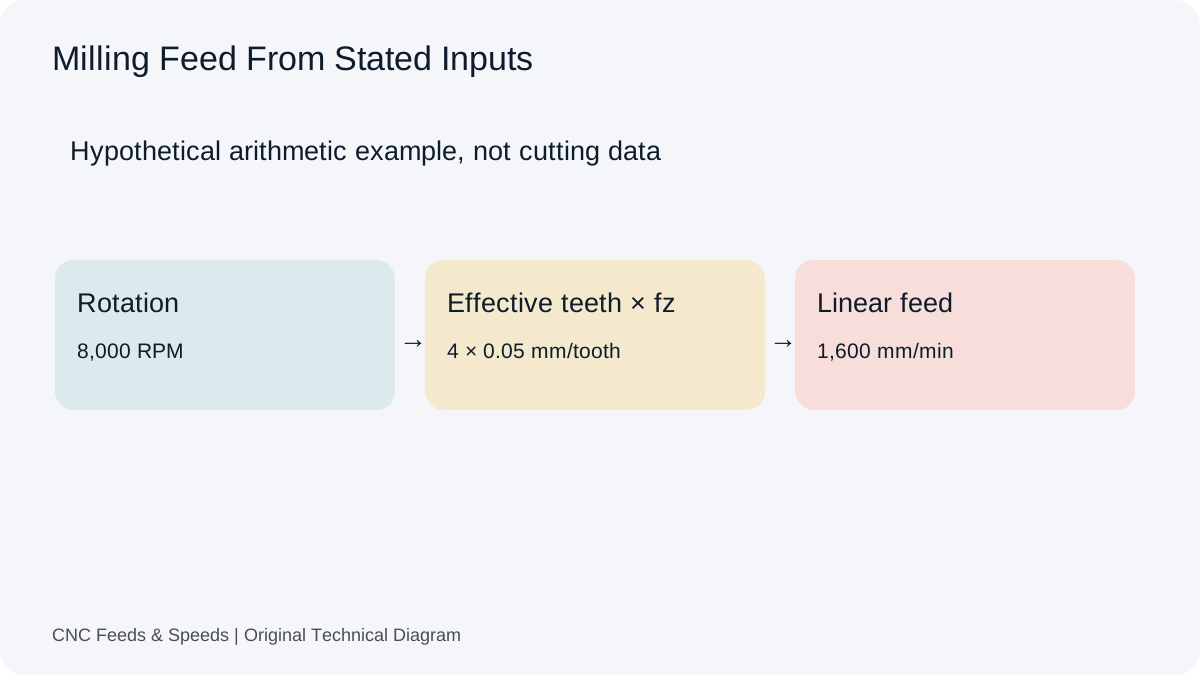
A practical guide to calculating CNC milling feed rate from spindle speed, flute count and chip load, with unit checks and verification steps.
Read Article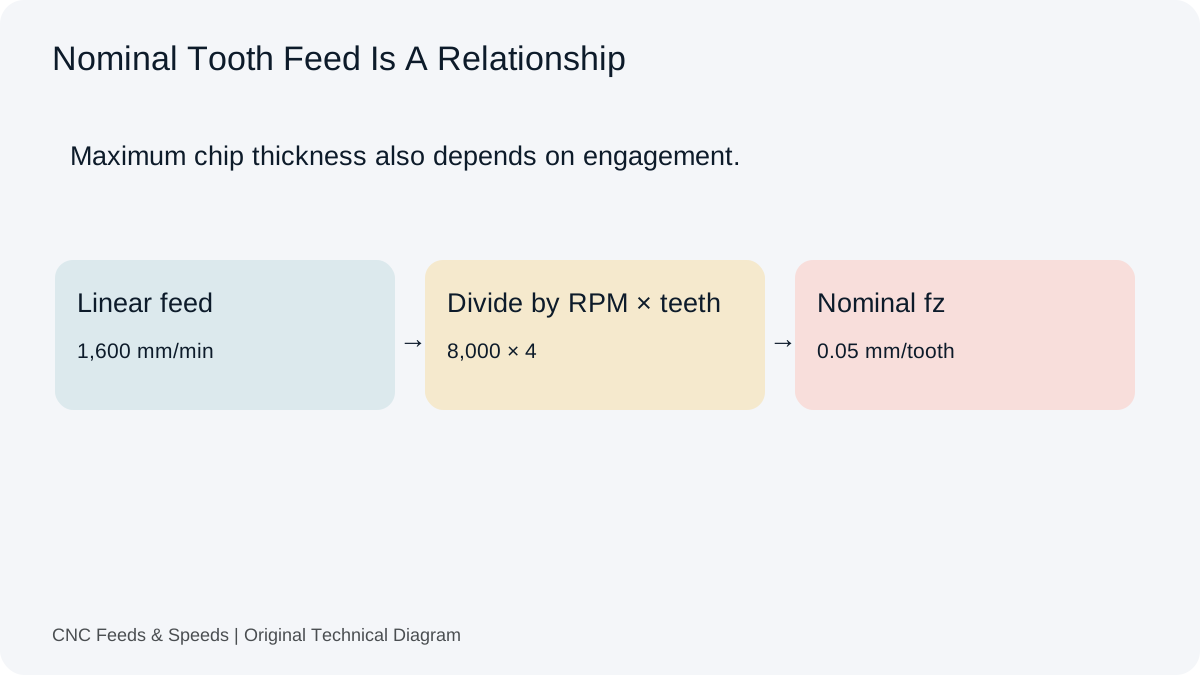
Understand feed per tooth, how chip load is calculated, and how flute count and spindle speed change milling feed.
Read Article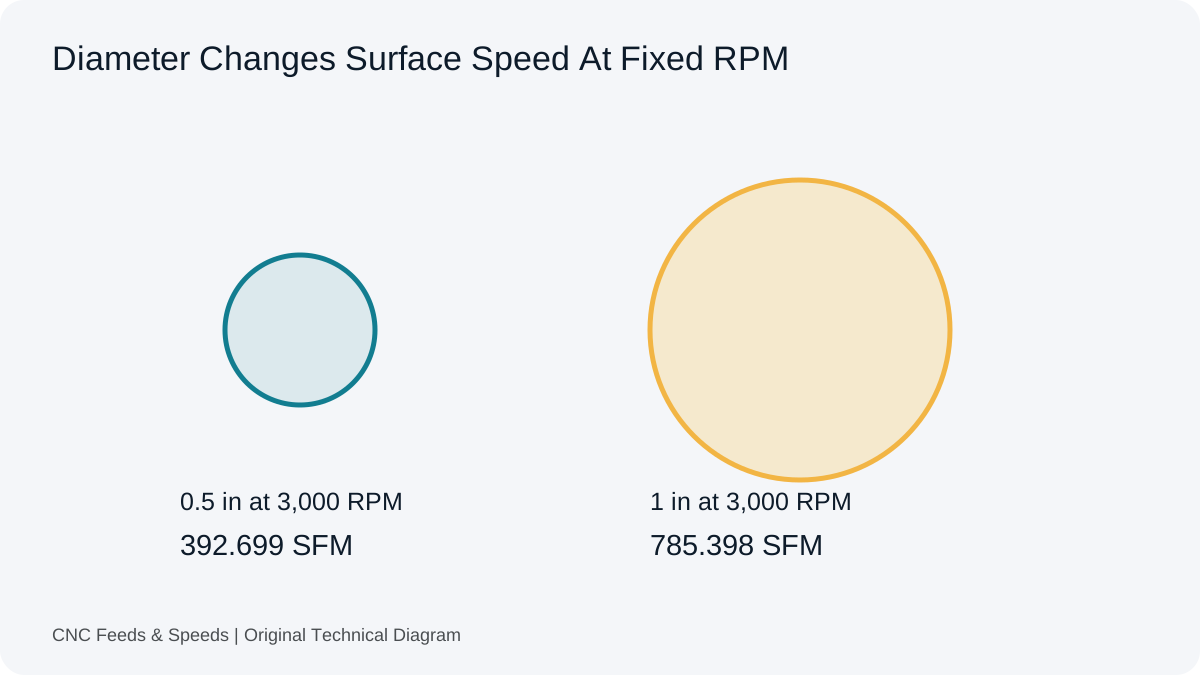
Learn what surface feet per minute means, how it relates to RPM and diameter, and when to use SFM versus metric cutting speed.
Read Article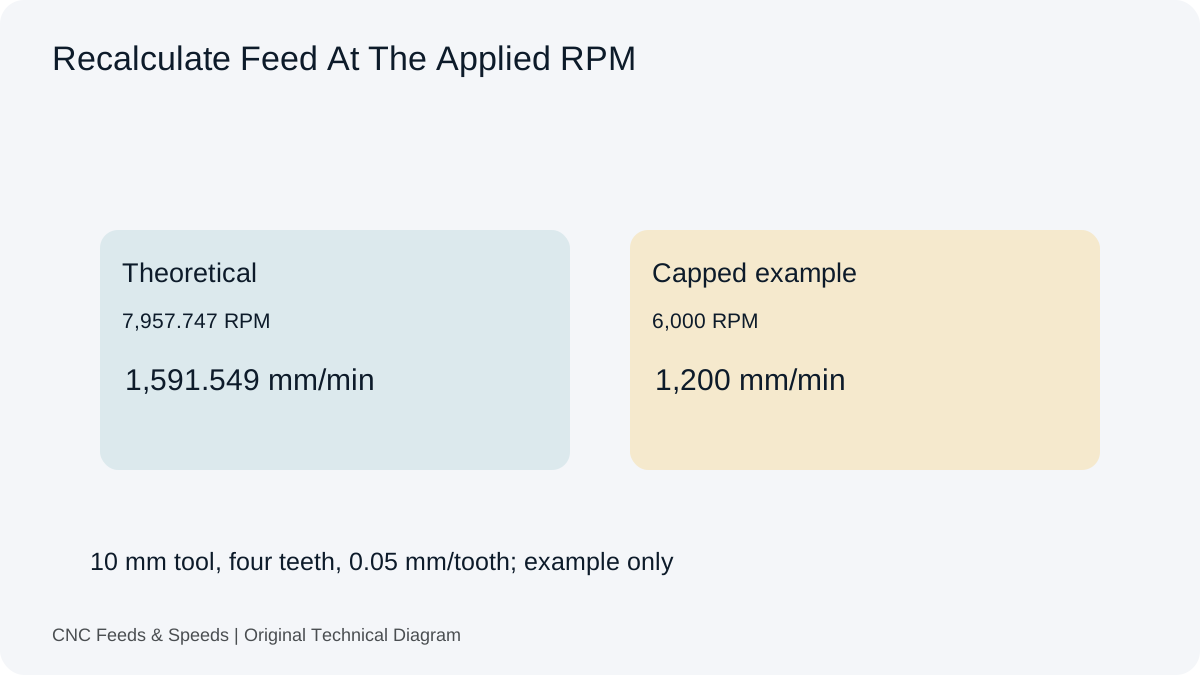
Understand how spindle RPM and programmed feed interact, when feed should scale, and why machine limits change the calculation.
Read Article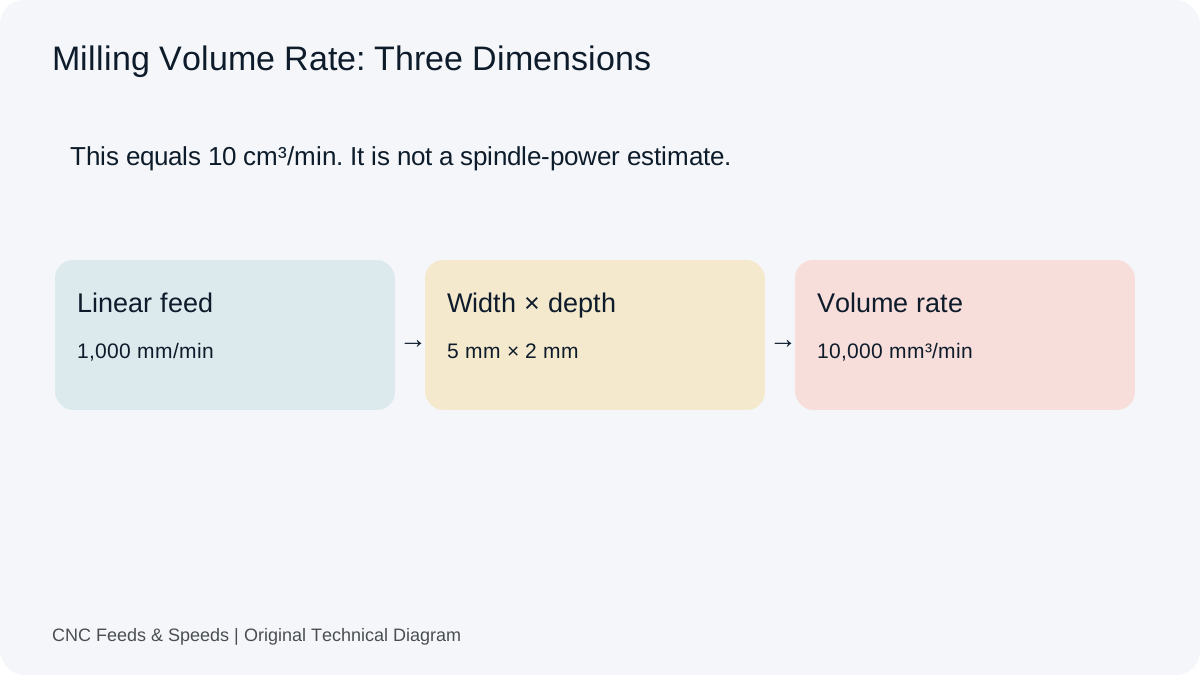
Calculate and interpret material removal rate for CNC milling, including feed, radial engagement and axial depth.
Read Article