
Request A Tool
Describe the calculation your workflow needs, the inputs you already have and the output you want to check. Include units and an example without confidential job details.
Request A ToolIdentify the polymer and any filler or reinforcement before choosing a cutter or source feed. A broad plastics label is not enough to select a cutting condition for every stock form.
Keep the grade, stock form and reinforced or unfilled condition with the job. Use tooling guidance that applies to that material. A source written for an unfilled polymer should not be treated as a universal recommendation for a filled grade.
The tool geometry used for a plastic application can differ from a general metal-cutting tool. Check the supplier intended material and operation rather than assuming that an available diameter makes the cutter suitable. The calculator cannot evaluate the edge geometry or the workholding.
At 10,000 RPM and two effective flutes, an assumed 0.05 mm/tooth gives 1,000 mm/min. With one effective flute and the same nominal tooth feed, it gives 500 mm/min. Those inputs demonstrate the flute-count relationship; they are not recommended plastic machining parameters.
When evaluating a documented condition, record dimensional result, finish and observations with the material and tooling details. A calculated feed is not evidence that the workpiece remained stable or that the specified tolerance was met. Consult the material and tooling supplier when the application is uncertain.
Open The Feed & Speed Calculator | Browse Material References
Curbell Plastics provides separate machining guidance for processes and material entries such as acetal, Nylon 6 and PEEK. Use the named polymer and stock details to locate the relevant instructions. Reinforcement, filler and supplied condition should remain in the record rather than disappear into a general plastics category.
| Example | Before Choosing Cutting Data |
|---|---|
| Acetal | Confirm the specified material variant and stock form. |
| Nylon 6 | Keep the grade and supplier stock information with the component requirements. |
| PEEK | Identify the exact grade and whether the source guidance covers its filled or unfilled condition. |
For a specified polymer part, read the material supplier’s plastic milling guidance, then compare it with the actual cutter reference. If the feature is drilled, use the separate plastic drilling guidance. Feed conventions and preparation notes need the operation context, not only the material name.
Use the milling workspace for the arithmetic and keep the finished dimensions and inspection conditions with the job record. Neither the calculator nor a general machining table certifies the component’s dimensional performance.
A supplier can specify different tooling or conditions for filled and unfilled grades. Keep the actual material description with the cutting-data source.
No. It changes the arithmetic at a given tooth feed. The polymer, tool geometry, part and source data still determine the input choices.
Describe the calculation your workflow needs, the inputs you already have and the output you want to check. Include units and an example without confidential job details.
Request A ToolShare this page address, the entered values and the result you expected. Include the source of your comparison so the formula, units and explanation can be investigated.
Report An ErrorThe site brings calculation tools and machining references into one workspace. Use the editorial and site information to understand its purpose and limitations. Send corrections with a reproducible example through the error report form.
Continue with the calculation, setup or troubleshooting question closest to your task.
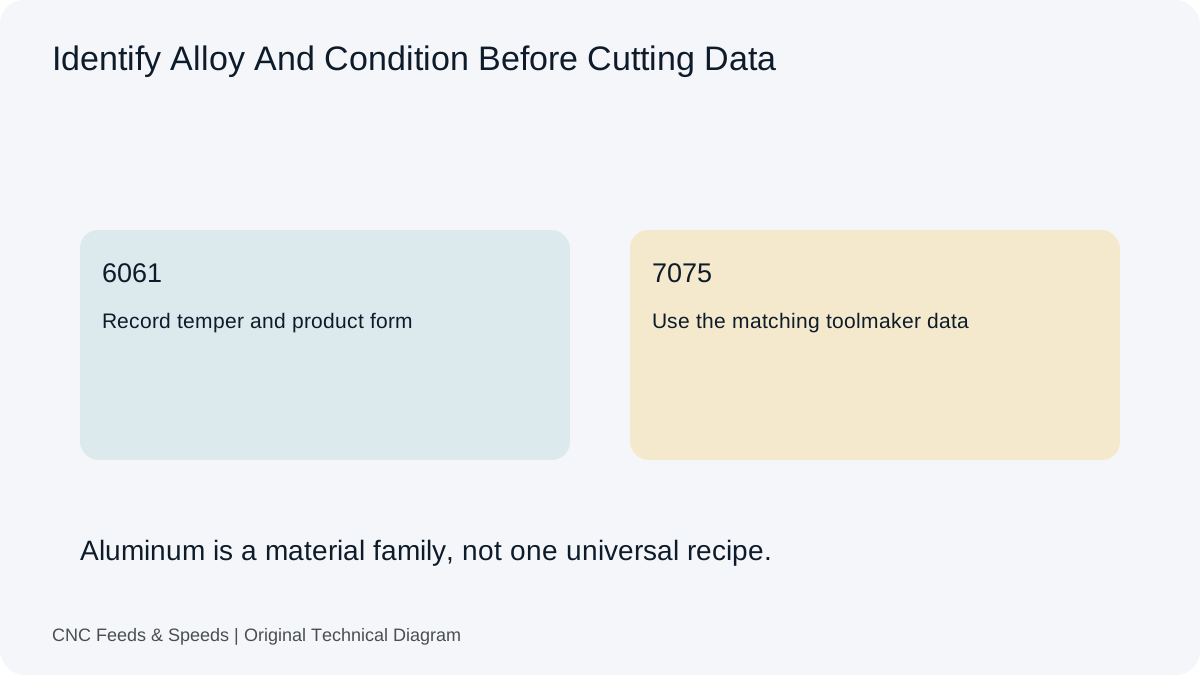
Build an aluminum milling starting point from toolmaker cutting speed and chip load, then verify engagement, chip evacuation and machine limits.
Read Article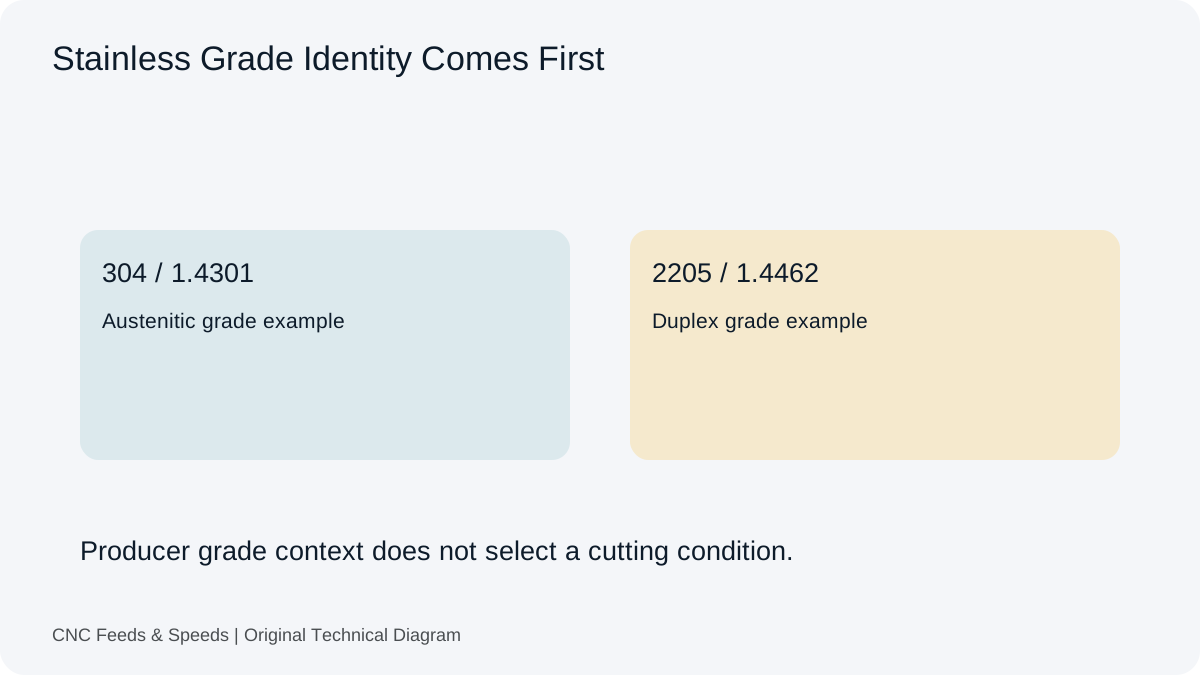
A calculation-first framework for stainless steel machining that emphasizes tool data, chip thickness, rigidity and heat control.
Read Article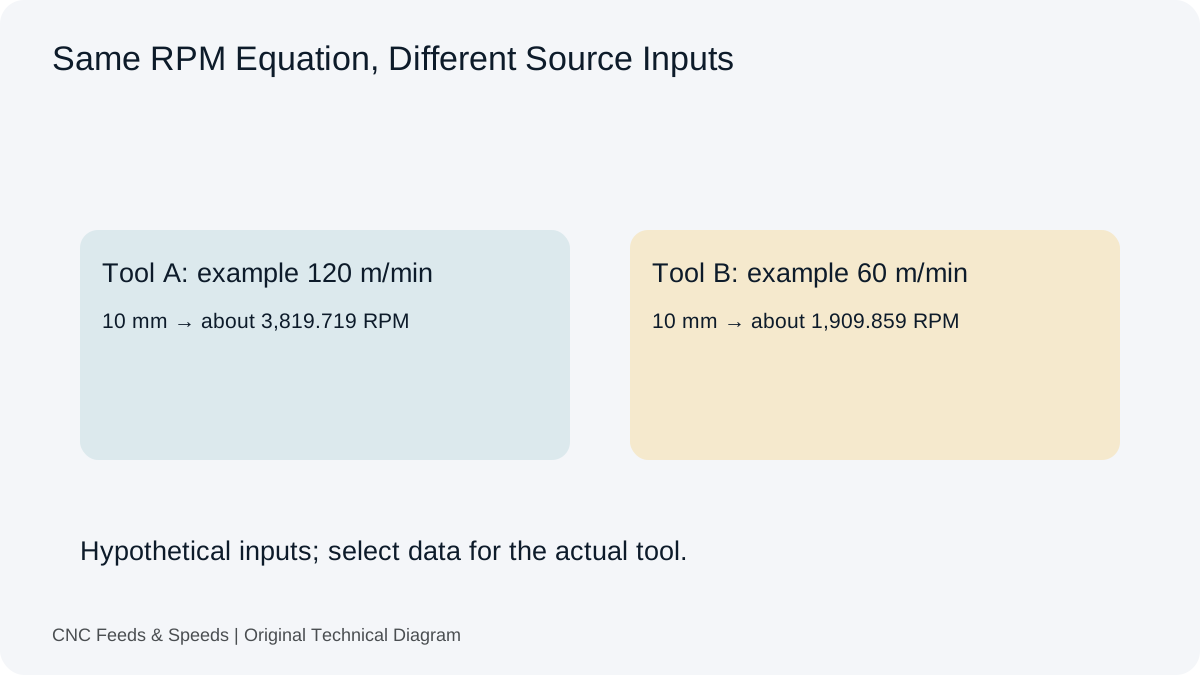
Compare carbide and HSS cutting-data considerations and learn how tool construction changes the starting cutting condition.
Read Article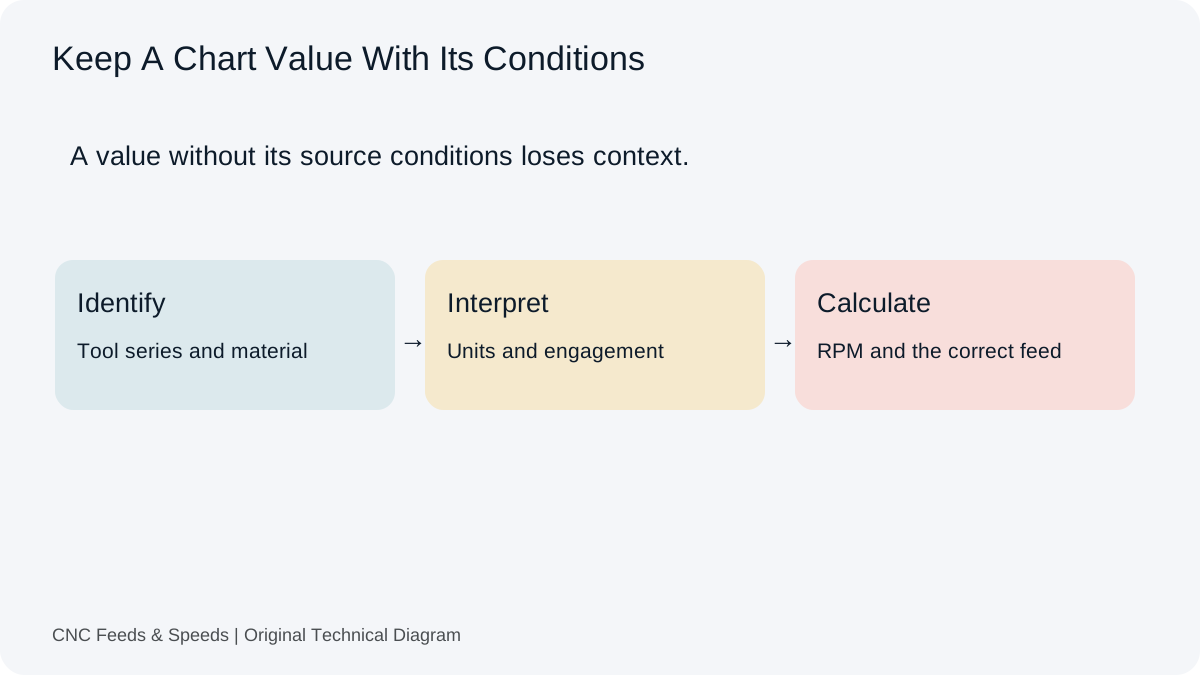
A practical method for interpreting CNC cutting-data charts, matching units, and cross-checking chart values with transparent calculations.
Read Article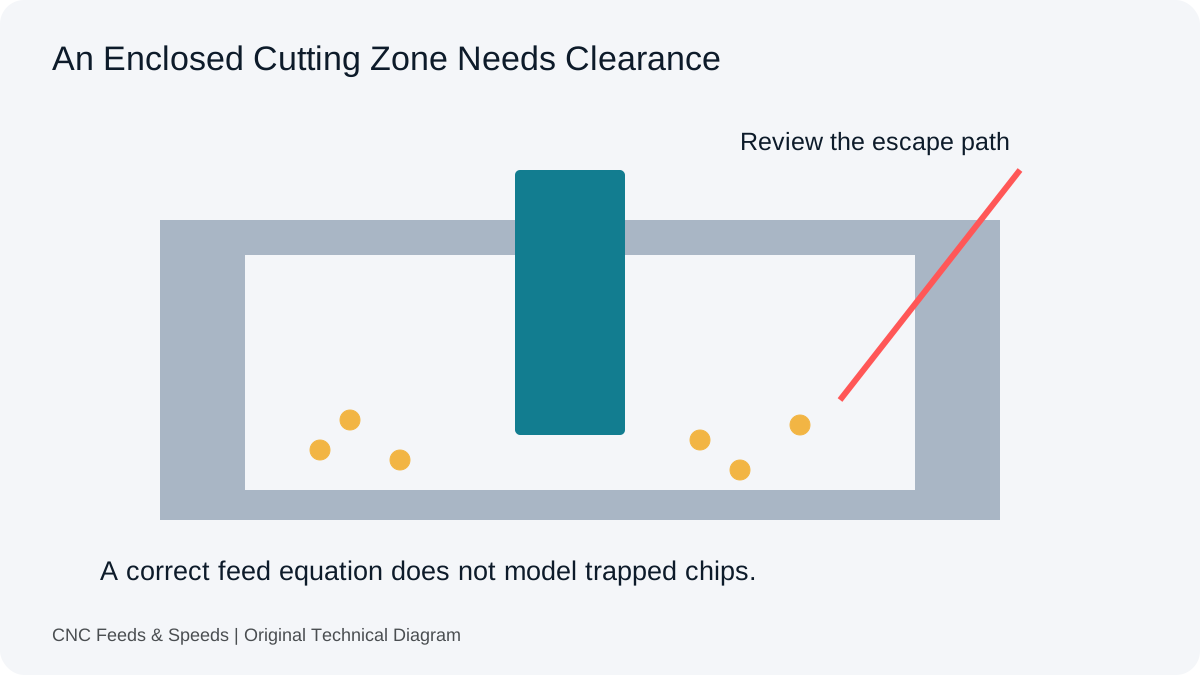
Distinguish arithmetic errors from an enclosed cutting zone. Review entry, tooling, material and chip clearance before another feed change.
Read Article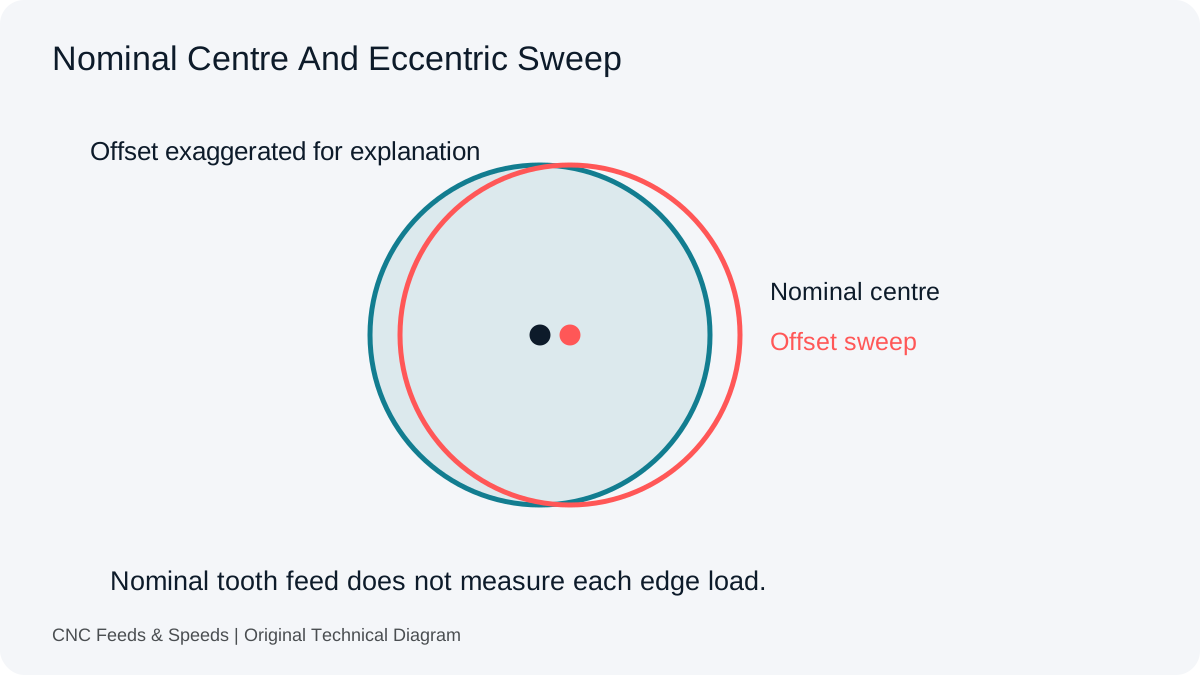
Inspect the difference between nominal tooth feed and actual edge loading. Record the assembly and measurement before changing assumptions.
Read Article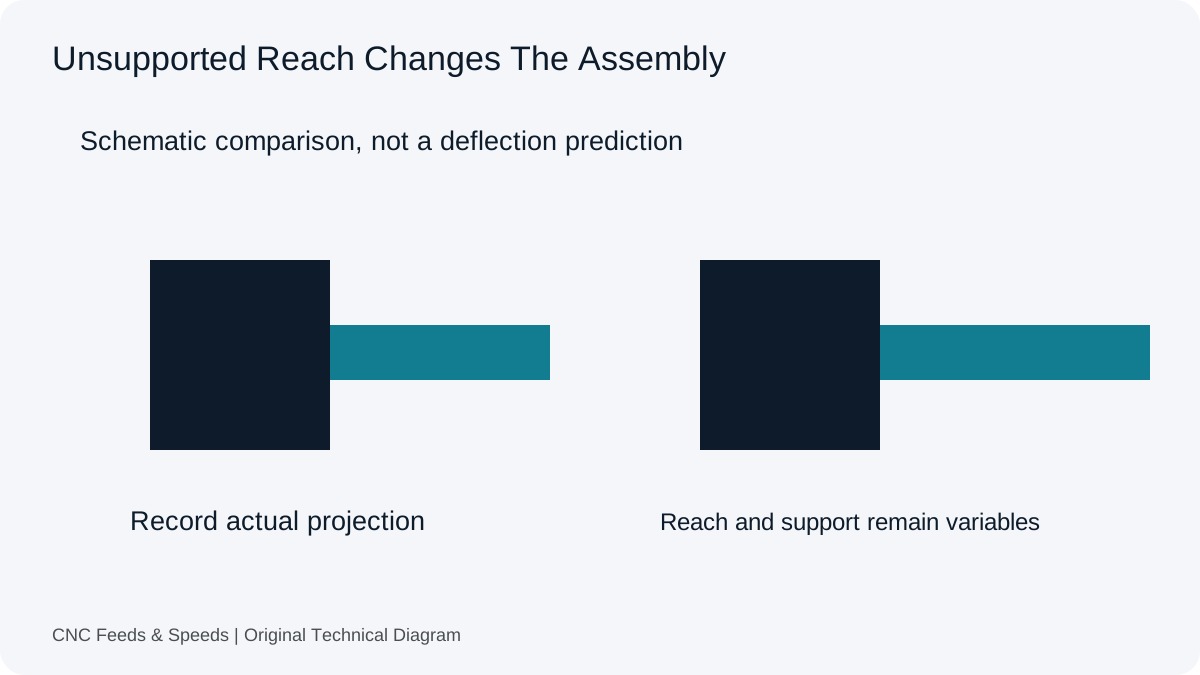
Understand why tool stick-out and system rigidity affect usable CNC cutting conditions, and how to troubleshoot chatter systematically.
Read Article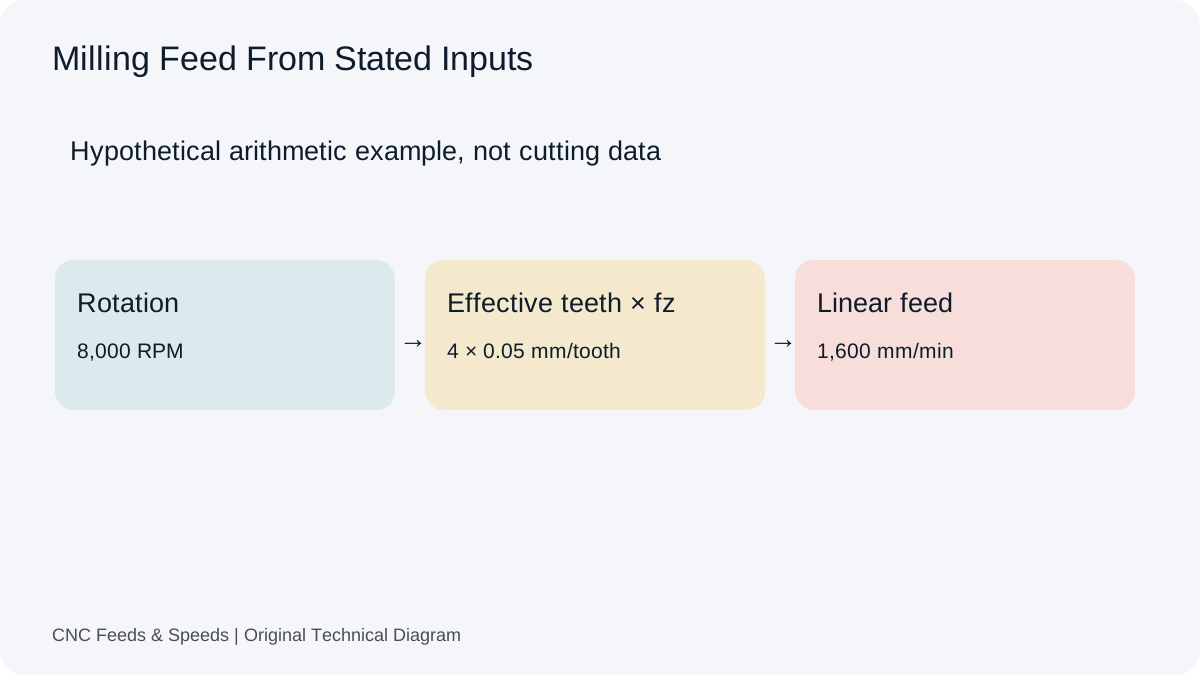
A practical guide to calculating CNC milling feed rate from spindle speed, flute count and chip load, with unit checks and verification steps.
Read Article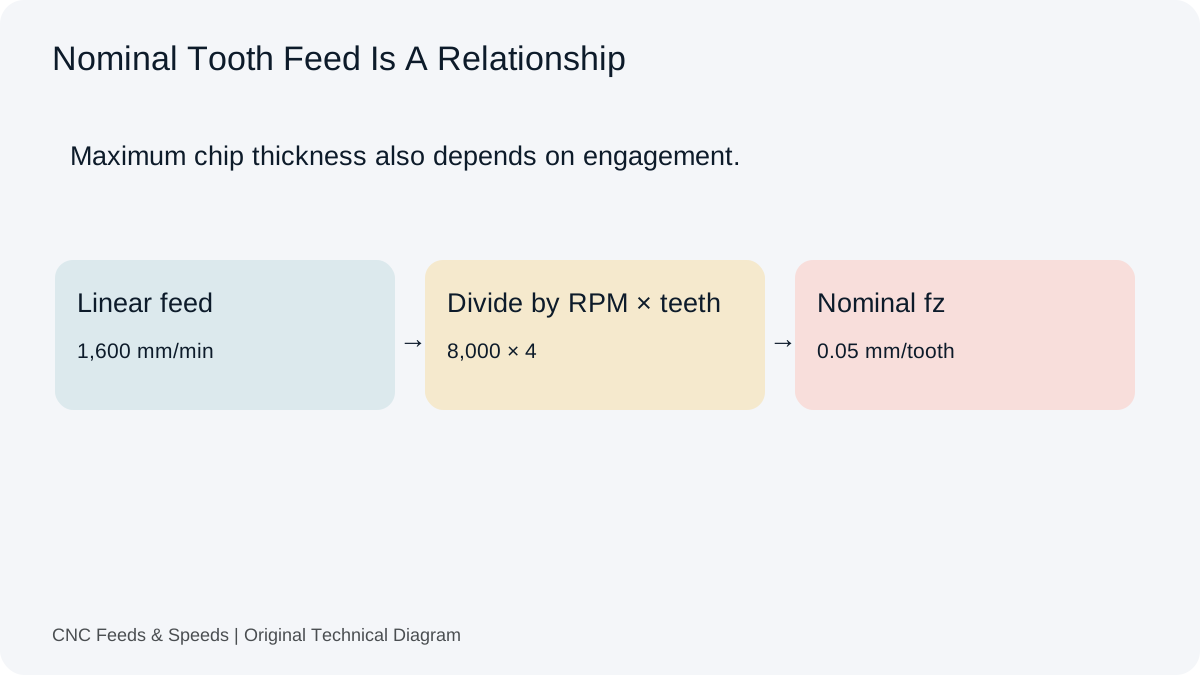
Understand feed per tooth, how chip load is calculated, and how flute count and spindle speed change milling feed.
Read Article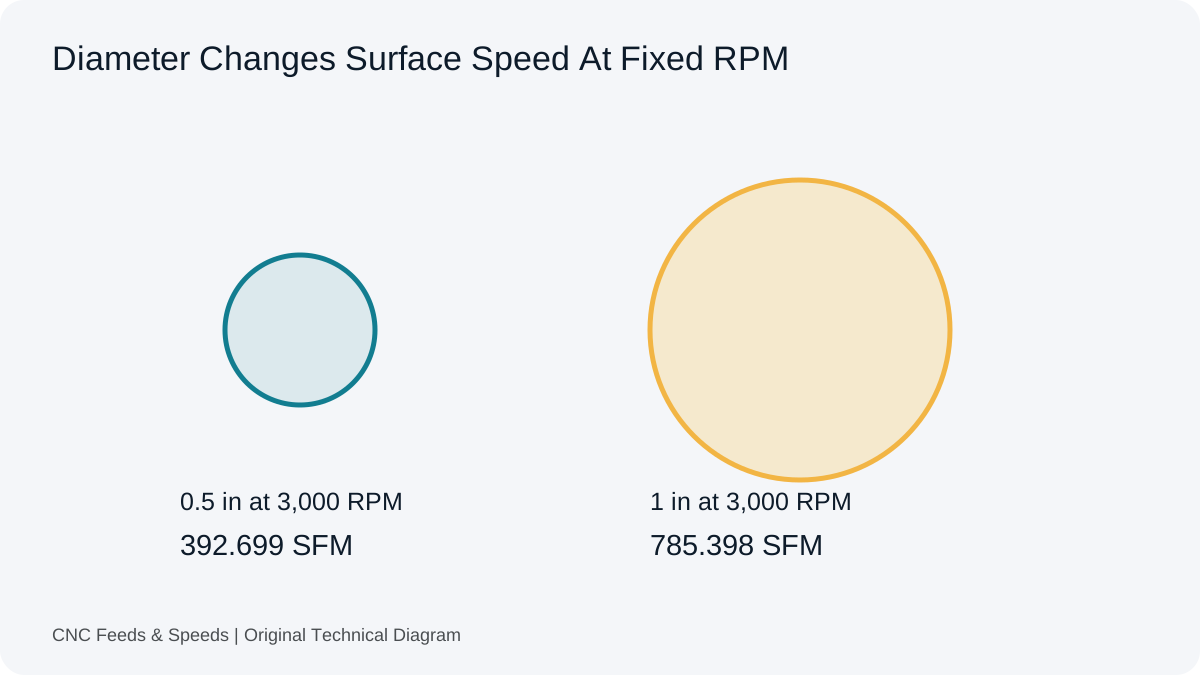
Learn what surface feet per minute means, how it relates to RPM and diameter, and when to use SFM versus metric cutting speed.
Read Article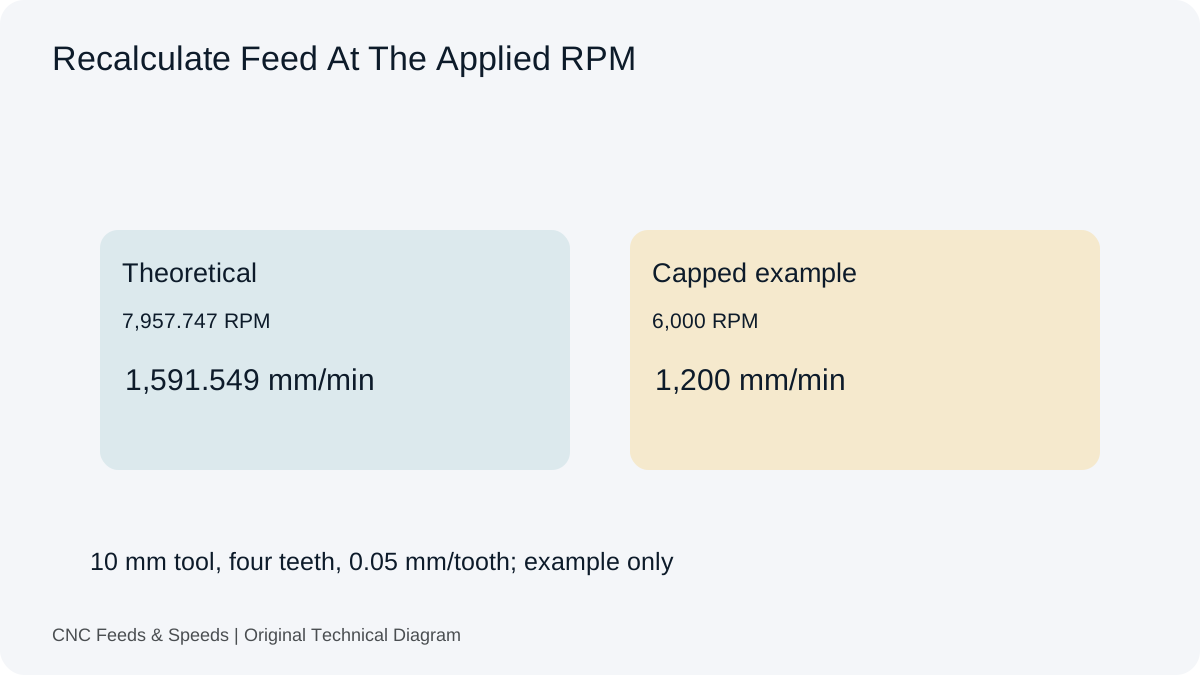
Understand how spindle RPM and programmed feed interact, when feed should scale, and why machine limits change the calculation.
Read Article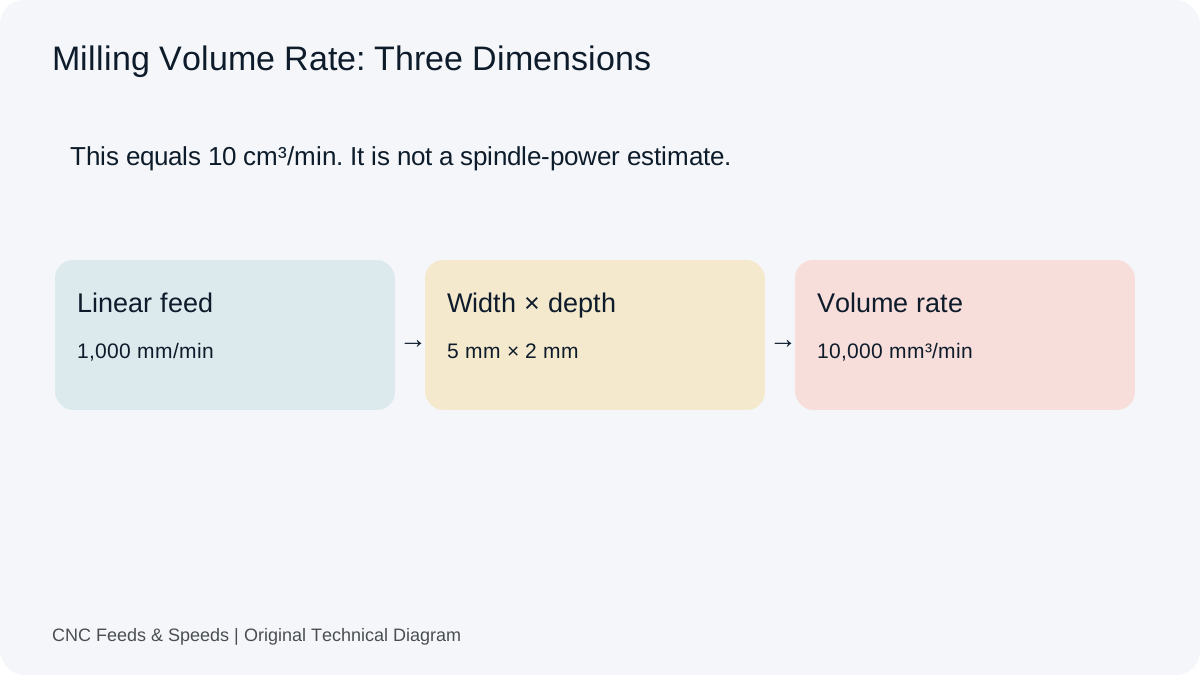
Calculate and interpret material removal rate for CNC milling, including feed, radial engagement and axial depth.
Read Article