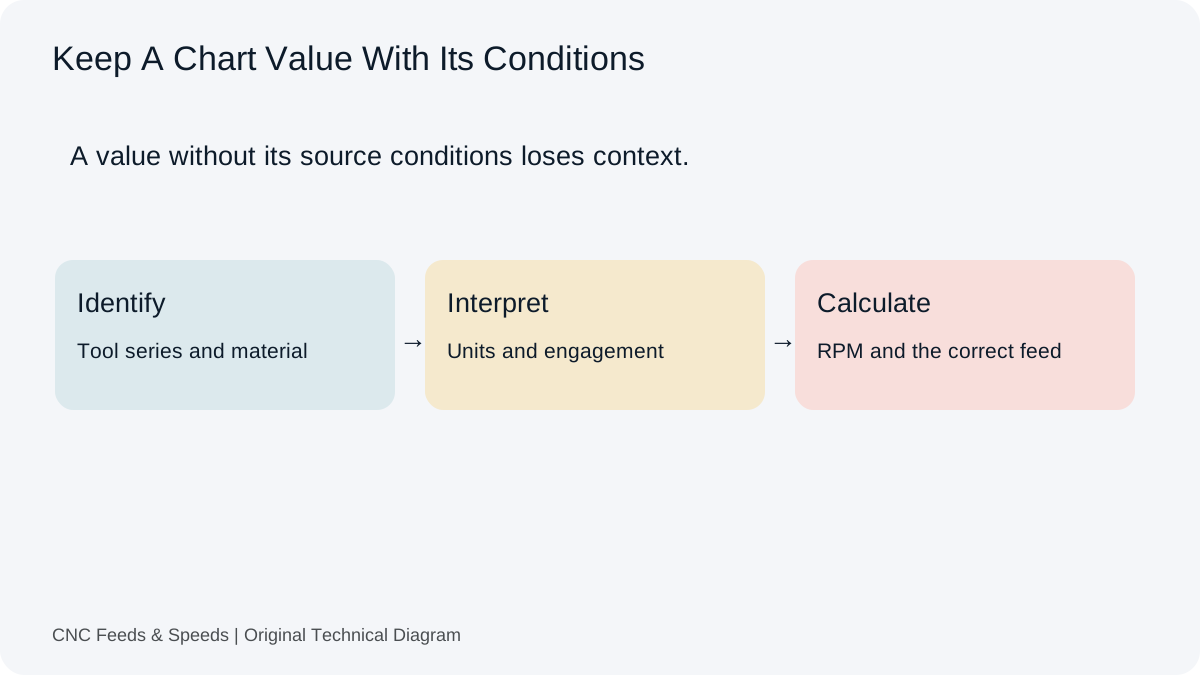
Choose aluminum cutting data for the alloy, temper and actual cutter before calculating RPM and feed. Record the supplier engagement conditions as well as cutting speed and tooth feed. A value from one aluminum setup can lose its context when the tool, stock condition or width of cut changes.
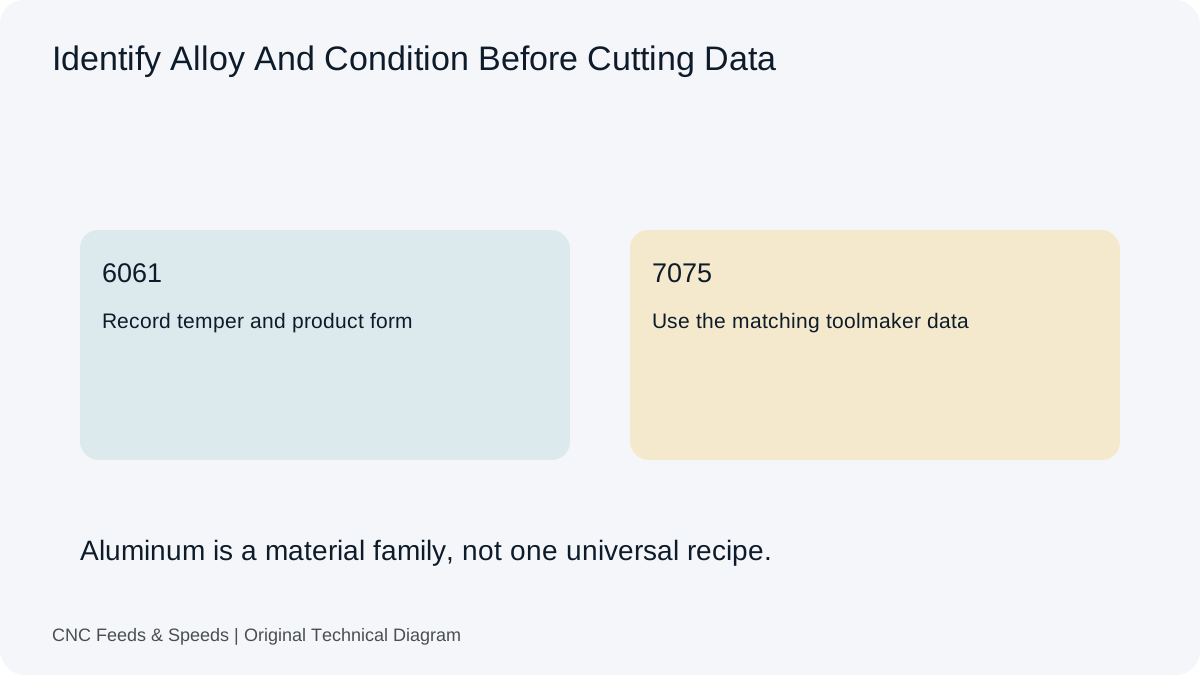
Start with alloy and condition
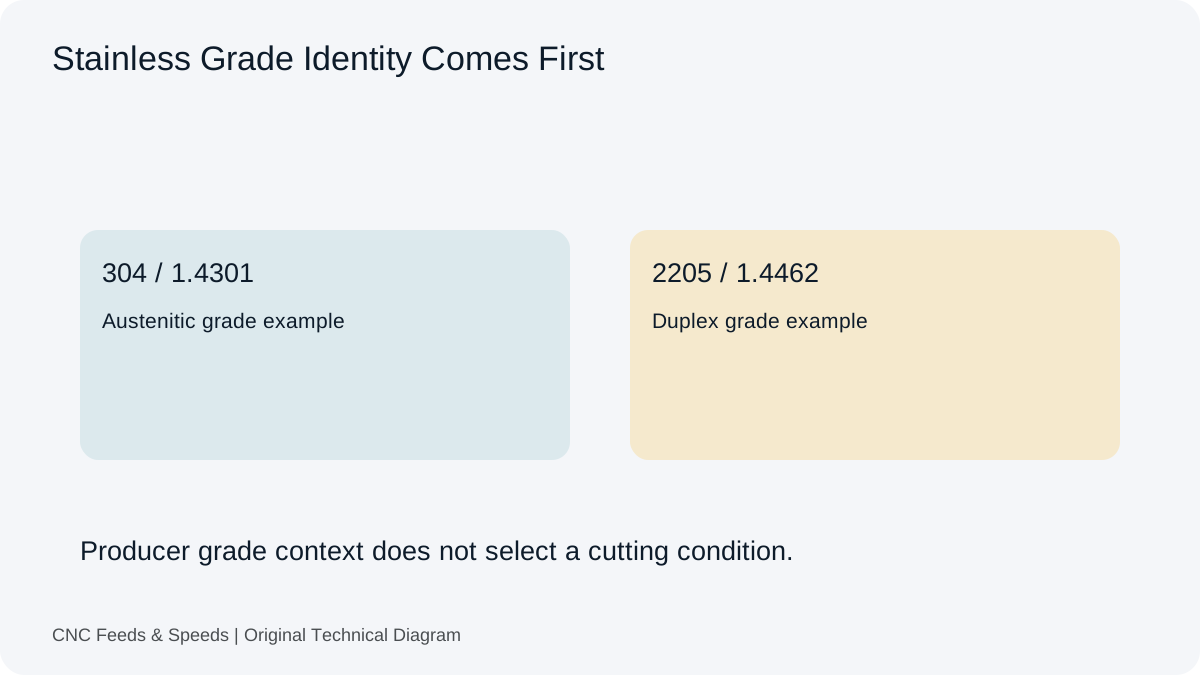
6061, 7075, cast aluminum and other grades can behave differently. Temper and heat treatment can change cutting behavior, burr formation and edge loading. Record the alloy and condition on the setup sheet before selecting cutting data.
Choose the actual cutter
A polished high-helix aluminum cutter may use different data from a general-purpose carbide end mill. Compare diameter, flute count, helix, edge preparation, coating and recommended material group with the source chart. The calculator should be fed with the data that actually belongs to that tool.
Calculate RPM and feed
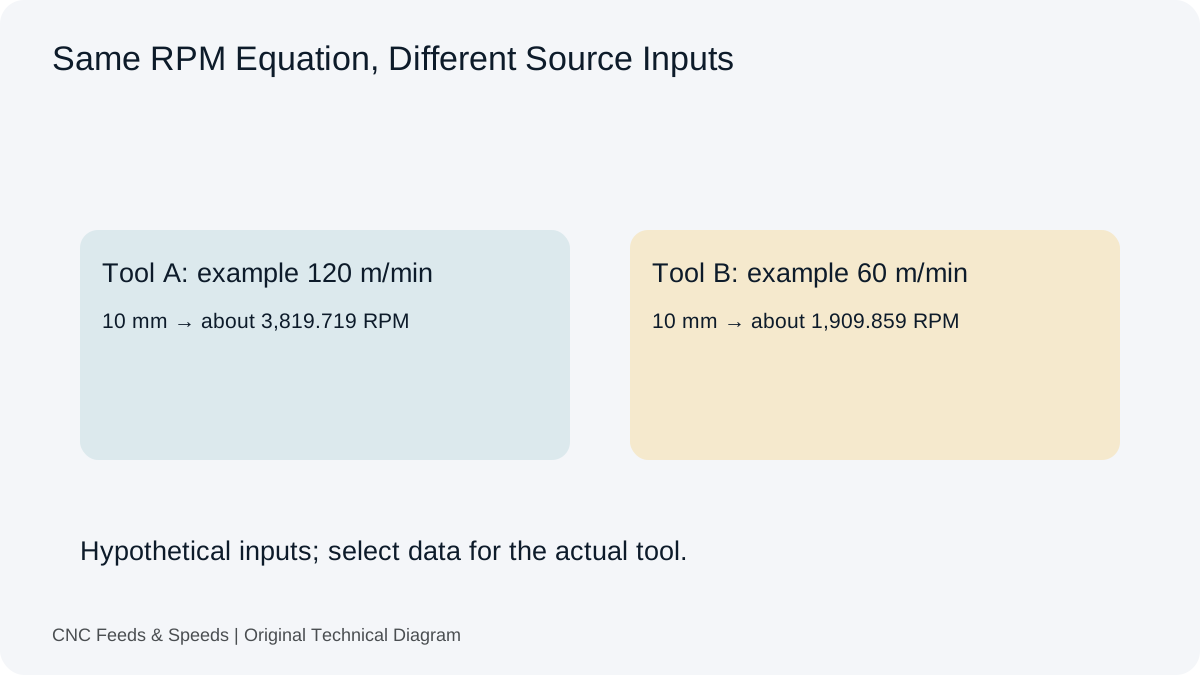
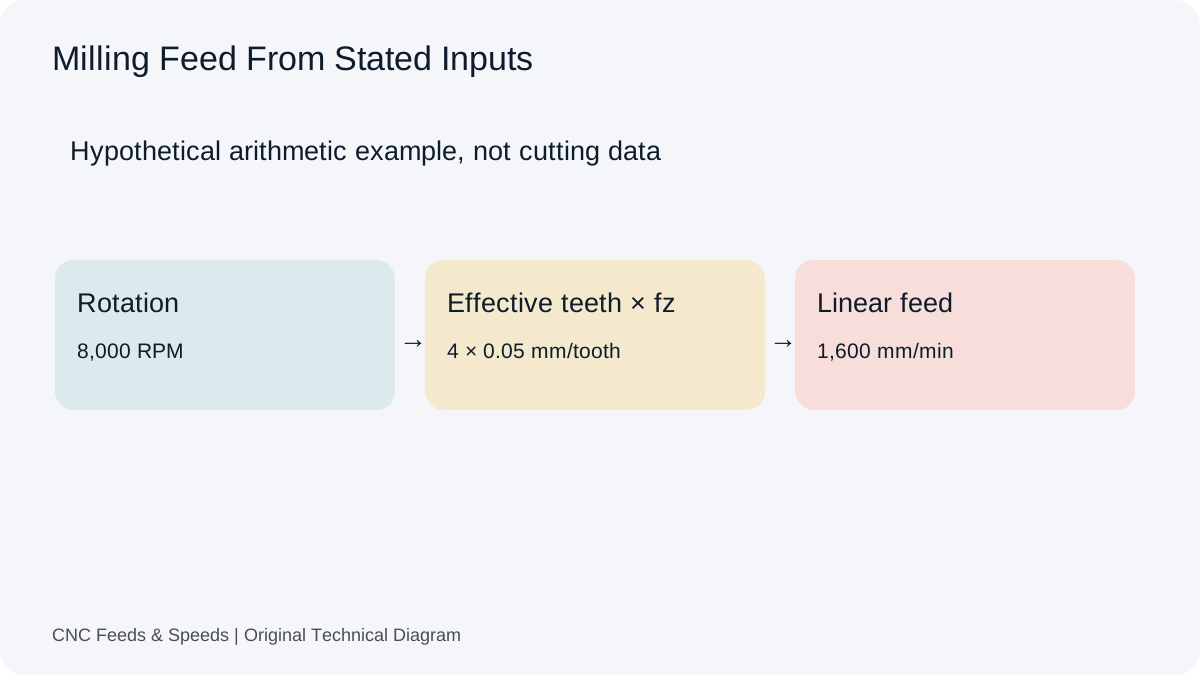
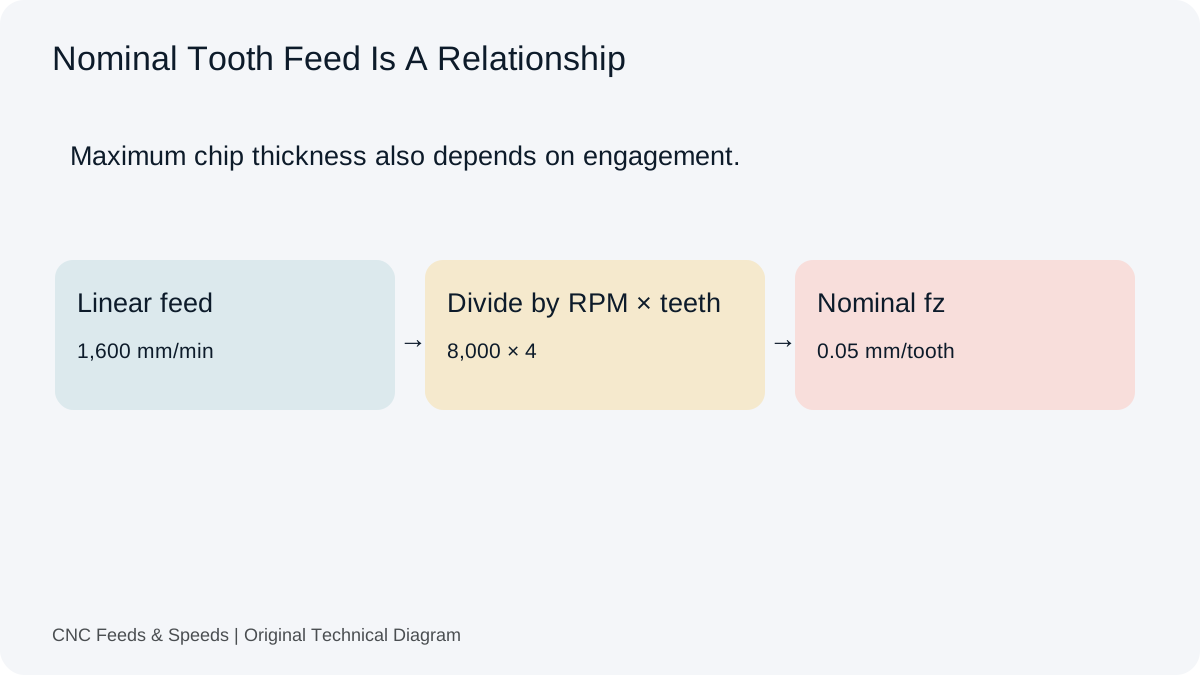
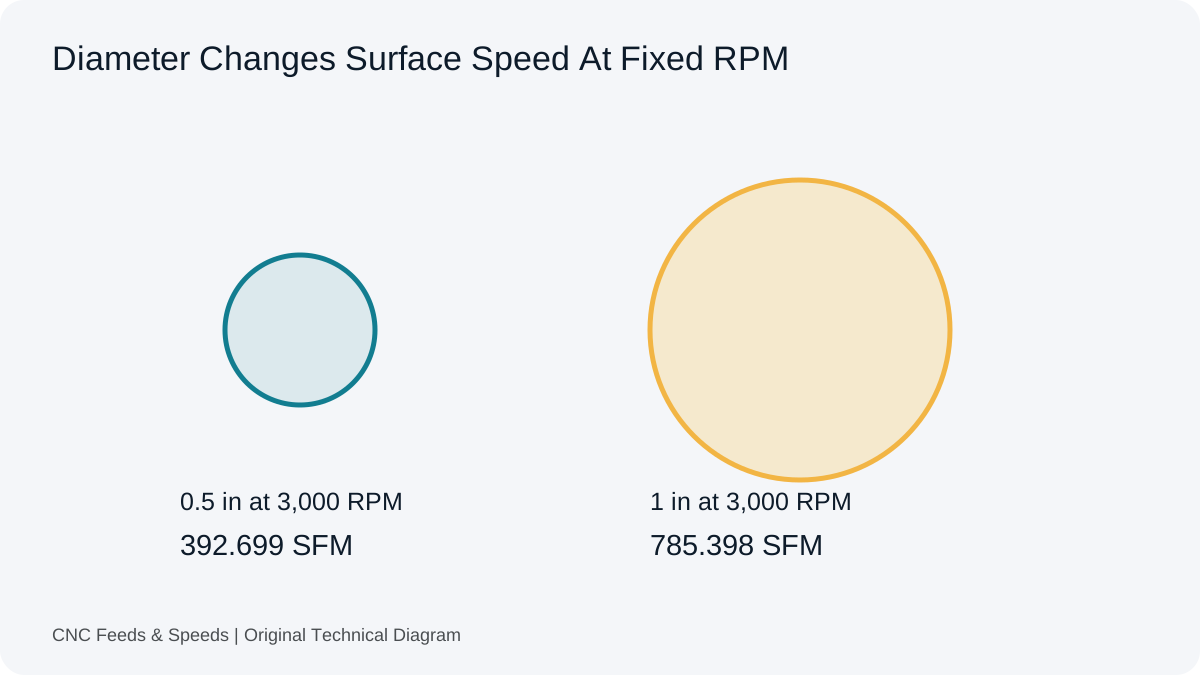
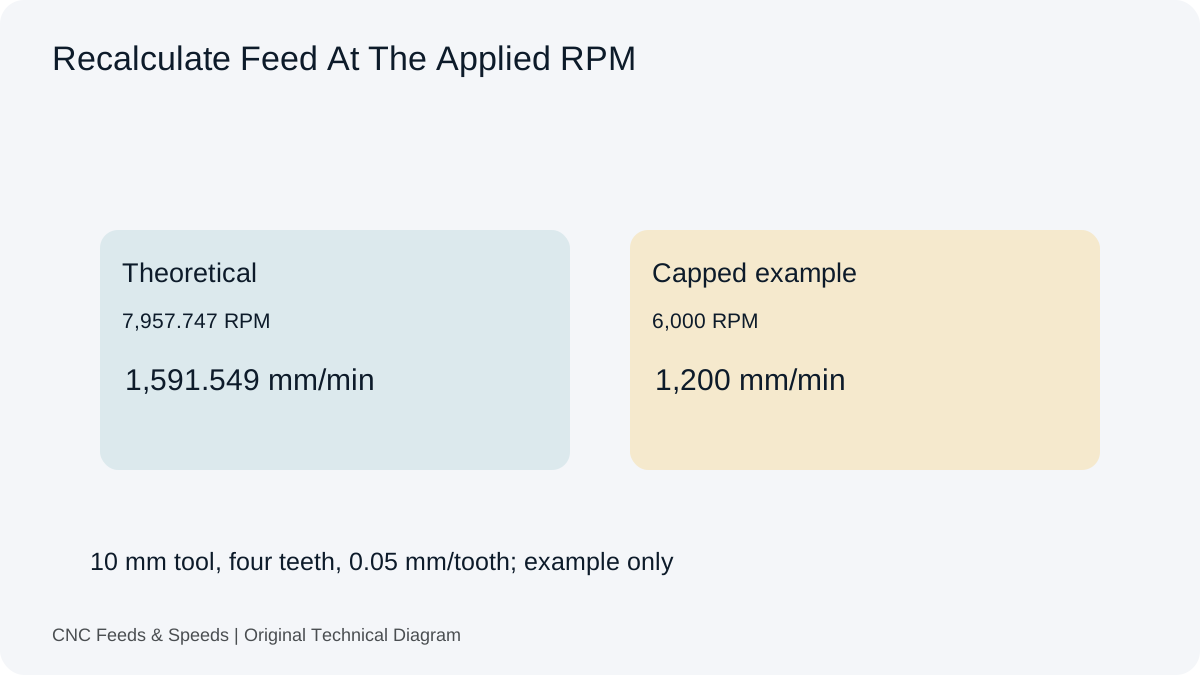
Use Vc or SFM to calculate spindle RPM, then check the milling feed against that actual speed. Then calculate feed using RPM × flute count × chip load per tooth. Keeping the two calculations separate makes it easy to see whether a problem came from surface speed or chip load.
Example
For a 10 mm, 3-flute cutter at 300 m/min, RPM ≈ 9,549. At 0.05 mm/tooth, feed ≈ 1,432 mm/min. These are example arithmetic values only. Replace them with the actual range from the toolmaker for the chosen alloy and tool.
Watch chip evacuation
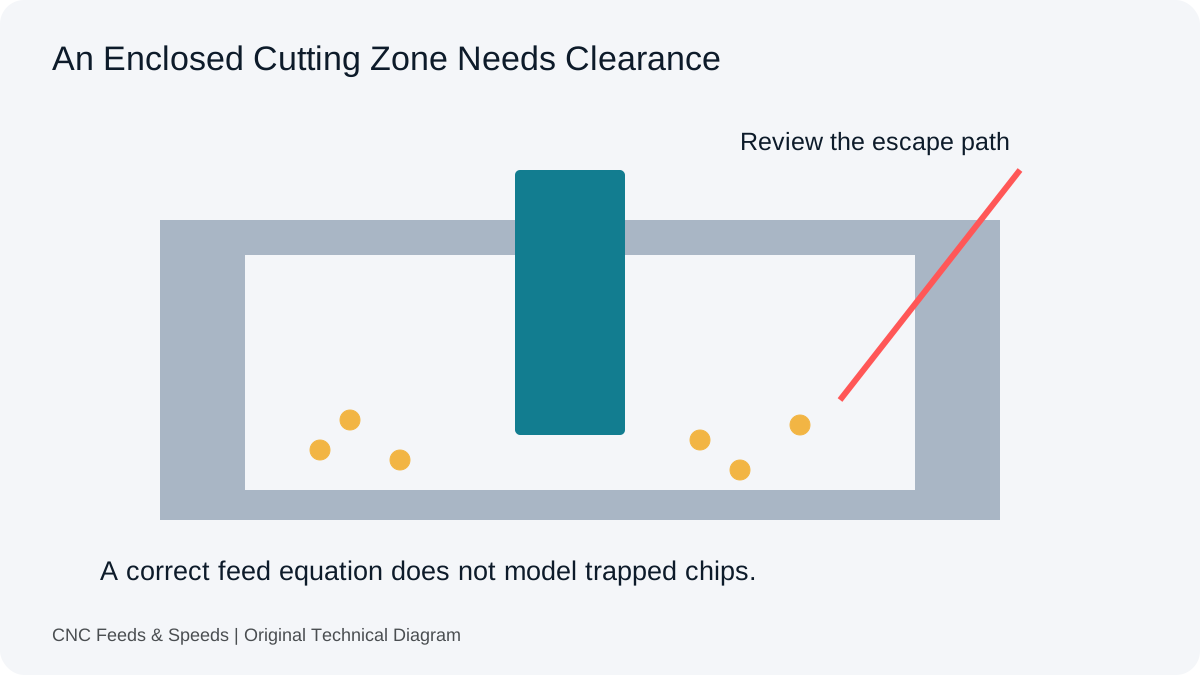
Aluminum chips can recut if the toolpath and coolant or air blast do not clear the pocket. Recutting increases heat and can load the cutting edge. An aggressive-looking feed is not automatically productive if chips are trapped.
Full slotting versus side milling
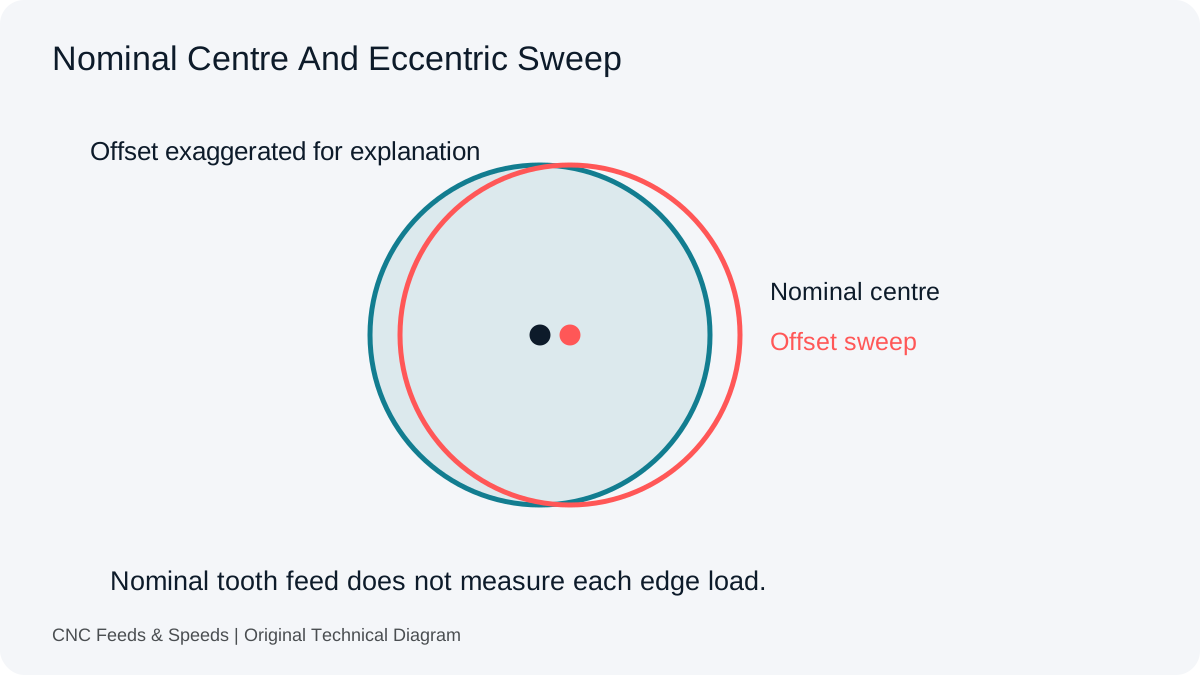
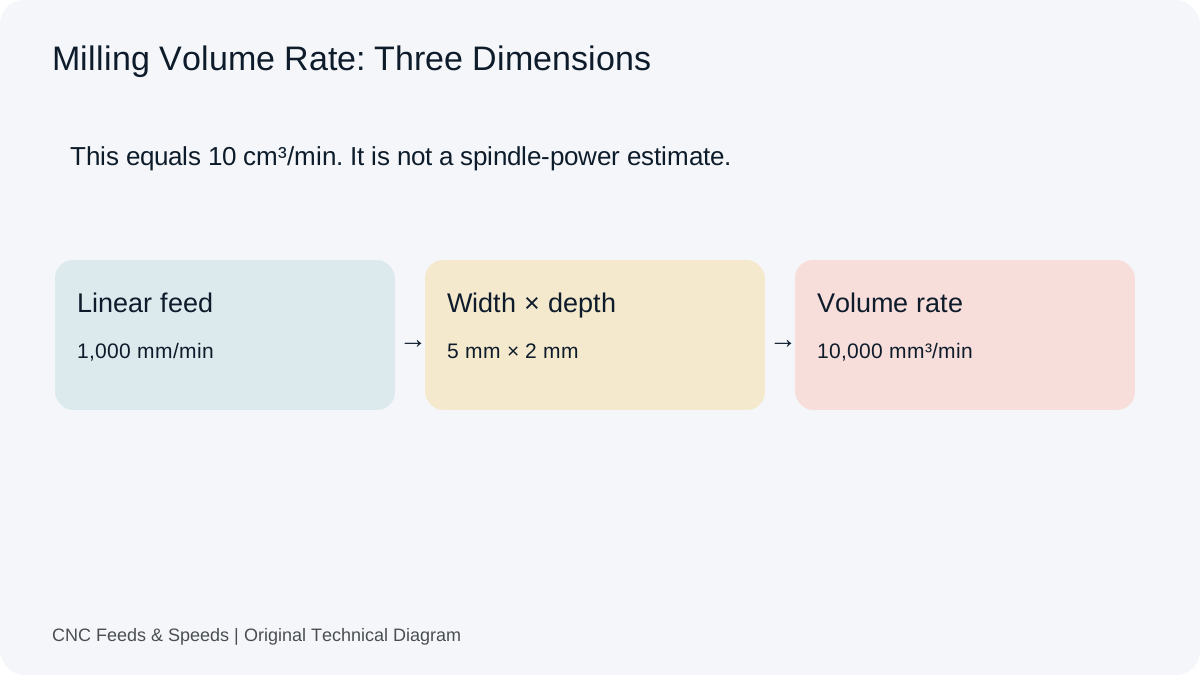
A full-width slot can impose much higher engagement than a light side cut. The same cutter and nominal chip load may require a different starting condition under different engagement. Keep radial width and axial depth in the setup record.
Machine and spindle considerations
Aluminum often allows higher surface speed, but the machine still imposes RPM, power and feed limits. A small cutter may need more RPM than the spindle can deliver. In that case, calculate the actual surface speed at the machine limit and document the difference.
Common aluminum symptoms
Built-up edge, poor finish, smeared chips or excessive heat can indicate an unsuitable combination of speed, chip thickness, edge condition or chip evacuation. Inspect tool condition and workholding before changing several cutting parameters at once.
Build a repeatable setup
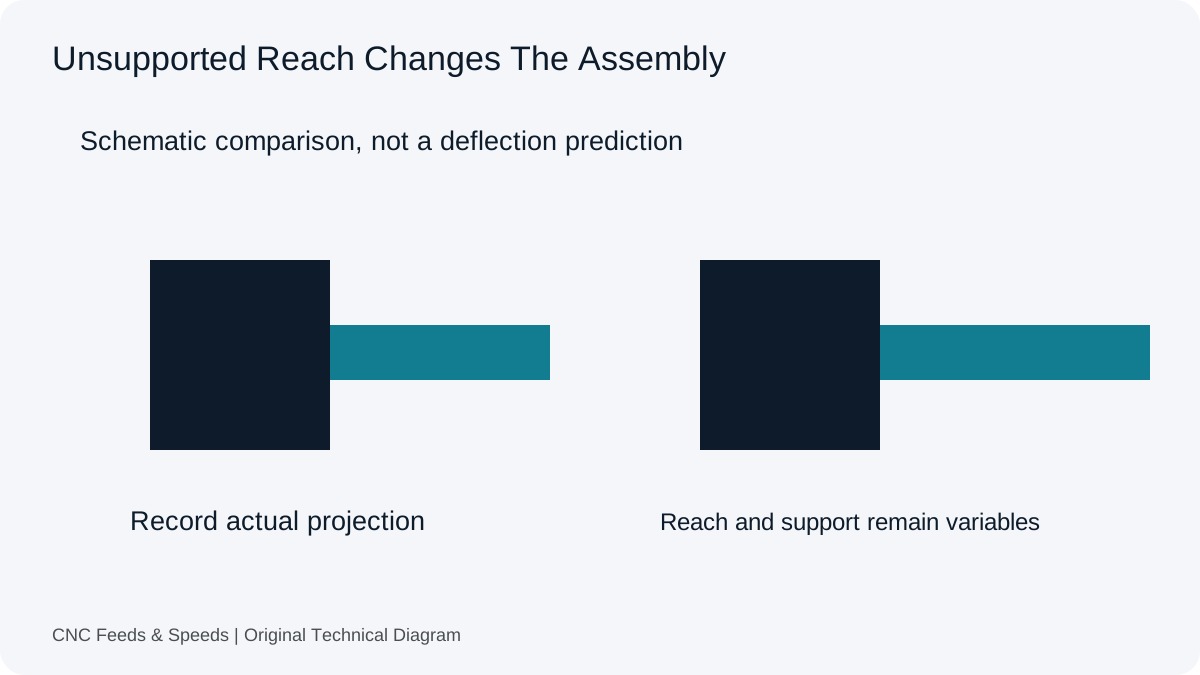
Once a condition is proven, record alloy, temper, tool part number, diameter, flute count, coating, stick-out, RPM, feed, engagement, coolant and observed load. Future jobs can then start from evidence rather than memory.
Frequently asked questions
Is one feed and speed correct for all aluminum?
No. Alloy, temper, tool geometry, engagement and machine capability change the usable starting condition.
Can I use the calculator without a material chart?
The calculator can perform the arithmetic, but it should not invent the cutting speed or chip load. Use a relevant toolmaker source.
Why do aluminum tools often use different geometry?
Aluminum benefits from edge and flute designs that manage chip evacuation and reduce material adhesion.
For alloy and temper context, see Hydro’s 6061 explanation. The aluminum reference page also compares named material records. Neither source endorses this article’s illustrative cutting values.
Help Improve This Resource
Request A Tool
Describe the calculation your workflow needs, the inputs you already have and the output you want to check. Include units and an example without confidential job details.
Request A ToolReport An Error
Share this page address, the entered values and the result you expected. Include the source of your comparison so the formula, units and explanation can be investigated.
Report An ErrorCNC Feeds & Speeds Editorial Desk
The site brings calculation tools and machining references into one workspace. Use the editorial and site information to understand its purpose and limitations. Send corrections with a reproducible example through the error report form.