
Request A Tool
Describe the calculation your workflow needs, the inputs you already have and the output you want to check. Include units and an example without confidential job details.
Request A ToolMilling reference material covering feed, speed, chip load, engagement, MRR and practical setup checks.
A milling setup connects cutting speed, cutter diameter, effective flute count and feed per tooth. Establish those values for the actual tool and material before using the calculator. The resulting RPM and linear feed describe the entered condition; they do not establish whether that condition fits the machine or workholding.
Calculate RPM from cutting speed and cutting diameter. Then multiply actual RPM by effective flute count and tooth feed to obtain linear feed. Width and axial depth let you estimate material removal rate separately. Keep the source units attached to each value so an imperial chart is not mixed with metric inputs.
Slotting and light radial engagement place different demands on the cutter. Use the toolmaker chip-load method for the intended engagement instead of transferring a number between strategies. The simple feed equation does not detect the path or automatically adjust tooth feed for chip thinning.
Tool stick-out, holder condition, runout and workholding belong in the setup record beside RPM and feed. A repeatable arithmetic result does not explain every machining symptom. Check those physical conditions before assuming that a different calculator value will resolve an unstable cut.
Open The Relevant Calculator | Review Formulas And Units
Use the feed rate article to reproduce RPM and linear feed, then read the chip load explanation for nominal tooth feed and chip thickness. If the cut is unstable, the tool reach and chatter guide addresses physical variables the equation cannot measure.
Sandvik Coromant’s milling formulas and definitions explain effective cutting diameter, effective teeth and removal-rate units. Use those definitions to interpret the toolmaker method, then return to the milling workspace for the calculation. A formula reference does not establish a cutting-speed recommendation for an unspecified cutter.
Use the milling workspace for the basic and advanced panels. This reference focuses on source data, engagement and physical setup.
Only when the engaged cross-section remains comparable. Width, depth and changing contact also affect removal volume; use the MRR relationship with those assumptions visible.
Describe the calculation your workflow needs, the inputs you already have and the output you want to check. Include units and an example without confidential job details.
Request A ToolShare this page address, the entered values and the result you expected. Include the source of your comparison so the formula, units and explanation can be investigated.
Report An ErrorThe site brings calculation tools and machining references into one workspace. Use the editorial and site information to understand its purpose and limitations. Send corrections with a reproducible example through the error report form.
Continue with the calculation, setup or troubleshooting question closest to your task.
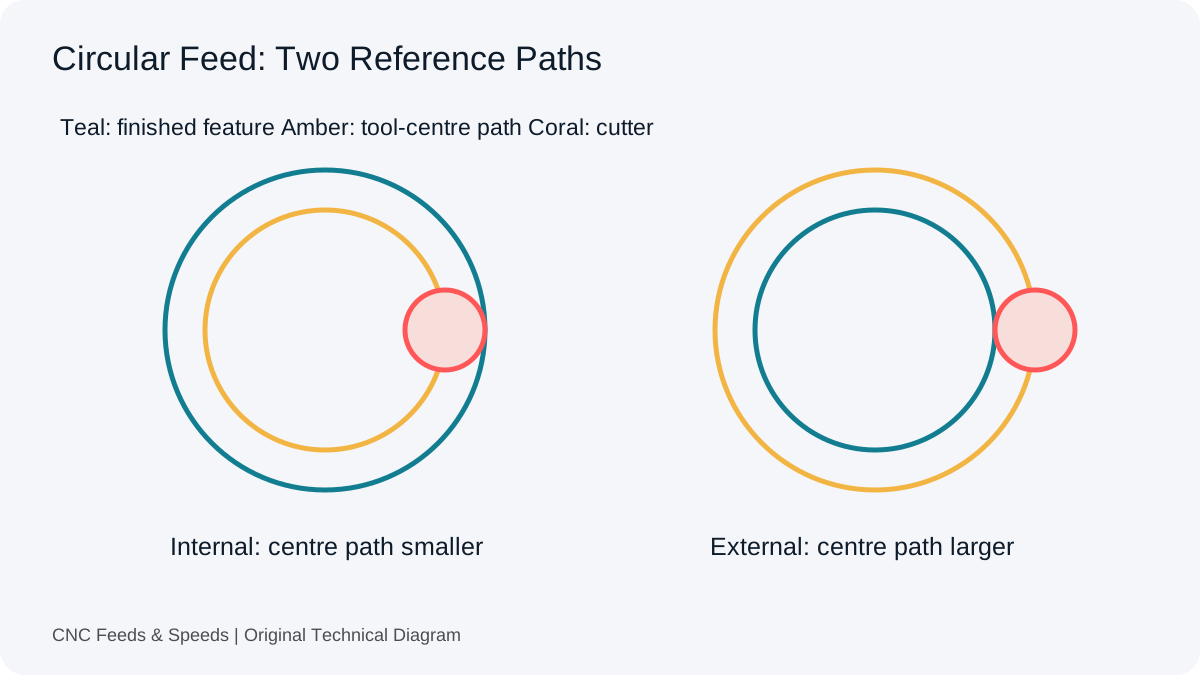
Convert internal and external circular feed with explicit path geometry. Check what CAM already handles before applying another adjustment.
Read Article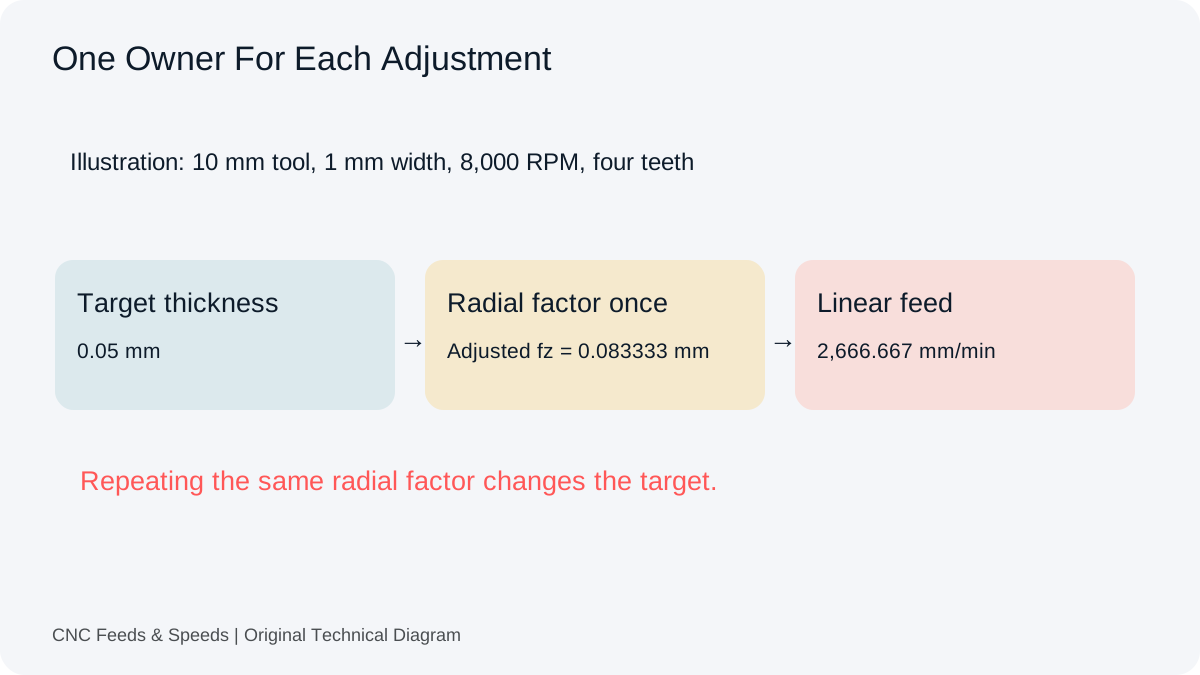
Trace target chip thickness through tooth feed and final command. Identify where compensation occurs before repeating the same adjustment.
Read Article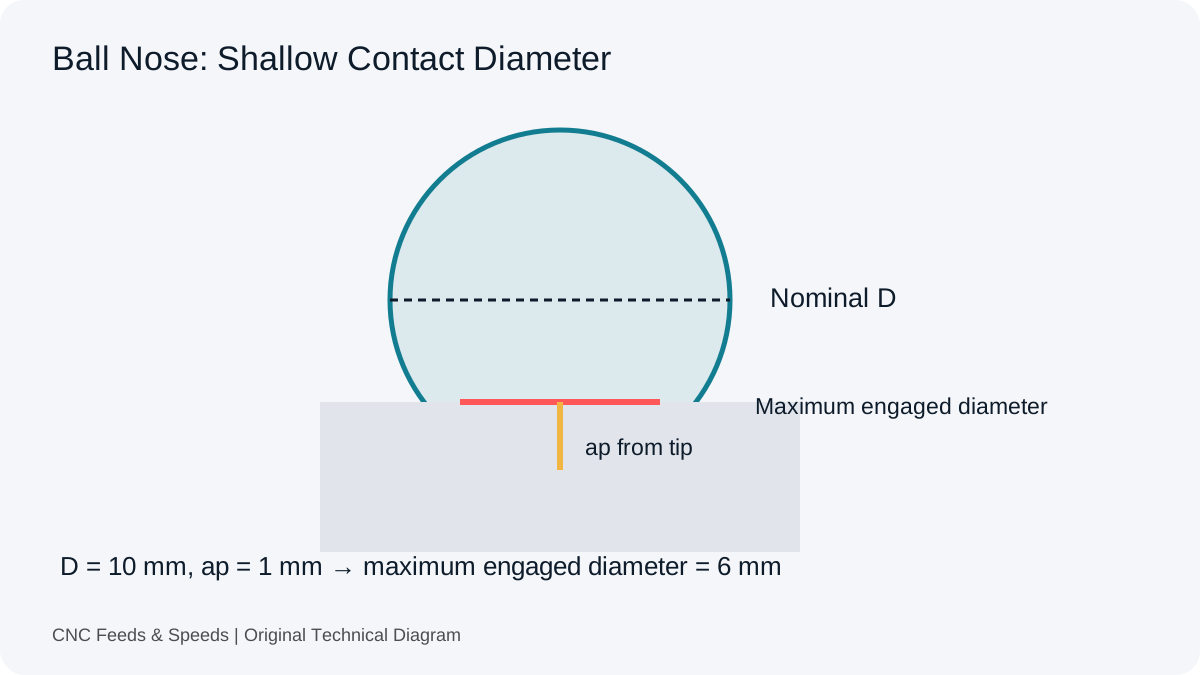
Understand engaged diameter, shallow contact and capped RPM. Keep the untilted model separate from changing three-dimensional surfaces.
Read Article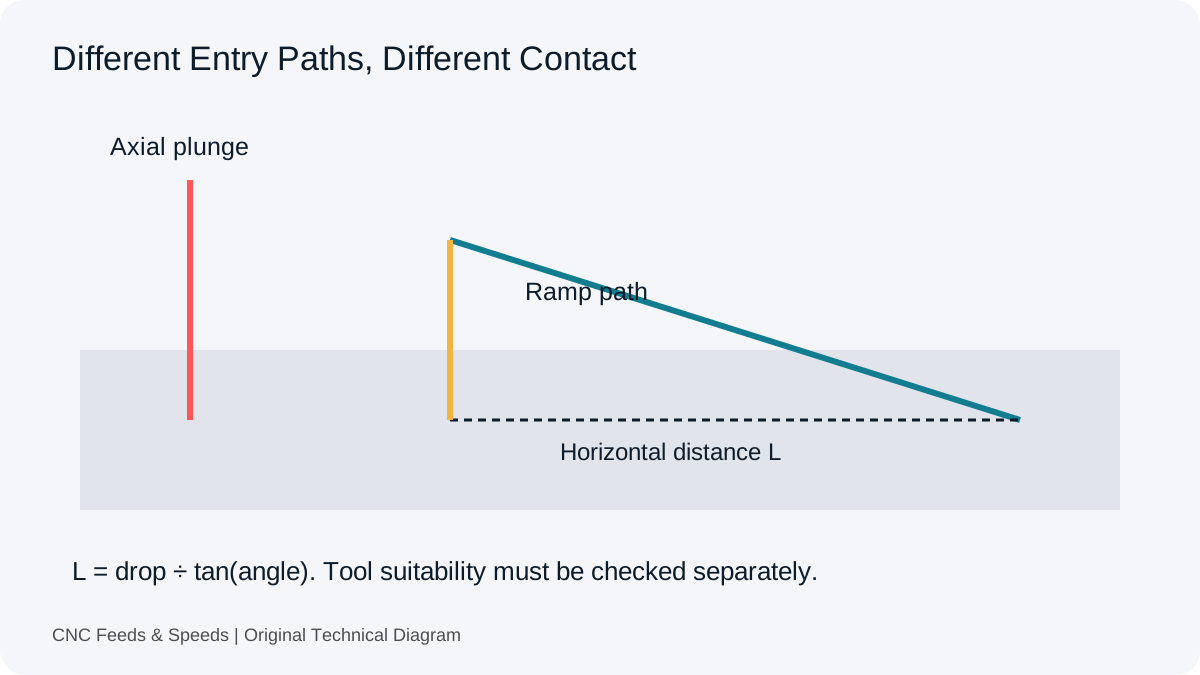
Review entry capability, ramp geometry and chip clearance. Understand why a universal percentage cannot choose a suitable plunge or ramp condition.
Read Article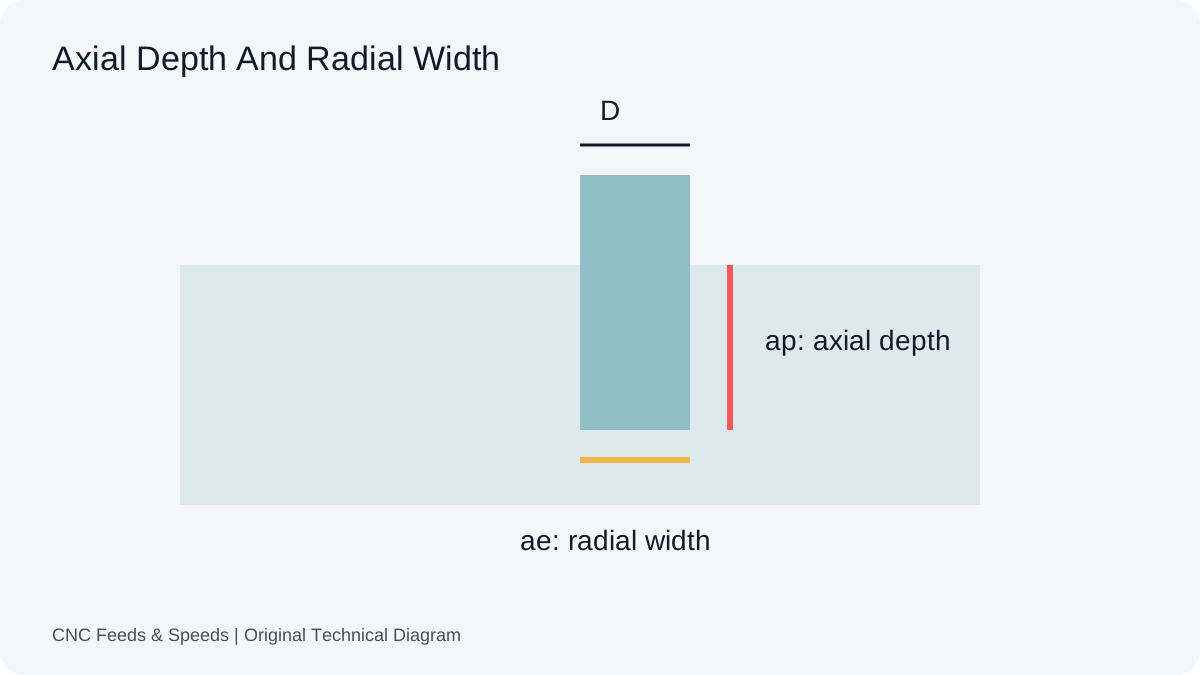
Distinguish tool diameter, axial depth and radial width. Convert engagement percentages and compare removal volume without assuming equal tool load.
Read Article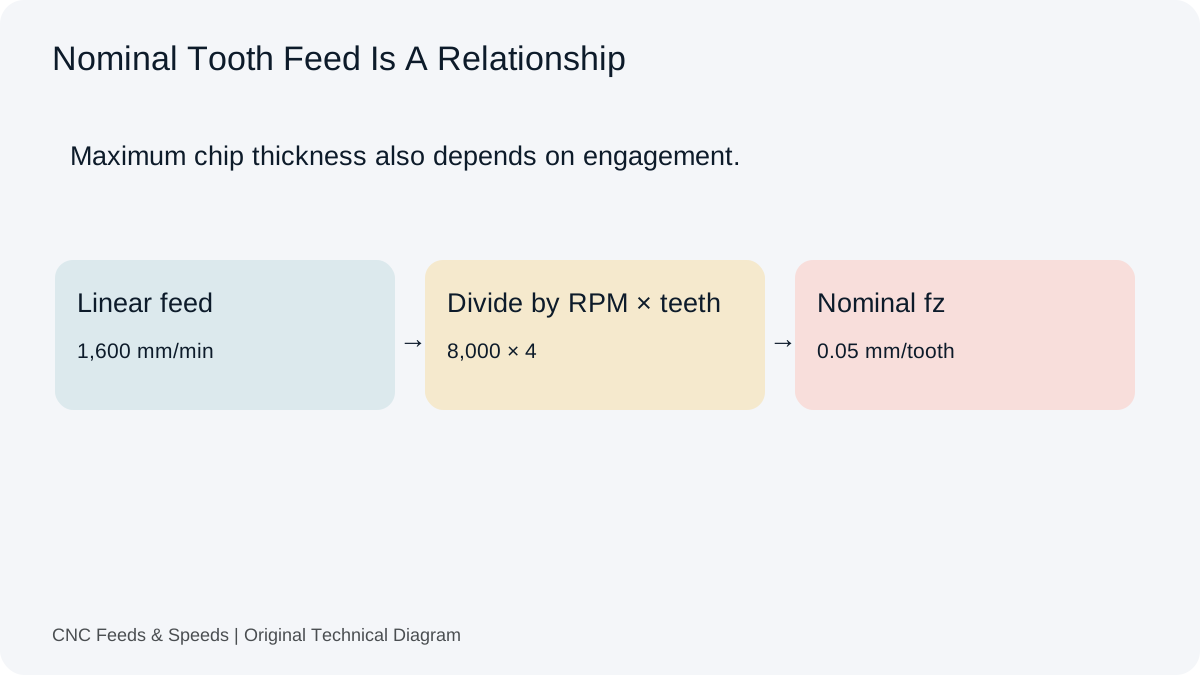
Understand feed per tooth, how chip load is calculated, and how flute count and spindle speed change milling feed.
Read Article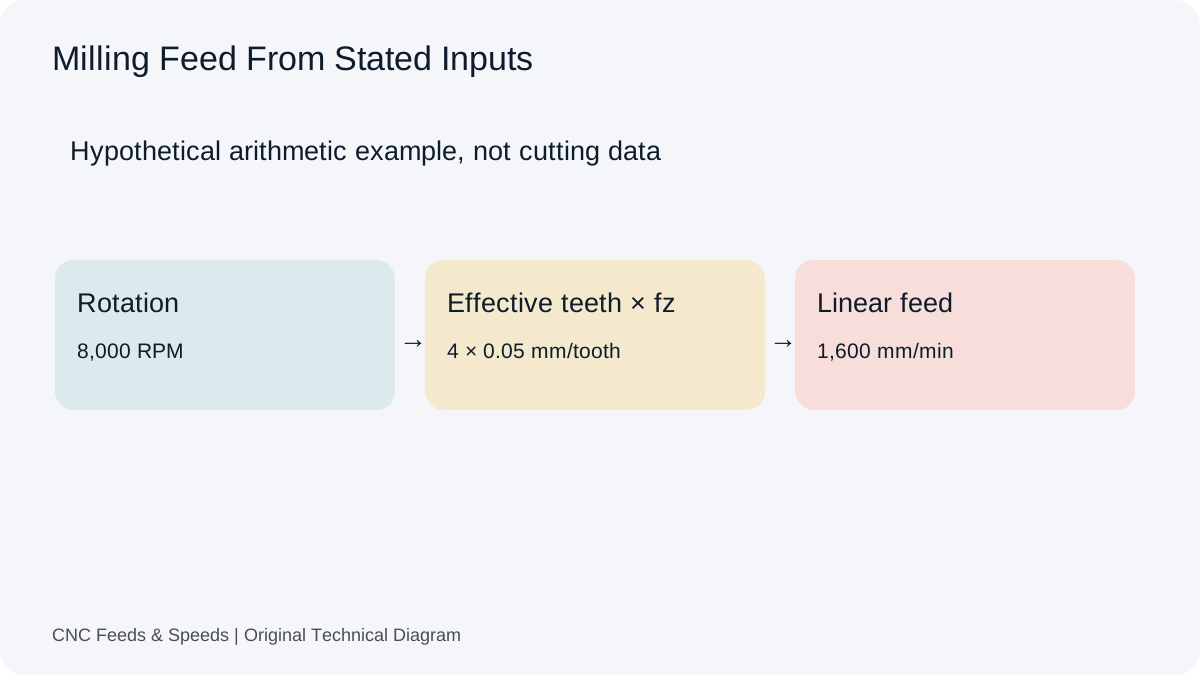
A practical guide to calculating CNC milling feed rate from spindle speed, flute count and chip load, with unit checks and verification steps.
Read Article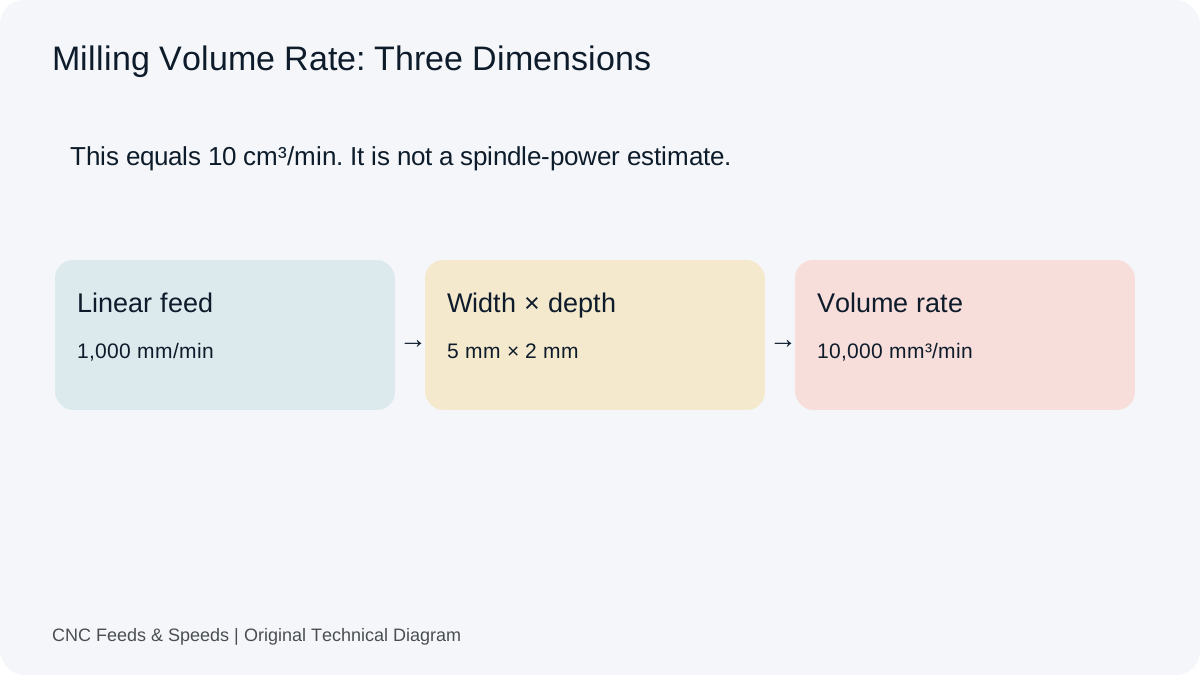
Calculate and interpret material removal rate for CNC milling, including feed, radial engagement and axial depth.
Read Article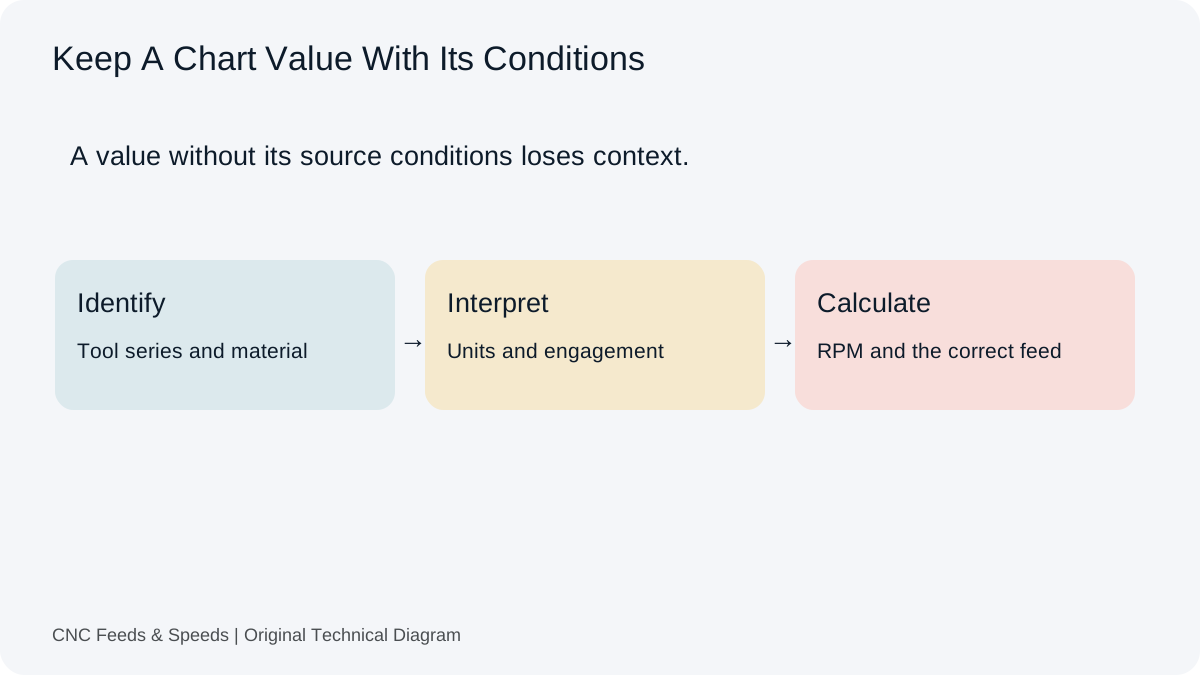
A practical method for interpreting CNC cutting-data charts, matching units, and cross-checking chart values with transparent calculations.
Read Article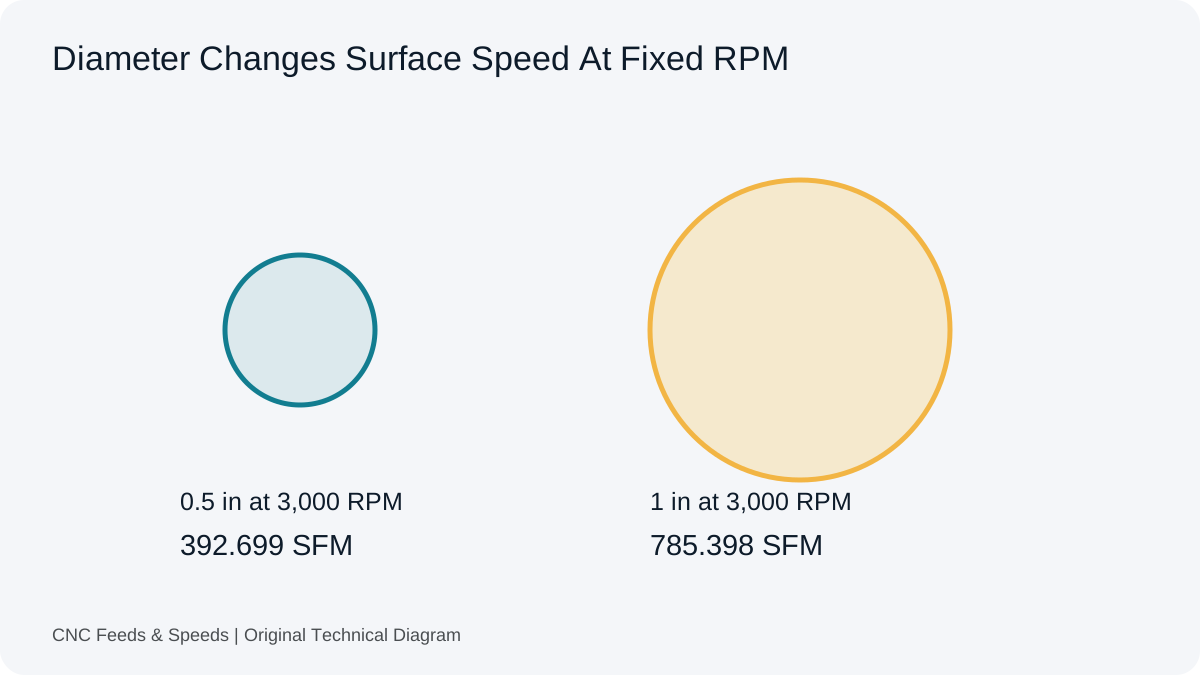
Learn what surface feet per minute means, how it relates to RPM and diameter, and when to use SFM versus metric cutting speed.
Read Article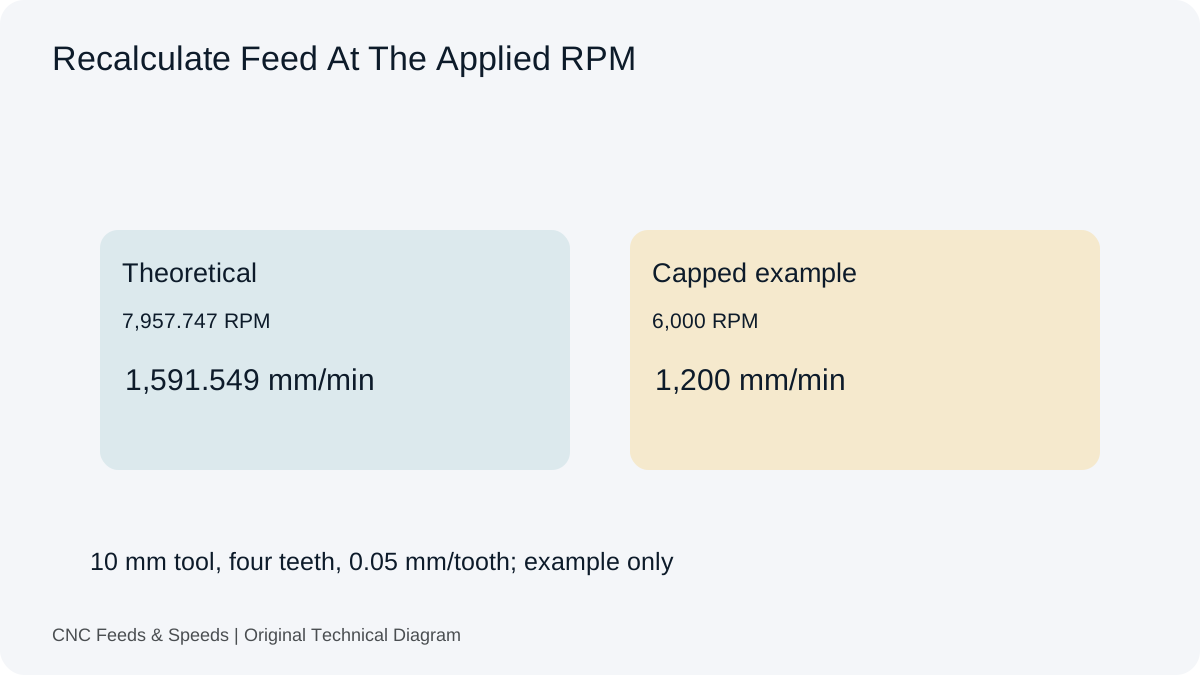
Understand how spindle RPM and programmed feed interact, when feed should scale, and why machine limits change the calculation.
Read Article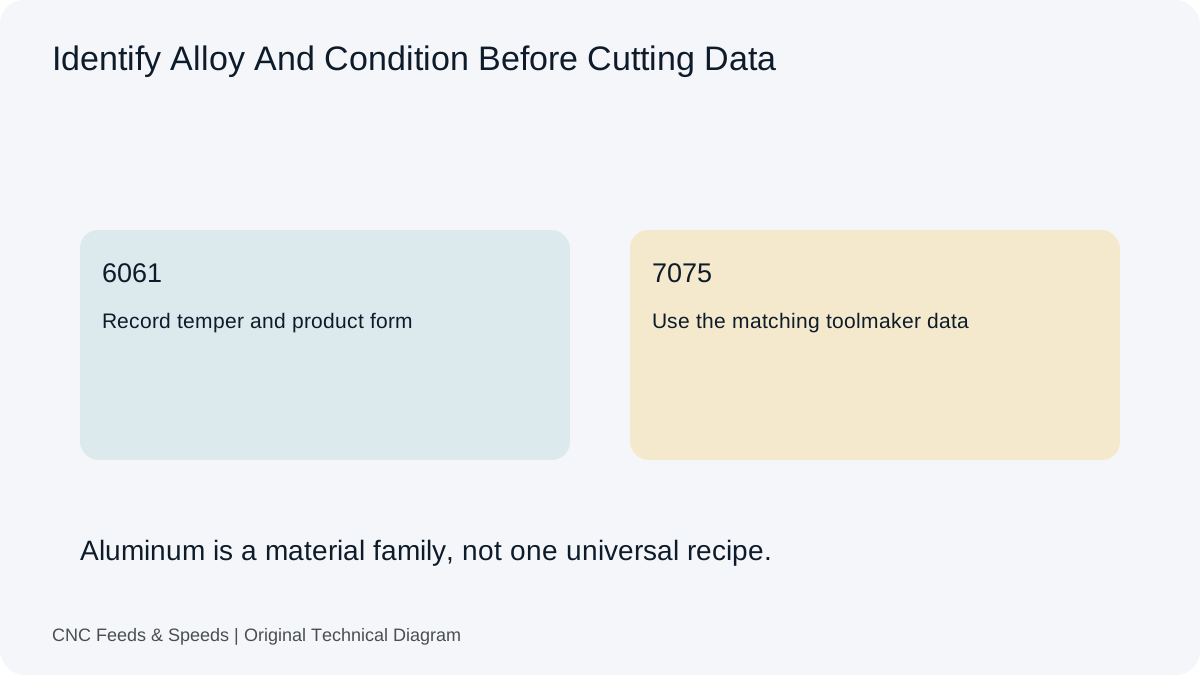
Build an aluminum milling starting point from toolmaker cutting speed and chip load, then verify engagement, chip evacuation and machine limits.
Read Article